Gemini for Home update lands November 11, 2026 — visual answers, faster timers, smart home controls now live in early access. No new hardware. No price change. Just a tighter, more visual layer on existing Nest Hubs and speakers.
And it’s rolling out now, unevenly, as Google always does. The update replaces Google Assistant on supported devices, a transition that began in 2025 and is now entering its second full year. This isn’t Gemini for Home launching. It’s Gemini for Home maturing.
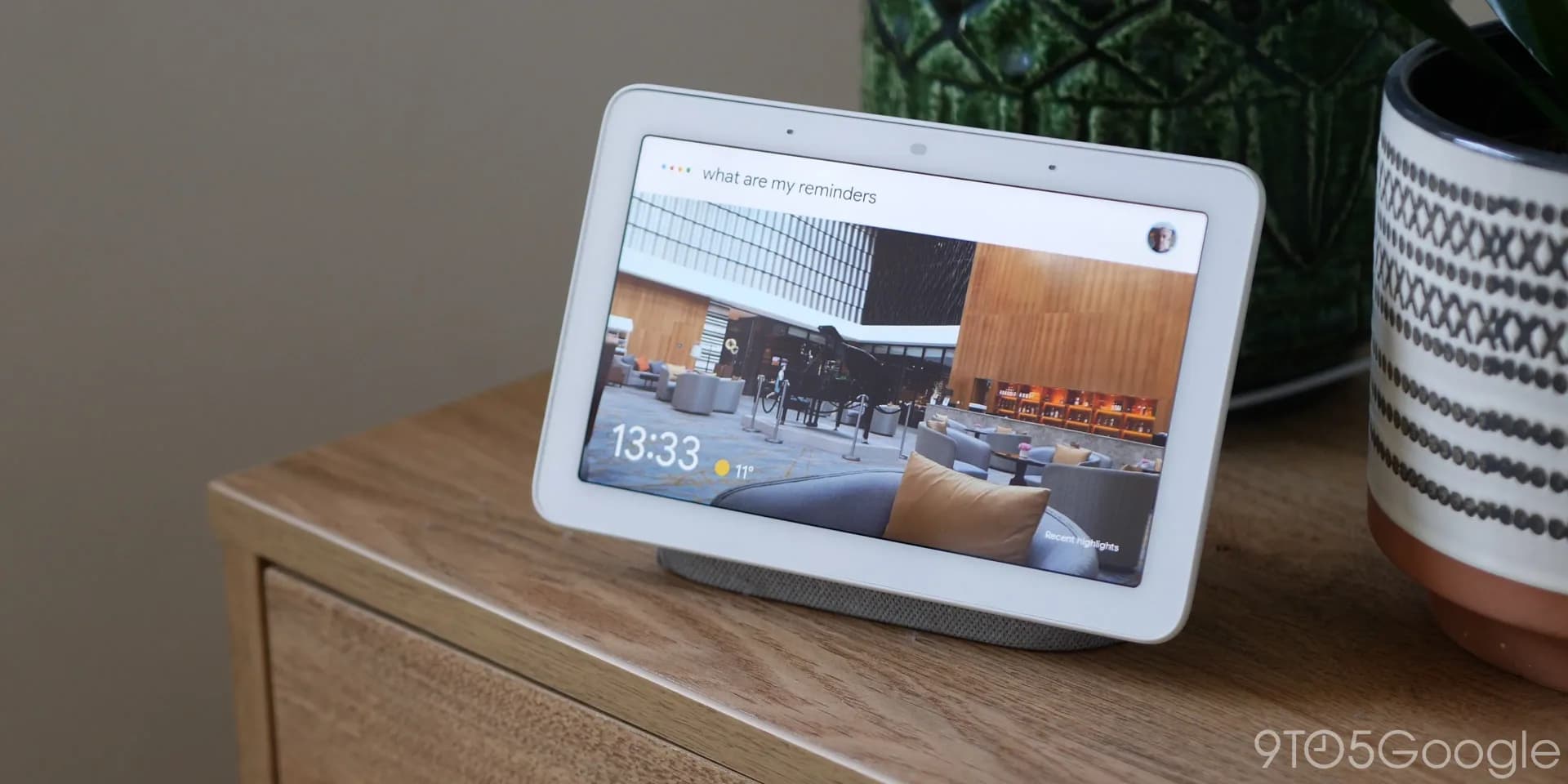
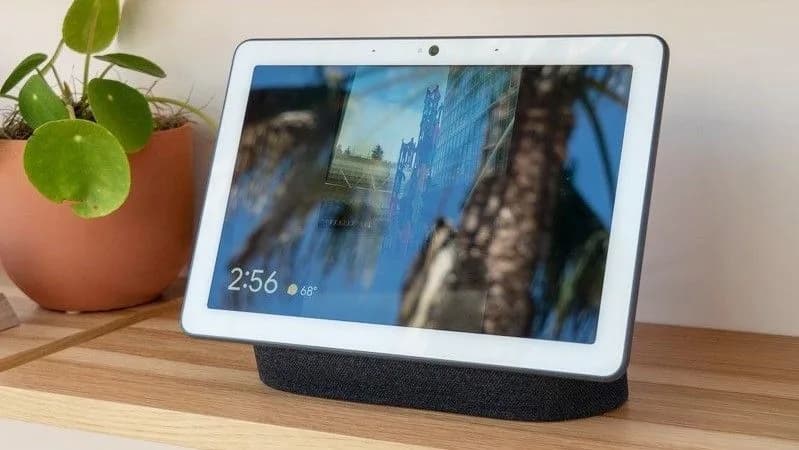
Visual answers with images are the headline feature. Ask “What’s the weather in Bangalore?” on a Nest Hub Max, and you’ll get a forecast card with icons and a temperature graph, not just voice. Ask “How do I reset my Wi-Fi router?” and Gemini may pull up a labelled diagram of the reset button location.
The images aren’t generative. They’re curated, contextual, and only appear where Google deems them useful, so no visuals for “Set alarm for 7 a.m.”, but yes for “Show me how to fold an origami crane.” Smart home control is more reliable. Google says Gemini now understands complex, multi-device commands better, like “Turn off the lights in the living room and kitchen, but leave the porch light on until midnight.” That’s not new syntax.
It’s improved parsing and execution behind the scenes. Timers, alarms, and media sleep timers respond faster, both in setup and recall. Broadcasts across speakers and displays start playing sooner. No latency figures are given.
Just “faster”, per Google’s release notes. The Google Home app gets two quiet but meaningful additions: a dedicated Google Home Premium section in Settings (hinting at tiered features ahead), and Eco Mode Everywhere, a single-tap toggle to enable Eco Mode across all Nest thermostats in a household. Camera fixes matter too.
Older Nest cameras, specifically those struggling with live feed loading over certain network configurations, now load video reliably. Playback controls have been smoothed out. All of this is early access only. You must be enrolled.
If you’re not seeing it on your Nest Hub or Nest Audio by Thursday, November 14, don’t panic. Google says rollout is gradual. No date is promised for full availability. No new devices are announced.
No pricing shift. Gemini for Home remains free for users with compatible hardware, Nest Hub (2nd gen and newer), Nest Hub Max, Nest Audio, Nest Mini (2nd gen), and select third-party Matter-compatible speakers with Google-certified displays. What happens next? Google Home Premium will almost certainly become a paid tier, the dedicated settings section confirms that intent.
But for now, the upgrade is free, functional, and focused: less hype, more utility. Early access stays open. Full rollout begins, slowly, this week.
HTFiled by The Home Tech Desk
TVs, home appliances and the smart home: refrigerators, washing machines, air conditioners, purifiers, robot vacuums, the sets on the wall and the platforms that connect them. Launches, prices in the US and India, and what changed.
More from this desk →
Be the first to comment
Join the argument. No password, just your email or a passkey.