Typing on an E Ink screen has always felt clunky. The sluggish refresh rates of electronic paper mean tapping virtual keys comes with delayed visual feedback, turning simple note-taking into a chore. Amazon is tackling that input lag by letting users bypass the on-screen keyboard entirely.
A new software update, version 5.20.1, is heading out to Amazon e-readers, as reported by Android Authority. The headline change is aimed squarely at the newest Kindle Scribe models, which are gaining native voice typing functionality. Instead of pecking away on a slow monochrome keyboard, owners can dictate text directly into their documents.
Older Kindle Scribe units are not left empty-handed. Amazon is also shipping broader support for Sticky Notes to previous generations of the Scribe, letting users drop digital notes into documents and files stored outside the standard Kindle bookstore library. That change opens up the device's markup tools for personal documents, sideloaded PDFs, and external notebooks where note taking was previously more constrained.
Broad Rollout for Recent Hardware
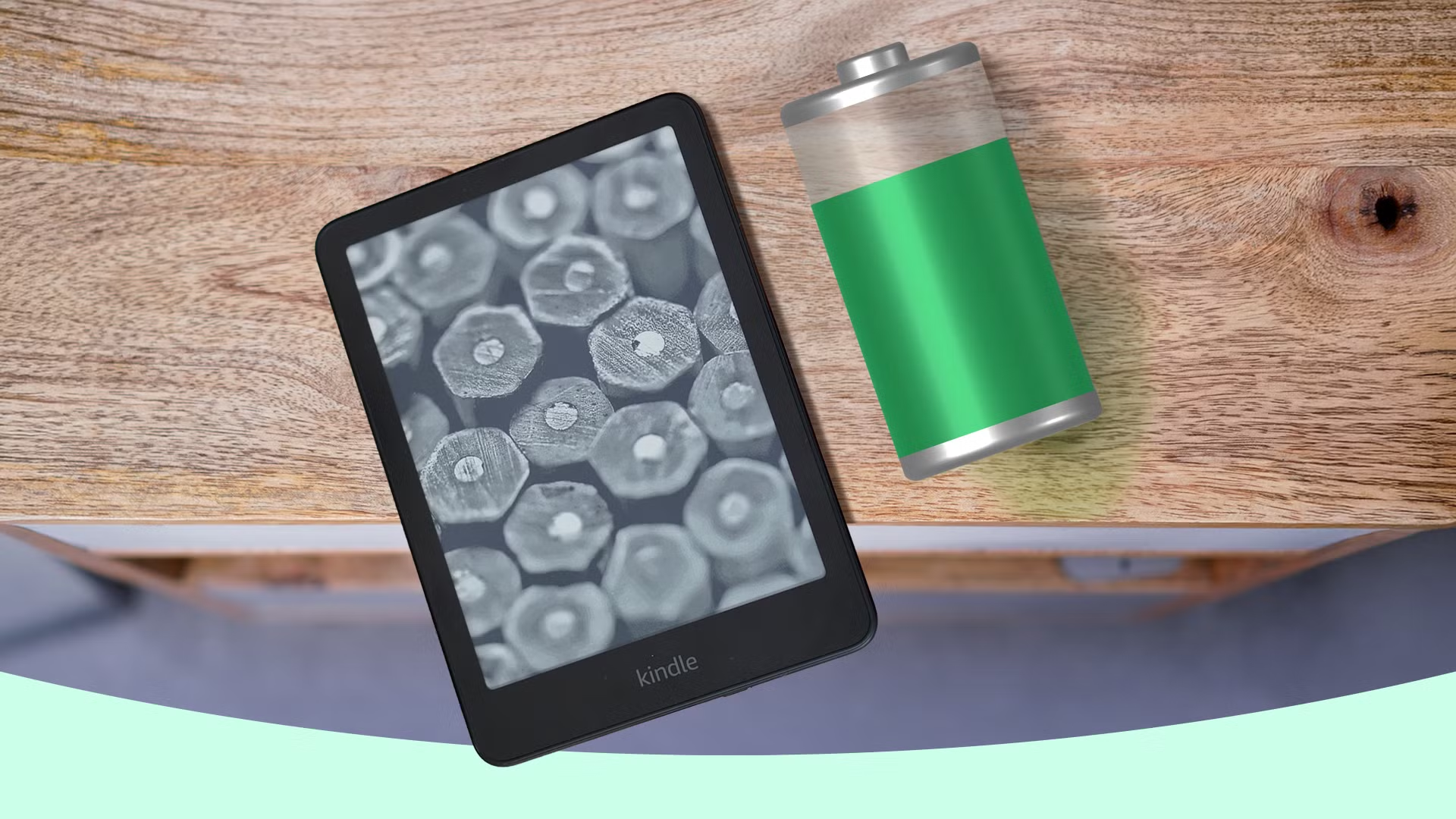
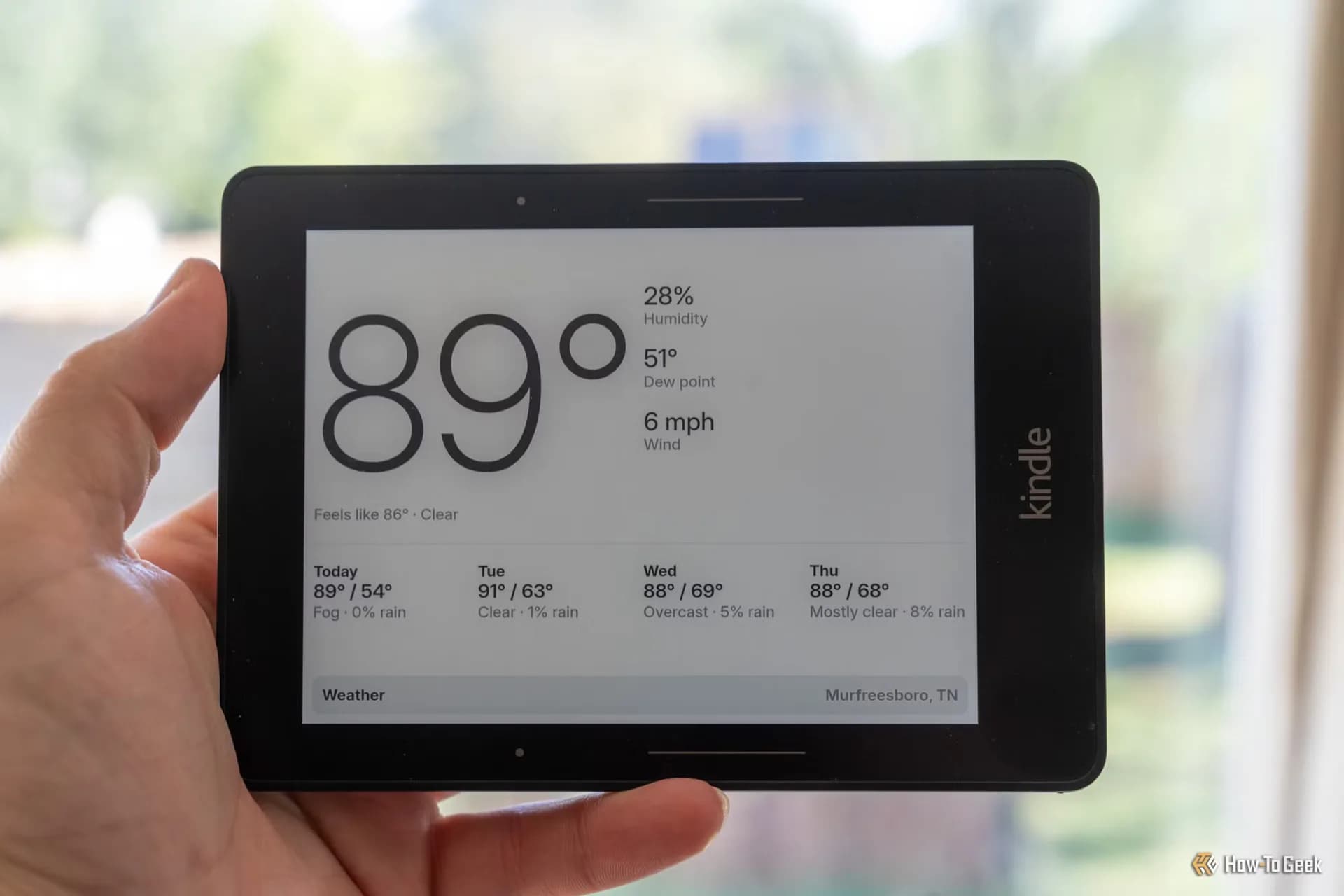
The firmware update is not restricted exclusively to the digital notebooks. Amazon is distributing version 5.20.1 across a wider range of Kindle devices released since 2024. For non-Scribe hardware, the official release documentation lists the usual roster of performance improvements, bug fixes, and general system enhancements rather than flashy interface additions.
The timing arrives shortly after Amazon refreshed its lineup with color E Ink screens, expanding beyond the monochrome readers that defined the family for years. On large-screen devices built around active writing, like the Scribe, input friction remains one of the largest daily hurdles. While stylus input handles margin annotations and freehand sketches well, longer textual entries have traditionally been a weak spot for the platform.
Speech recognition should ease that bottleneck considerably, provided the hardware processes the audio cleanly. The software update is rolling out in stages over the air to compatible models, with manual downloads typically becoming available through Amazon's customer support portals as the deployment widens.
GDFiled by The Gadgets Desk
Audio, wearables, cameras, tablets, chargers and every other device worth carrying or plugging in.
More from this desk →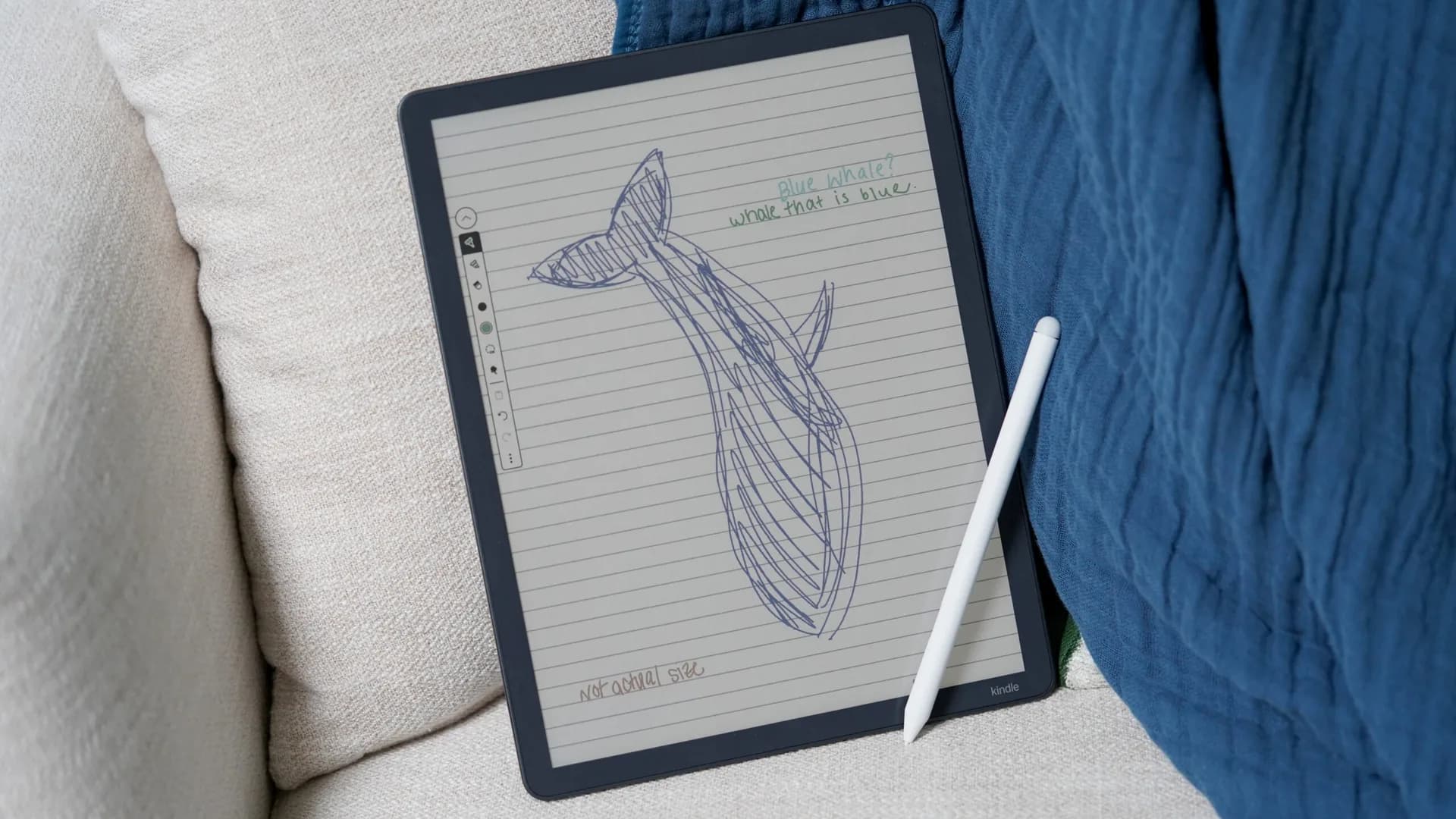

Be the first to comment
Join the argument. No password, just your email or a passkey.