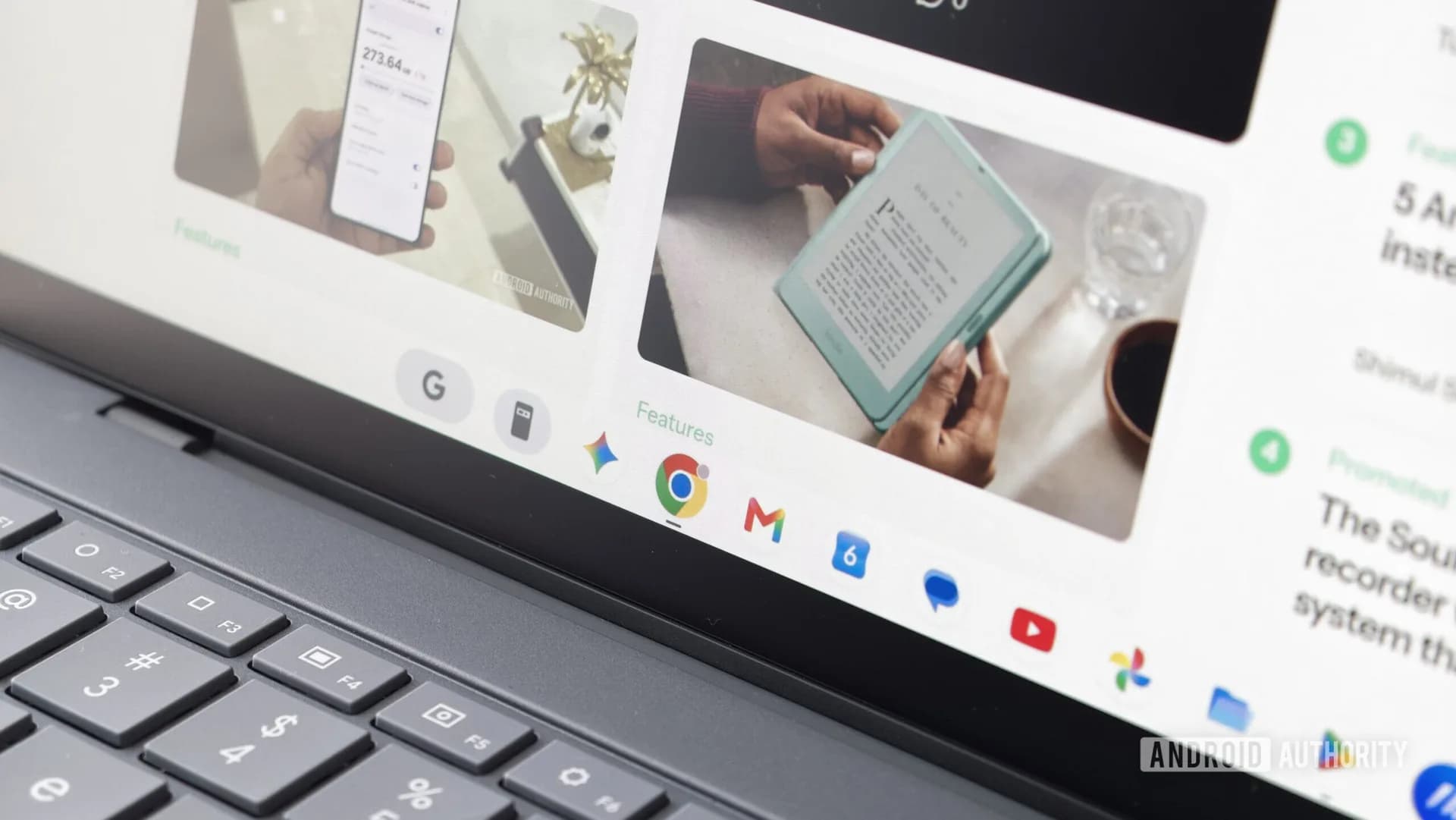
Android Authority’s team got Googlebook review units and saw no way to switch Chrome profiles. Clicking the profile picture opens the account settings page, and the three‑dot menu does not list any account to switch to. The same behaviour appears on the ASUS Googlebook 14 model. A Googler confirmed the gap.
Mishaal Rahman wrote in a Reddit thread, “Specifically for Chrome on Googlebook OS, it does not currently support multiple profiles, but I’ll pass this feature request on to the team!” He said the feature request has been forwarded. Chrome on Chrome OS lets users jump between profiles with a click, and Chrome on iOS offers the same option.
Chrome on Android, however, does not provide a built‑in switcher, which mirrors the Googlebooks situation. Android Authority’s team notes a workaround: installing a separate Chrome build like Canary or Beta from the Play Store lets users sign in with a different account. The method works on the new Google‑powered laptop, according to their testing.
Googlebooks launched with five premium models at launch, including the ASUS Googlebook 14. The missing profile switch represents a clear downgrade versus even Chromebooks. The team hopes Google will add the missing option soon. Until then users can rely on the Chrome Canary/Beta workaround.

Be the first to comment
Join the argument. No password, just your email or a passkey.