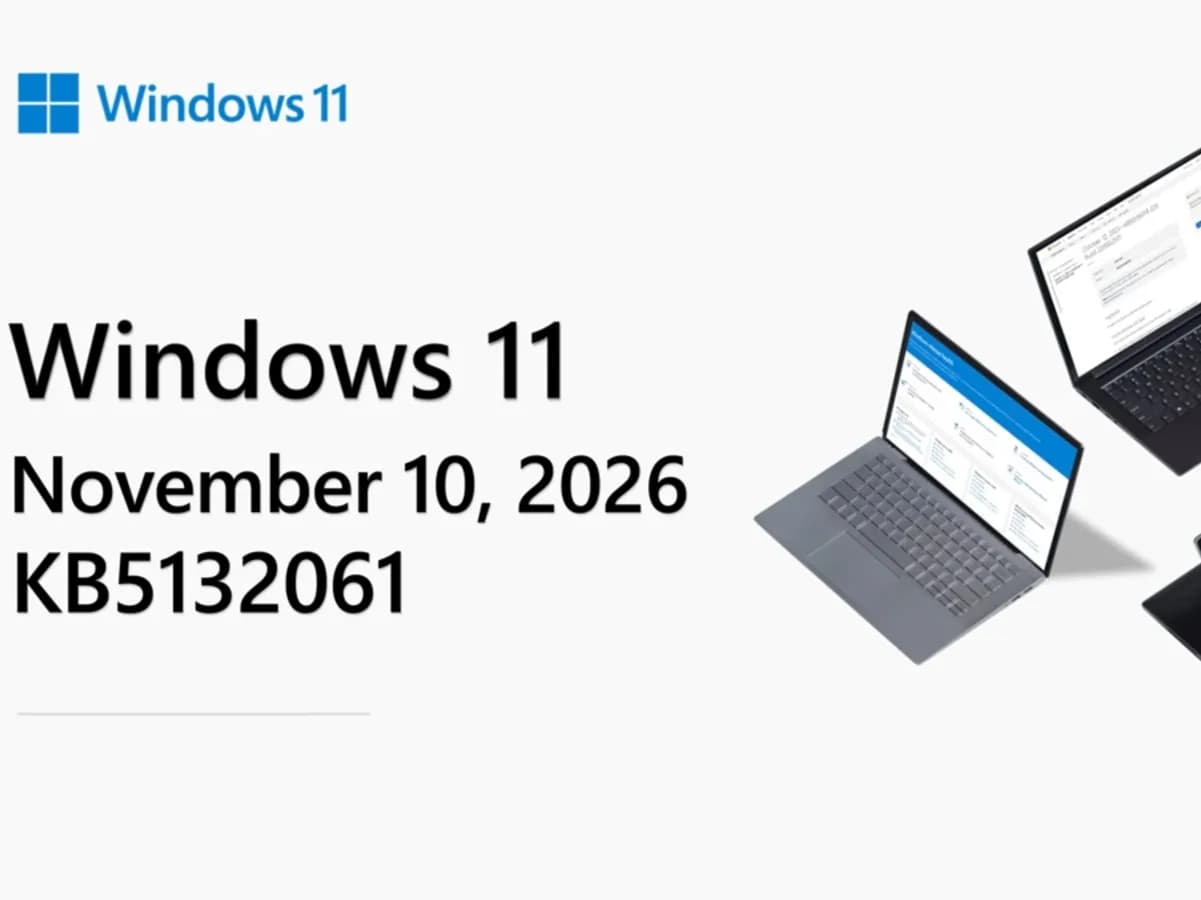
Windows 11’s File Explorer right-click menu is finally customizable — and it’s live in the November 2026 Patch Tuesday update. The change arrives as KB5132061 (build 26300.9974), rolling out gradually to Windows 11 26H2 and 25H2 devices. It does not reach Windows 11 24H2 Home or Pro editions, which lost support last month.
Only Enterprise and Education versions of 24H2 will get security-only updates going forward. Windows 11 23H2 Enterprise and Education end all support this month. So if you’re on 25H2 or 26H2 and haven’t seen it yet, don’t panic: Microsoft says it’s a phased rollout. To check, right-click any file or folder in File Explorer.
If the option “Customize menu” appears, you’re in. Otherwise, go to Settings > Personalization > Context menu, that page now lets you toggle commands like Send to, Print, Create shortcut, Copy as path, and Rotate image on or off. You can also pin specific apps to the main menu or tuck them into submenus, and choose whether the legacy classic menu stays accessible.
This isn’t just polish. For years, File Explorer’s context menu has been a pain point: bloated by third-party app integrations, inconsistent between desktop and folder views, and split across two competing layouts. Users either got a stripped-down modern menu missing key tools, forcing them to click “Show more options”, or a sprawling classic list that scrolled off-screen.
Now, you decide what stays. Also new in this update: Cloud rebuild. It’s a recovery option under Settings > System > Recovery > Rebuild PC. When triggered, it reinstalls Windows 11 using cloud-hosted system images and drivers, no USB drive needed.
But your files won’t survive. Back up first. Other tweaks include clearer file search results in File Explorer (showing names, locations, and dates consistently), hover previews for recent messages in Phone Link, a refreshed AutoPlay dialog, grouped controls on the Privacy & security Settings page, and updates to Taskbar, Magnifier, Narrator, Xbox Mode, and Live Captions.
Security-wise, Microsoft patched 1,094 vulnerabilities, down from October’s 1,400 but still substantial. Sixty-three are rated critical. One, a spoofing flaw in Outlook, is already exploited in the wild. A malicious email could trick Outlook into connecting silently to an attacker-controlled server, potentially exposing login credentials.
No workarounds are mentioned in the source reporting. The update is mandatory and installs automatically via Windows Update. If it hasn’t appeared yet, go to Settings > Windows Update and check manually. A restart is required after installation.
Windows 11 users searching for ‘file explorer windows 11’ or ‘file explorer shortcut’ now have a real answer: control, not clutter.
CDFiled by The Computing Desk
Laptops, desktops, processors, graphics cards and the operating systems that run on them.
More from this desk →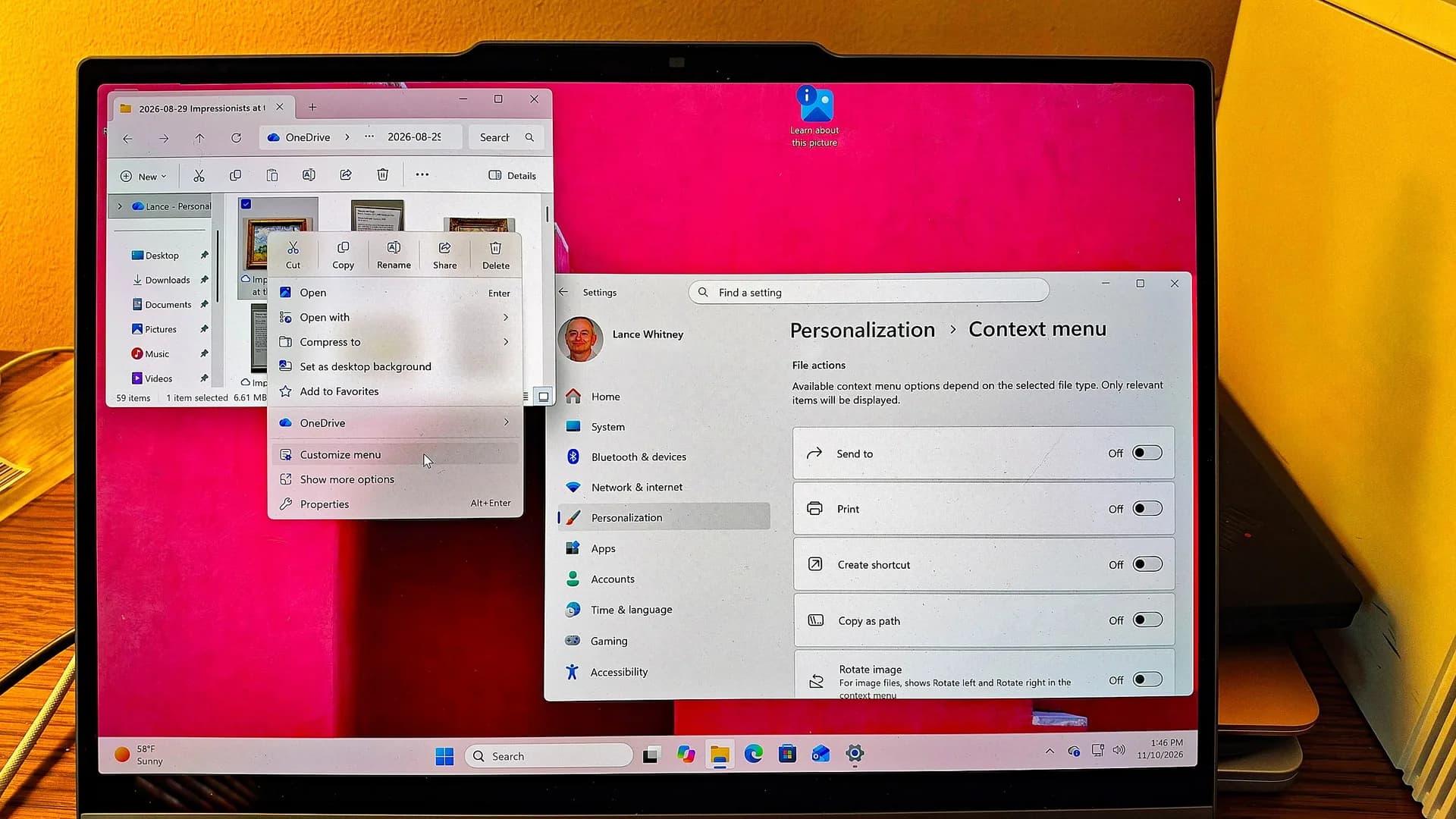
Be the first to comment
Join the argument. No password, just your email or a passkey.