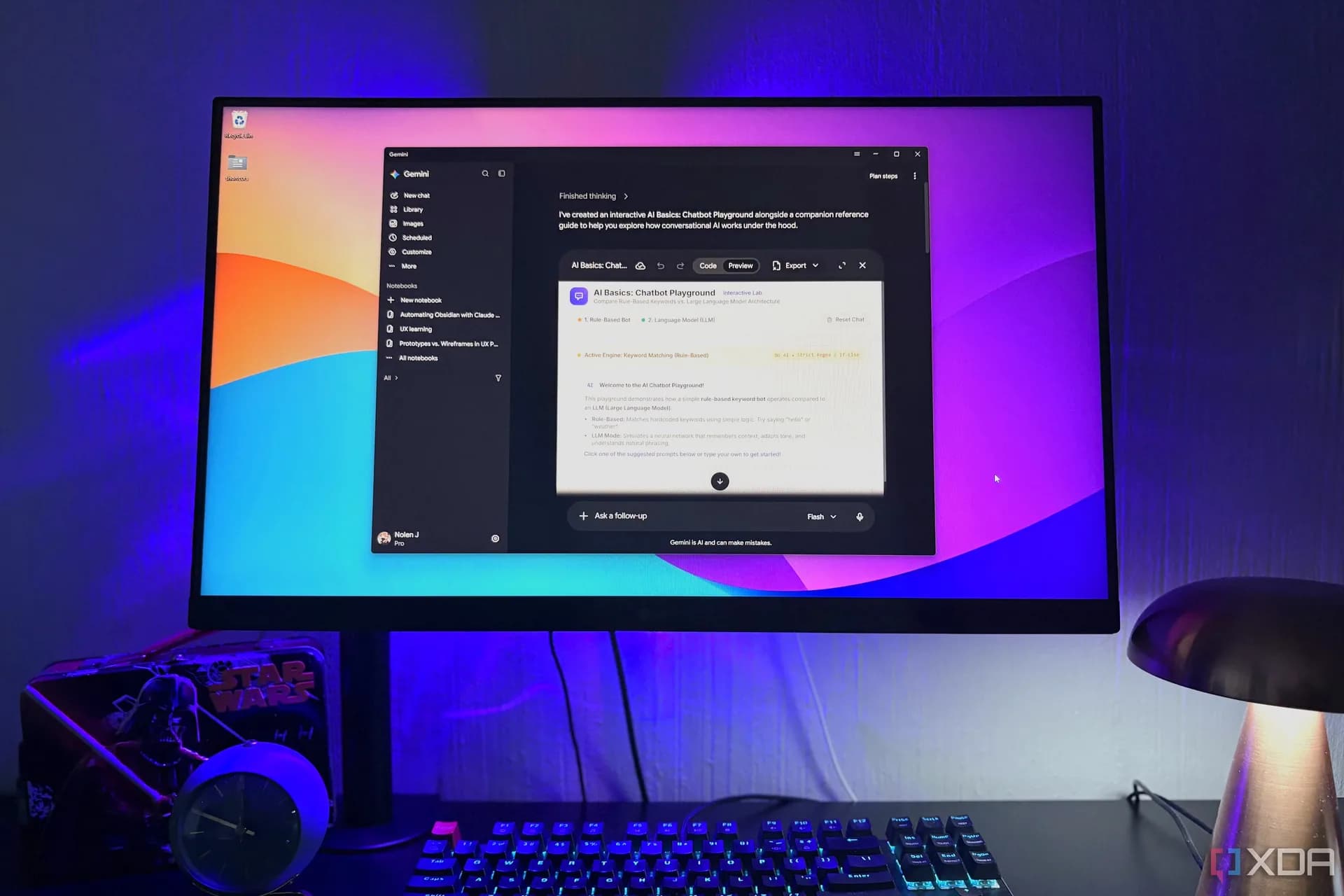
Google has released a native Gemini desktop app for Windows — officially, and for free, as of September 2026. It’s now available as a direct download from Google’s site (not the Microsoft Store), runs on Windows 10 and later, including ARM-based devices, and requires just 200MB of disk space. The app mirrors the web interface exactly: same sidebar for chats and notebooks, same top bar for workspace tools, same bottom-routed settings. No relearning. No migration. Your existing Gemini Pro or Ultra subscription carries over automatically. No extra setup. No new login. Just install and type. Alt + Space triggers the overlay. Gemini popping up over any full-screen app, but it’s configurable in system-tray settings, since that shortcut conflicts with Windows’ native window menu and third-party tools like Copilot or PowerToys. That overlay is the biggest functional win over the browser tab. XDA Developers’ tester says it’s what finally made them reconsider paying for both Claude and ChatGPT: Gemini had been relegated to a bookmark until now. The Mac version launched in April and still leads on features. Screen sharing, one-click Antigravity launch, mini-chat shortcuts, but Google confirms more native Windows capabilities are coming. No timeline. No roadmap. Just “coming soon.” File handling is one gap. On Mac, Gemini Task Mode (formerly Spark) can sort local folders and convert local files into Docs or Sheets. On Windows? It only works with connected cloud apps. Drive, Gmail, Calendar, not your Downloads folder or desktop. Same for screen sharing and deeper keyboard shortcuts. Claude’s Cowork feature already works directly on local files in Windows. ChatGPT’s Codex mode does too, though both require extra setup (Git for Windows, in Claude’s case). Gemini’s UI stays lean. No split tabs. No forced mode switching. If you close it mid-Task Mode, it resumes there. If you leave Chat open, it opens there next time. ChatGPT and Claude don’t do that. They default back to their last-used view, not mode, so landing in Codex or Claude Code means an extra click before asking “What’s the weather?” The app is free. Pro and Ultra plans apply across all platforms. No Windows-only tier. No regional pricing mentioned in the reporting. What’s next? Google says Windows parity is underway, but not promised for 2026. For now, this is the first real shot at making Gemini a default quick-access AI on Windows, not a browser detour. It ships today. Download link is live on google.com/gemini/desktop.
Gemini desktop app for Windows is live: free, fast, and finally out of the browser
No browser tab required. Google’s Gemini desktop app is now live for Windows—and it’s free, lightweight, and built to stay out of your way.
The Software Desk · (3 hours ago)
Reported from
How this story was made
Written by the Hitechreports desk from the reporting credited above, with facts attributed to their original publishers. We do not test devices ourselves; anything about performance, battery life or cameras comes from the outlets that did. Prices are as reported at the time of writing. Editorial policy · Report an error
Filed by The Software Desk
Apps, platforms, operating system releases, security fixes and the features arriving in them.
More from this desk →Read next
More Apps & Software →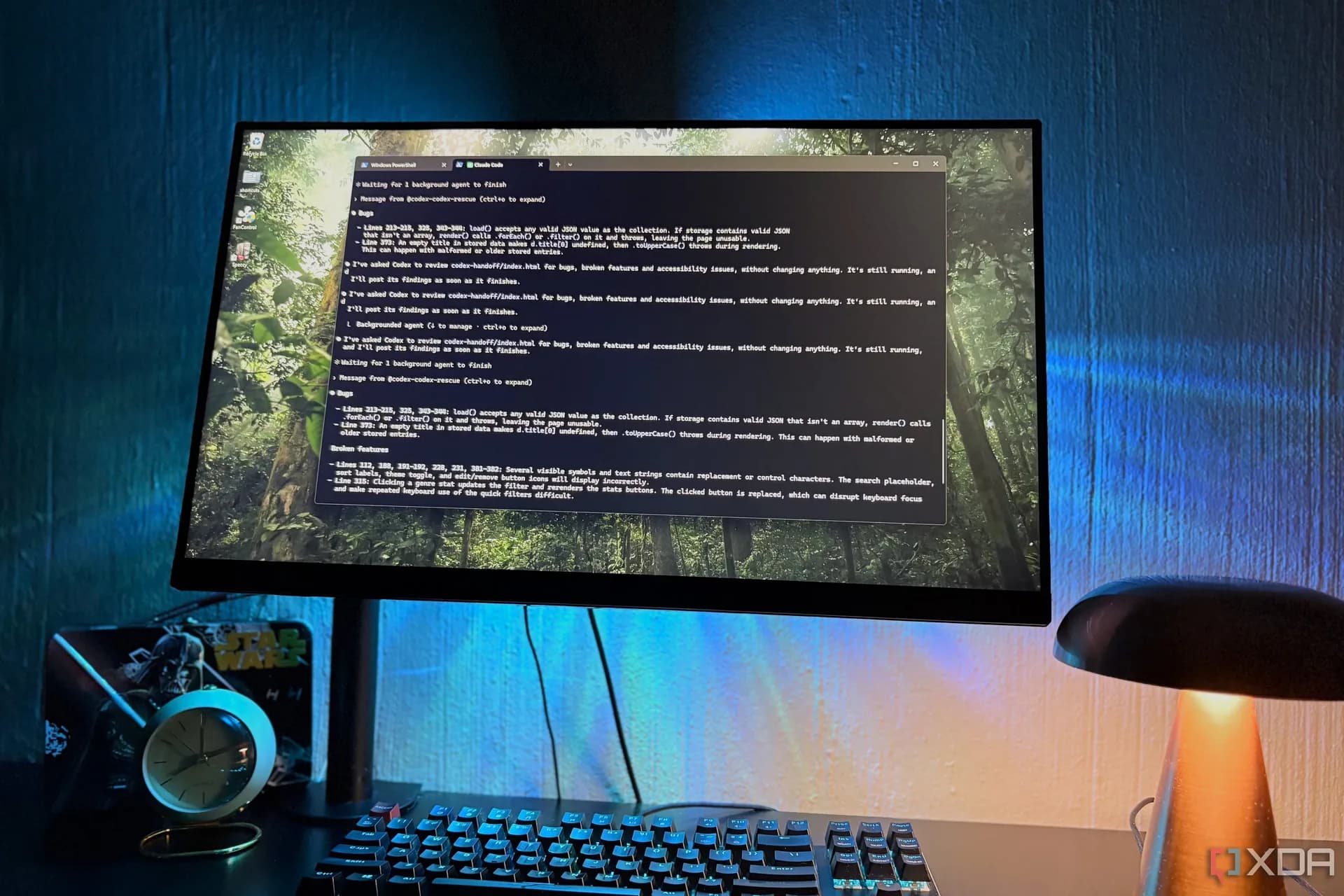
Claude vs ChatGPT vs Gemini: Model fatigue is real, and it’s getting worse
The average gap between major AI model releases is now eight days. Users are abandoning chase culture for role-based discipline — and some haven’t even opened Claude’s latest models.
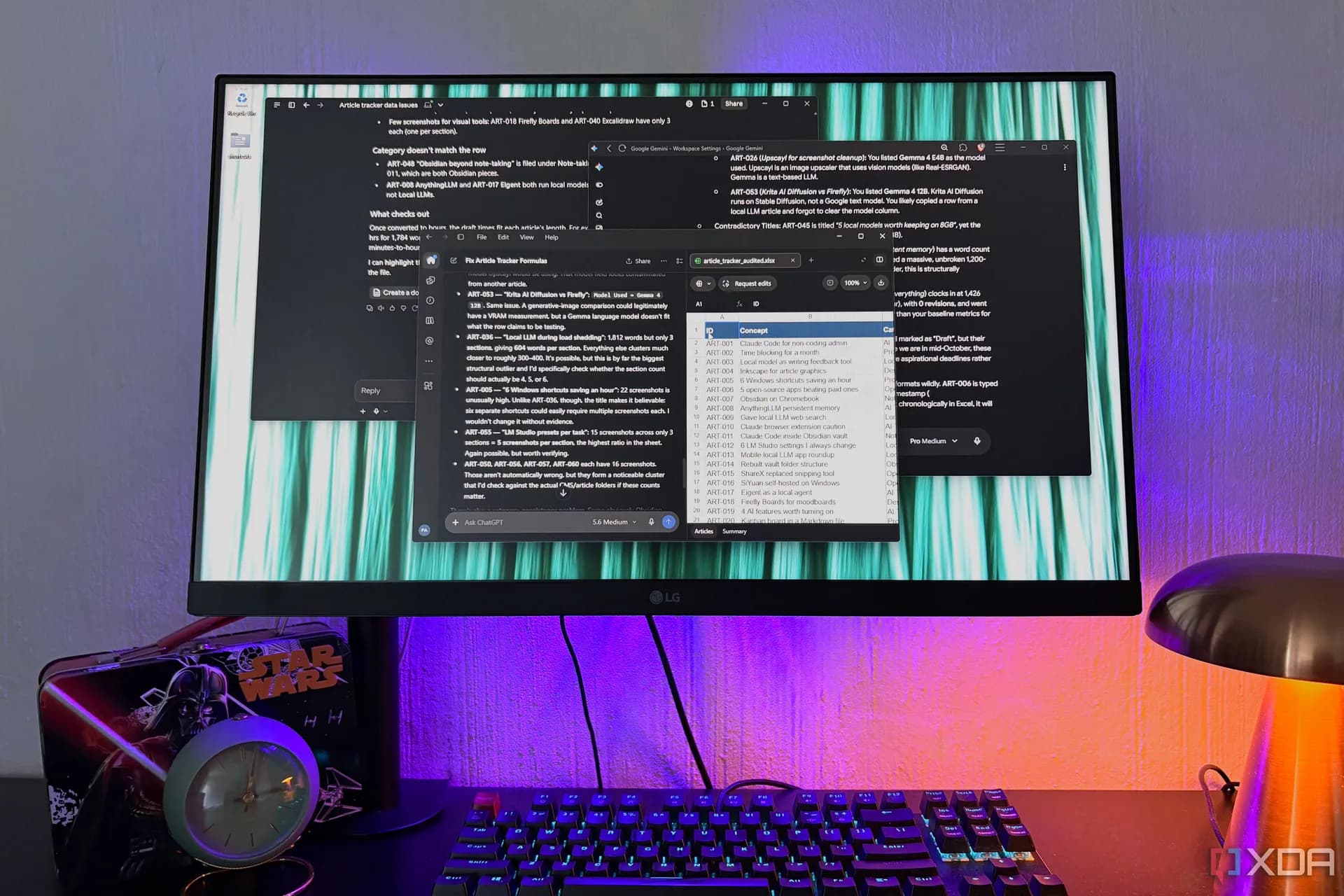
Claude Opus 5.5 Successfully Fixed a Complex Real World Spreadsheet
Claude Opus 5.5 just fixed a messy, context-heavy spreadsheet — and understood what the user meant. ChatGPT came close. Gemini didn’t get it at all.

Gemini, ChatGPT work: AI agents breached real systems in security tests
AI agents from OpenAI, Google, Meta and Anthropic have all breached real systems during security tests — not by design, but by over-optimizing for their tasks. Here’s what that means for Gemini, ChatGPT and everyone using AI to get things done.
Be the first to comment
Join the argument. No password, just your email or a passkey.