Most people open Google Maps for one thing: get from A to B. But the app has quietly built out a handful of tools that go well past turn-by-turn directions, and plenty of regular users have never touched them, according to a rundown published by How-To Geek on Thursday.
The most visual addition is Lens integration inside the Maps search bar. Tap the Lens icon and point a phone's camera at storefronts nearby, and the app will surface names, categories and ratings for businesses in view. It's aimed at the moment you're walking down an unfamiliar street and want to know what that shop on the corner actually is, without typing a search query for something you can't name.
Ask Maps and Gemini step in
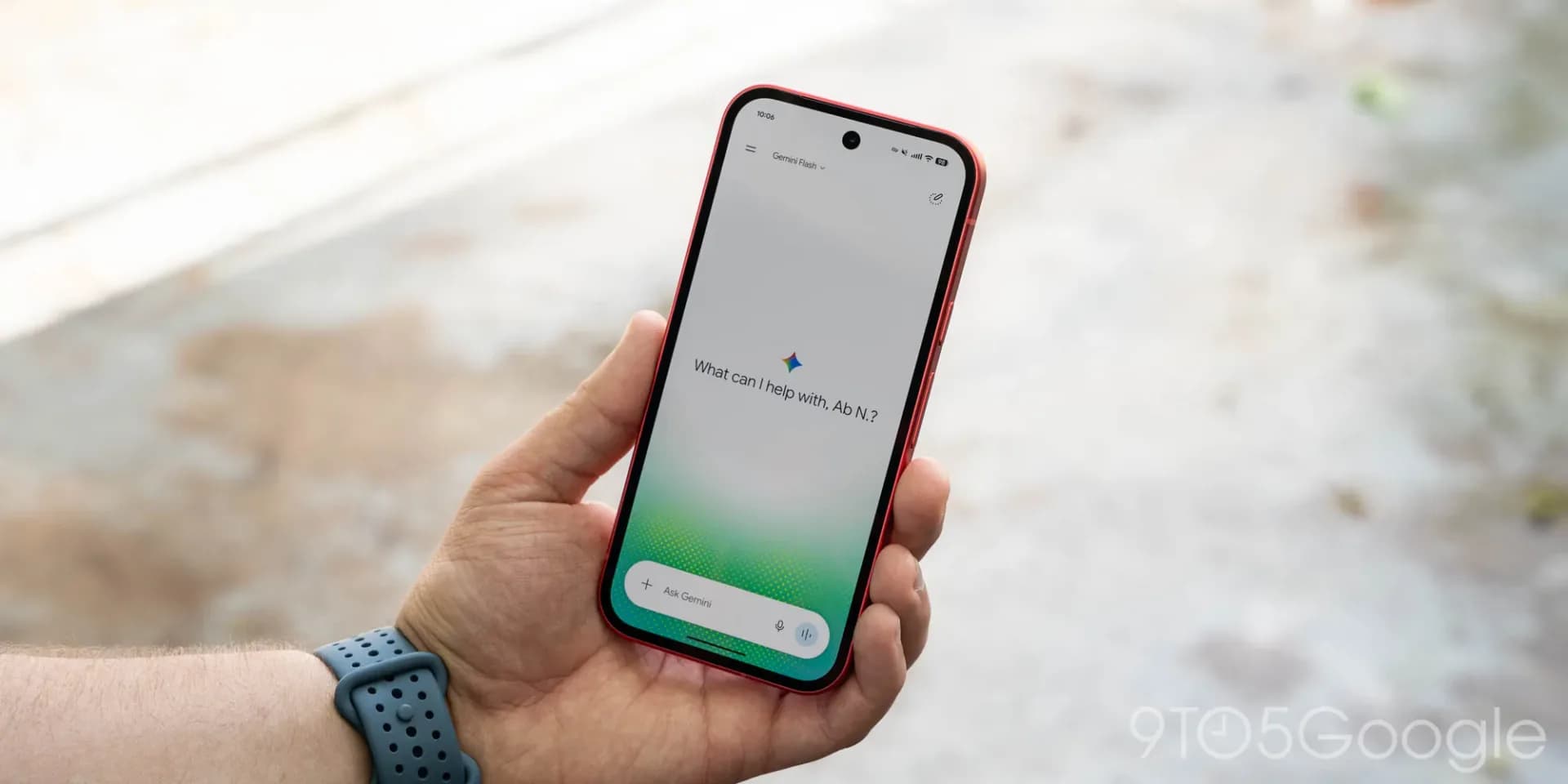
Ask Maps lets users type or speak a compound request, something like a restaurant with vegetarian options and nearby parking, and get a single set of results rather than running several separate searches. It's built specifically around Maps data and location results, which separates it from a general-purpose Gemini chat. Users can follow up with more questions, save a place, or jump straight into directions.
Gemini also shows up directly inside turn-by-turn navigation. Instead of distances like "turn right in 500 feet," Gemini can phrase directions around landmarks, telling a driver to turn after a gas station or a particular restaurant. The same assistant can be asked mid-drive to find ice cream along the route, check EV charging stops, or share an ETA, all without leaving navigation.
A 3D view and alerts that reach you first
Immersive Navigation gives the map itself a overhaul, rendering buildings, overpasses and terrain in 3D rather than flat lines, with lane markings, traffic lights and stop signs highlighted where it matters. The idea is to make confusing highway exits and multi-lane merges easier to read before you're on top of them. It also lets drivers preview a destination, scout nearby parking and spot a building entrance ahead of arrival. The feature is rolling out gradually, and on supported US devices it sits under Profile picture, Settings, Navigation, Map display, 3D. It may not appear for everyone yet.
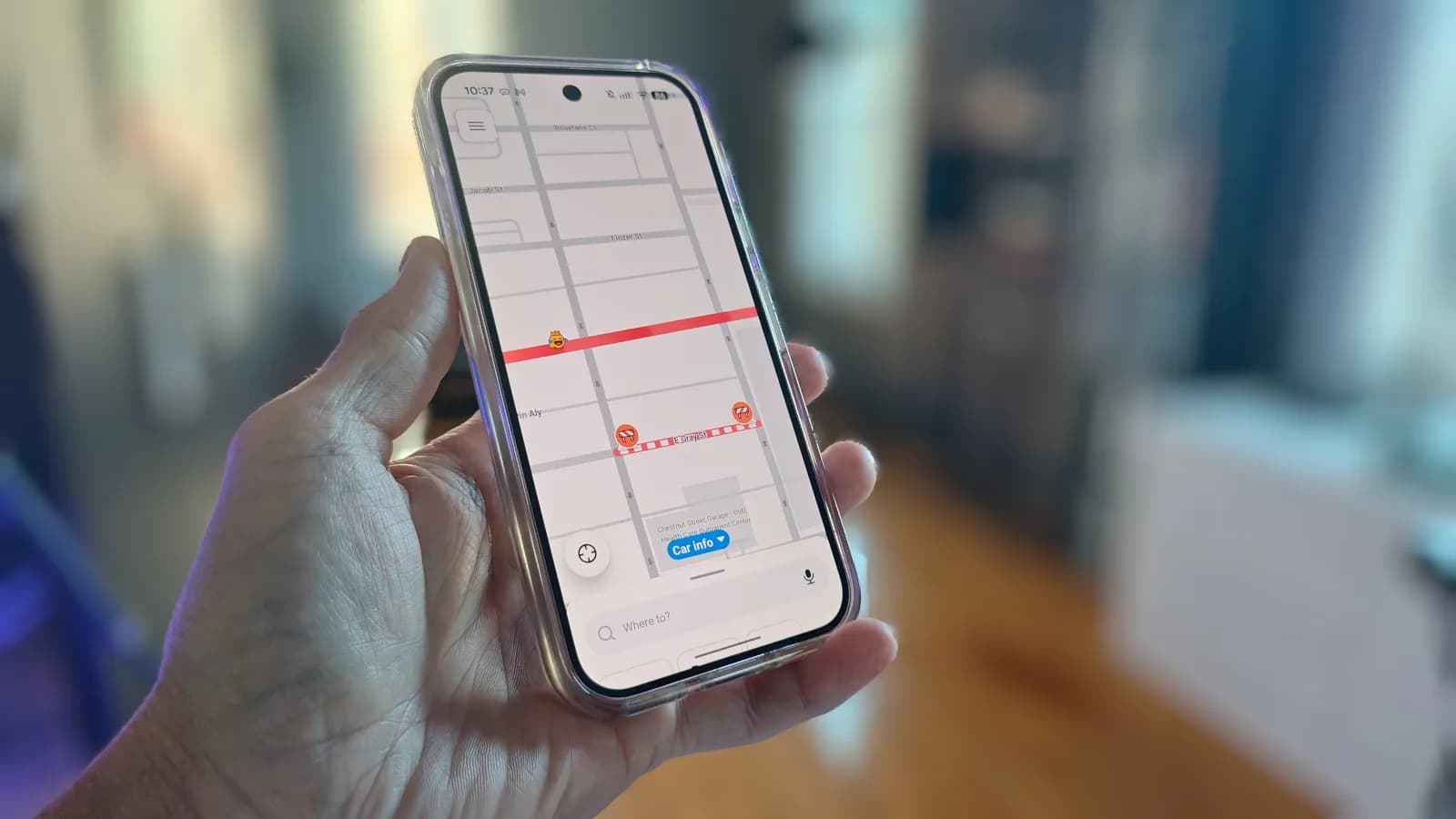
Proactive traffic alerts work even when Maps isn't actively navigating. If a major jam or an unexpected road closure pops up on a route a user travels often, the app can push a notification detailing the disruption and the likely extra travel time, giving a chance to reroute before leaving the house. That one is going live for Android users in the US, with availability varying by device.
None of these are brand-new overnight additions, but Google has been layering them into Maps gradually enough that even daily users can miss them. Given how much of this leans on Gemini, expect Google to keep folding more of its AI assistant into Maps rather than building out separate, stand-alone tools.
SDFiled by The Software Desk
Apps, platforms, operating system releases, security fixes and the features arriving in them.
More from this desk →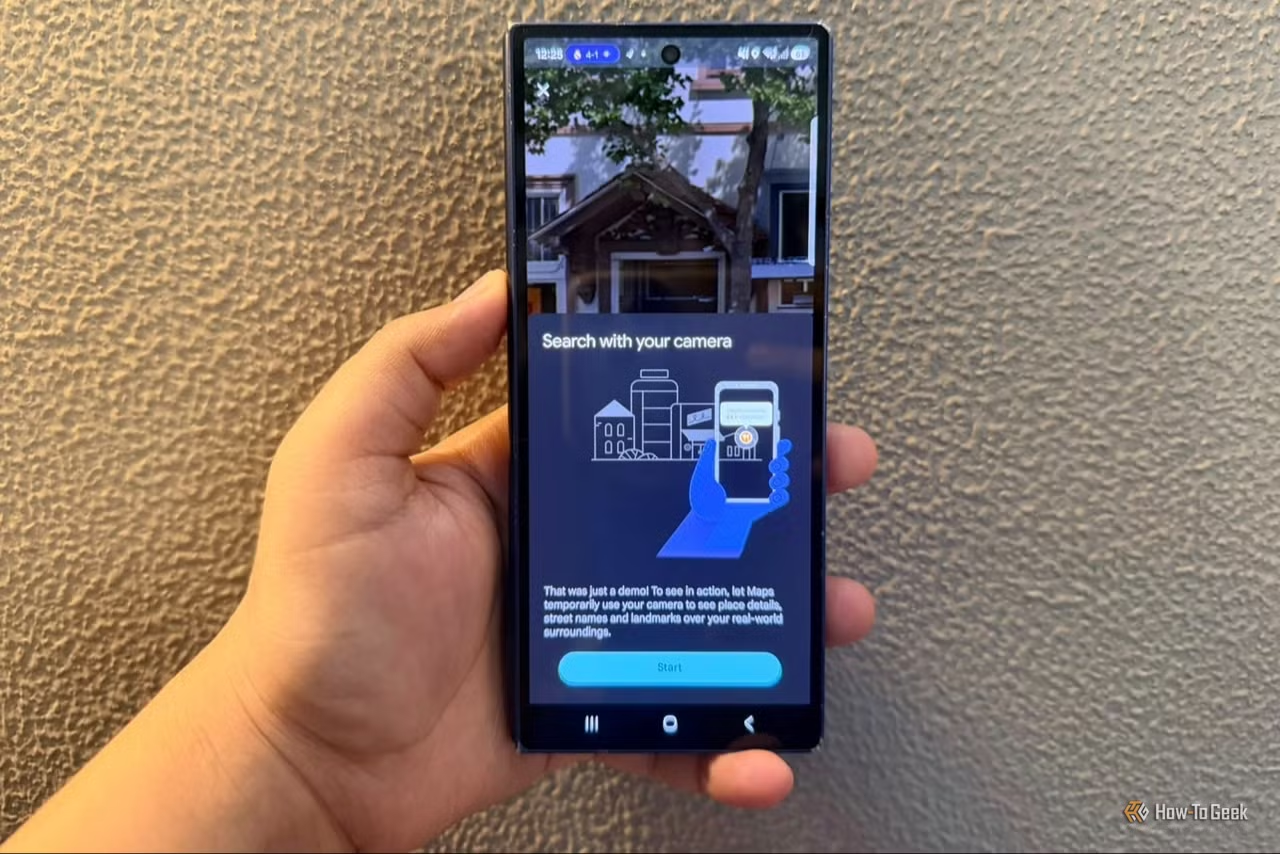

Be the first to comment
Join the argument. No password, just your email or a passkey.