Google Messages isn’t getting a flashy new version or headline-grabbing AI overhaul. Instead, it’s quietly becoming less intrusive — and more usable, through features already baked into the app.
These aren’t beta experiments or upcoming rollouts. They’re live, accessible today, and require no developer mode, sideloading, or third-party tools. Android Police documented them in a practical guide published 9 November 2026, and they’re available globally on devices running the latest stable version of Google Messages.
The biggest win is spam control. Under Messages settings > Protection & Safety > Enhanced protection, users can toggle on machine learning–powered filtering that identifies promotional blasts, scam texts, and suspicious links. When enabled, those messages land in a separate Spam & blocked folder, not your main inbox. And if something slips through, tapping Block and report spam trains the filter while removing the sender from view.
One-time passwords, the flood of SMS codes for logins and payments, are another source of inbox bloat. Google Messages now offers Auto-delete OTP messages after 24 hours, found under Messages settings > Message organization. It’s a set-and-forget option: no manual deletion, no scrolling past expired codes. The feature doesn’t touch two-factor auth apps like Google Authenticator, only SMS-based verification texts.
Then there’s Gemini. The AI assistant shortcut appears by default on the main conversation screen, taking up space and nudging users toward generative replies. But it’s optional. Under Messages settings > Gemini in Messages, turning off Show Gemini button removes it entirely. The standalone Gemini app remains unaffected.
Chat bubbles, floating message windows that overlay other apps, are also fully configurable. Users can disable them altogether via Messages settings > Bubbles > Nothing can bubble. Notifications still arrive normally. Only the persistent on-screen icons vanish. For selective use, Selected conversations can bubble lets you preserve bubbles only for contacts you designate.
Even small audio cues get attention. The outgoing and incoming message sounds, that soft ping every time you send or receive a text, can be muted under Messages settings. It’s a minor change, but one that eliminates auditory clutter without silencing alerts.
None of these changes require root, ADB commands, or sideloaded APKs. They’re part of Google Messages’ standard configuration menu, accessible from the profile icon in the top-right corner of the app.
This isn’t about adding capability. It’s about reclaiming control: over what lands in your inbox, what stays visible, and what interrupts your screen. In an era where messaging apps increasingly push AI, ads, and ambient notifications, Google Messages’ most useful update may be the one that simply lets you turn things off.
The features are live now. No rollout window. No regional delay. Just open the app, tap your profile, and start trimming.
SDFiled by The Software Desk
Apps, platforms, operating system releases, security fixes and the features arriving in them.
More from this desk →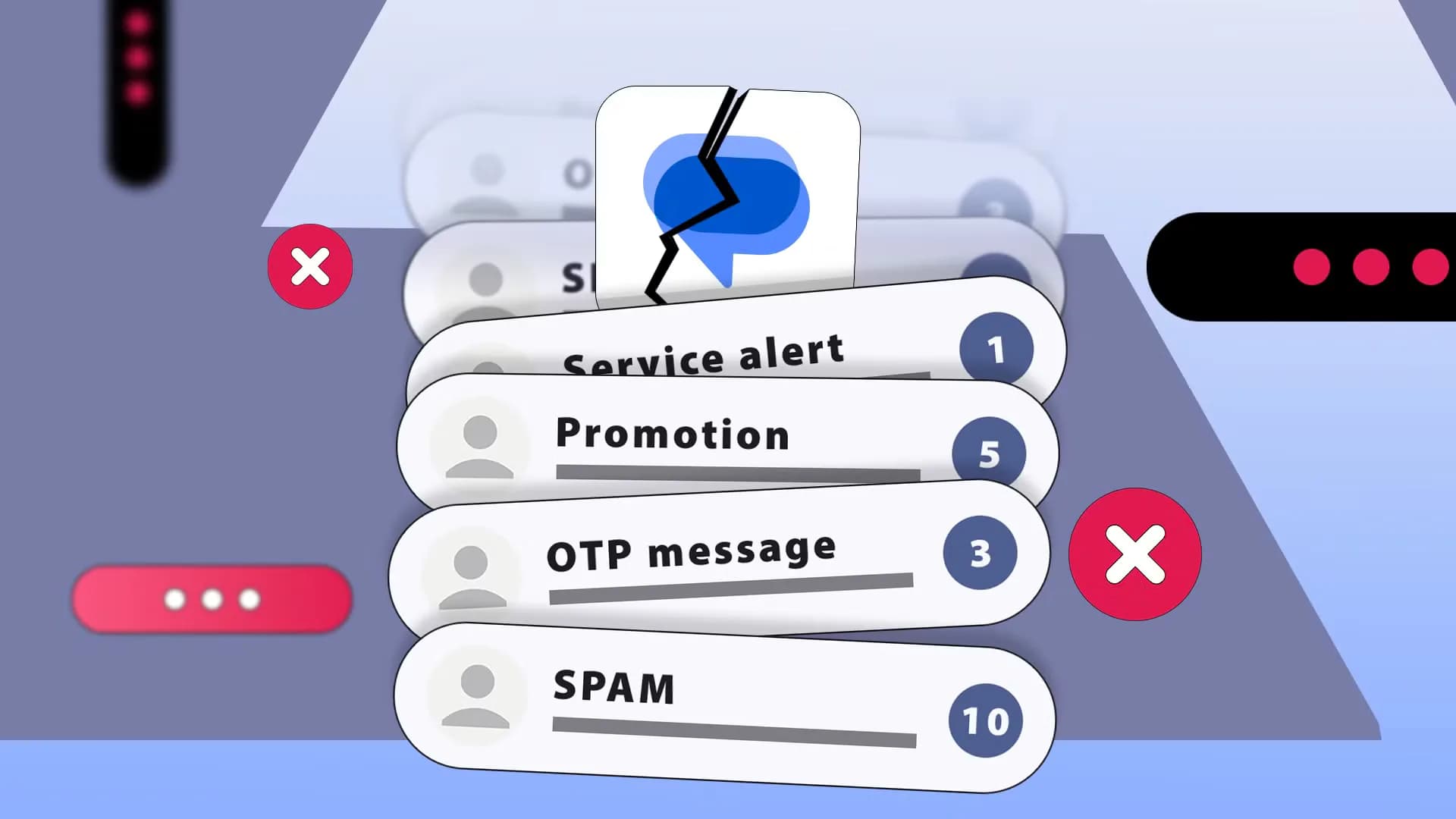


Be the first to comment
Join the argument. No password, just your email or a passkey.