Google Messages settings have been a mess for a while: one long scrolling list mixing RCS chat toggles, notification controls, bubble preferences and everything else with no real order. That appears to be changing.
Android Authority says it found a reworked settings layout hidden inside version messages.android_20261020_00_RC00.phone.openbeta_dynamic, a beta build of the app. The code isn't live for users yet, but it points to Google splitting the current grab-bag menu into clearly labeled sections.
The biggest one is Messaging, which covers much of what currently lives under RCS chats, now broken into its own sub-groups, plus a dedicated screen for SIM data and choosing a country. Android Authority noted that some of the section headers in this preview don't quite match the buttons that lead to them, which it chalked up to the build still being a work in progress.
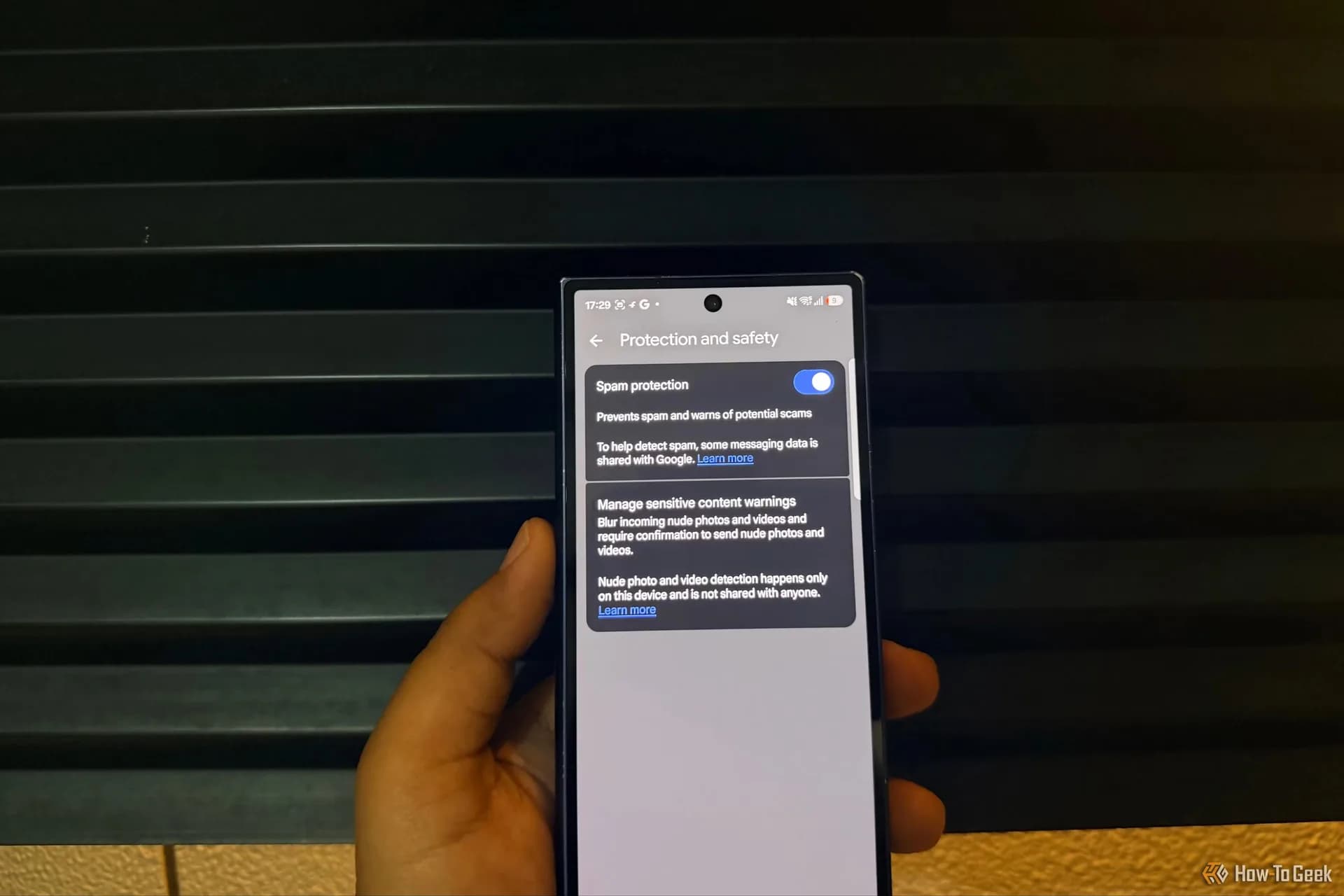
That mismatch shows up most clearly with what's labeled Protection & Safety in the new layout, even though it's effectively the spam and safety controls users already have today just moved under a new name. A separate Privacy section groups together chat profile setup, read receipts and typing indicators, letting people turn those on or off in one place instead of hunting through a single long list.
Swipe action settings look largely unchanged from what's in the app now, according to the report. Gemini's section gets new artwork meant to make the feature more visible, and that same push toward illustrated menus carries into the Suggestions & Actions sub-menus, which Android Authority says now include fresh graphics rather than plain text rows.
Not every screen got the same treatment. The outlet said several pages in the preview build are still sparse, just a line of text and a lot of empty space, suggesting Google hasn't finished dressing up every corner of the redesign.
None of this is final. It's sitting inside a beta APK that Google hasn't pushed to the public Messages app, and there's no confirmed timeline for when, or if, this exact layout ships as seen. Android Authority has been tracking a cluster of Messages changes in development lately, including RCS video calling and new options for RCS chats, and this settings overhaul appears to be part of the same broader push to modernize the app.
For now, anyone opening Google Messages on a phone running Android will still see the old single-list settings screen. Whether the cleaner, sectioned version shows up in a public beta soon, or gets reworked further before release, depends on how quickly Google finishes the still-unfinished parts of the design.
SDFiled by The Software Desk
Apps, platforms, operating system releases, security fixes and the features arriving in them.
More from this desk →


Be the first to comment
Join the argument. No password, just your email or a passkey.