Google Messages is getting a new layer of scam detection, and it's starting to show up for some users in the app's beta. The feature, called Enhanced Protection, uses Gemini AI to read an entire conversation with an unknown sender rather than scanning messages one at a time, according to reports from Digital Trends and 9to5Google. Google announced the tool earlier this month and the rollout is gradual, so it could be a while before it reaches a given phone.
The idea is to catch the slow-build scam, not just the obvious one. Most fraud texts today don't open with a demand for money. A message posing as a courier or a bank KYC notice usually starts harmless, drags the conversation along for a few exchanges, and only then asks for an OTP, a payment link or personal details. By analyzing the whole thread instead of a single text, Enhanced Protection is designed to flag that pattern earlier, including scams that don't follow a familiar script.
That conversation analysis runs on Google's cloud-based Gemini models, and Google is calling the underlying system Private AI Compute. The company says message data is encrypted and processed in an isolated environment that even Google itself can't access, though that claim hasn't been independently verified outside Google's own description.
Smarter link checking, but only on some phones
The second half of the update works on-device, using a smaller Gemini Nano model to check unfamiliar links against live web information. That means it can potentially catch a freshly created scam site before it ever lands on a blocklist. Messages from outside your contacts with links will also come with clearer warning labels.
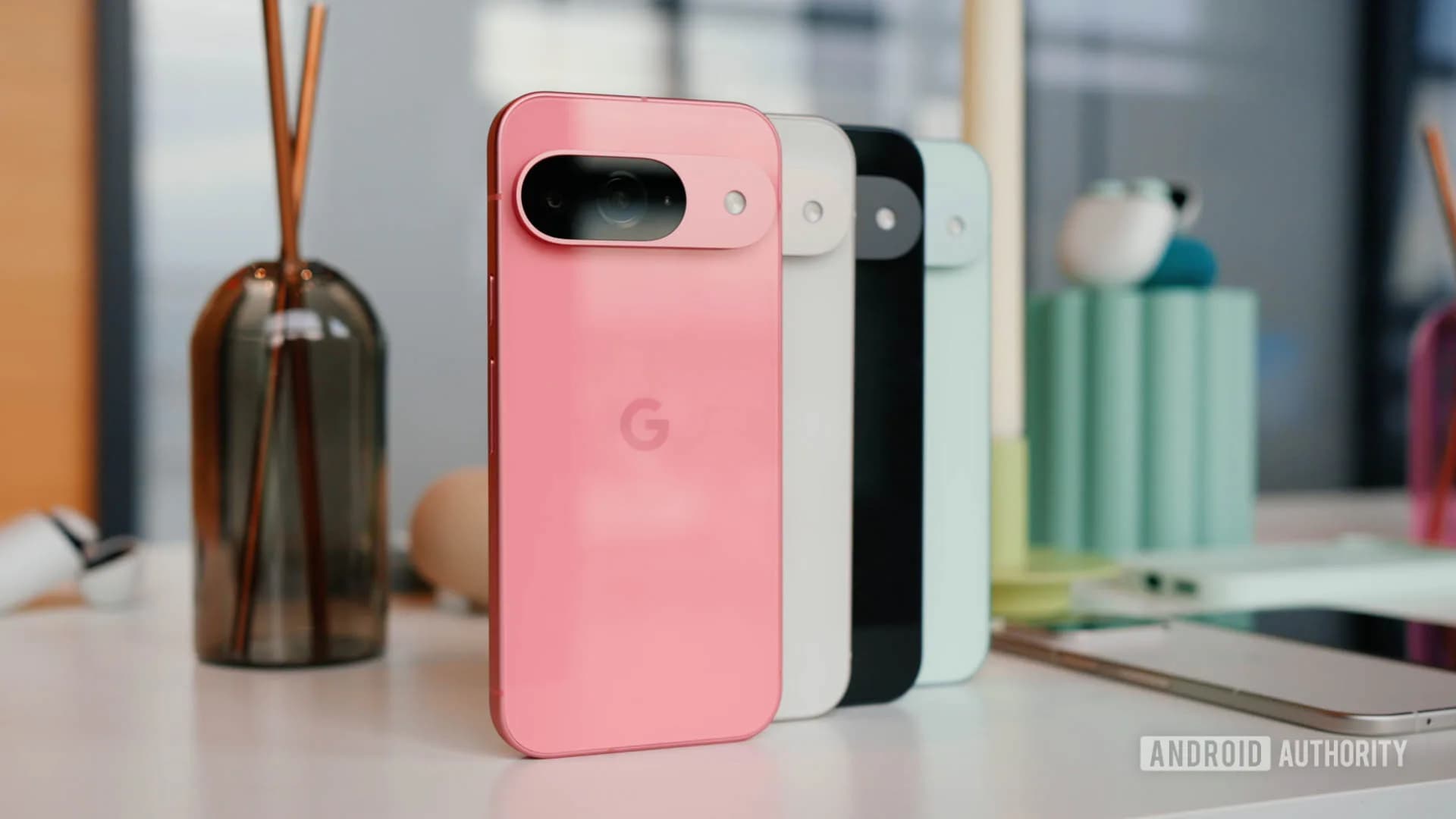
This part of the feature is narrower in reach. Smart link checking is limited to the Pixel 10 series and newer, the Galaxy S26 lineup, and the Galaxy Z Fold 8 and Z Flip 8, plus a handful of other devices Google hasn't fully detailed. The conversation-based scam detection is expected to land on a wider set of phones eventually, including Pixel 6 and later and Galaxy S24 and later.
Enhanced Protection won't turn itself on. Once it appears, it has to be switched on manually: open Google Messages, tap the profile picture, go to Messages settings, then Protection and safety, then Spam and scam protection. From there you'll see three options: Enhanced Protection, Standard Protection (the default), and No Protection.
Google hasn't said when the feature reaches India, where delivery scams, fake KYC updates and bogus electricity-bill texts are a daily nuisance for many phone users. Until it does, the advice stays the same it always has: don't share an OTP, and don't tap a link from a number that isn't saved.
SDFiled by The Software Desk
Apps, platforms, operating system releases, security fixes and the features arriving in them.
More from this desk →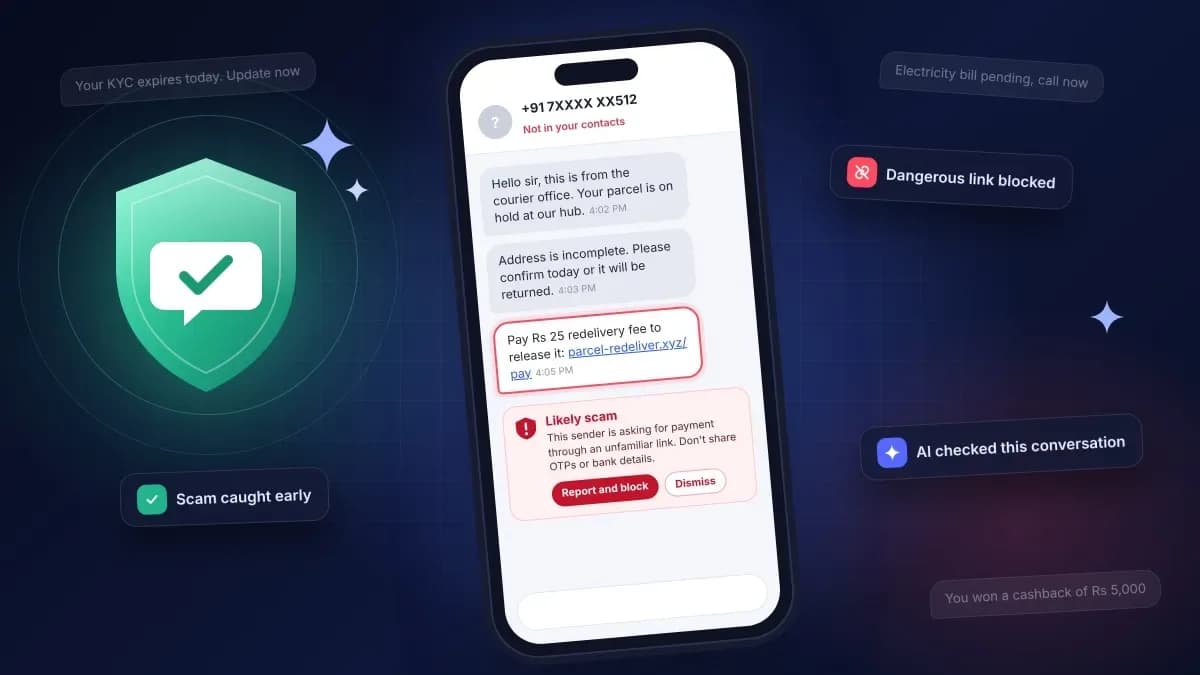


Be the first to comment
Join the argument. No password, just your email or a passkey.