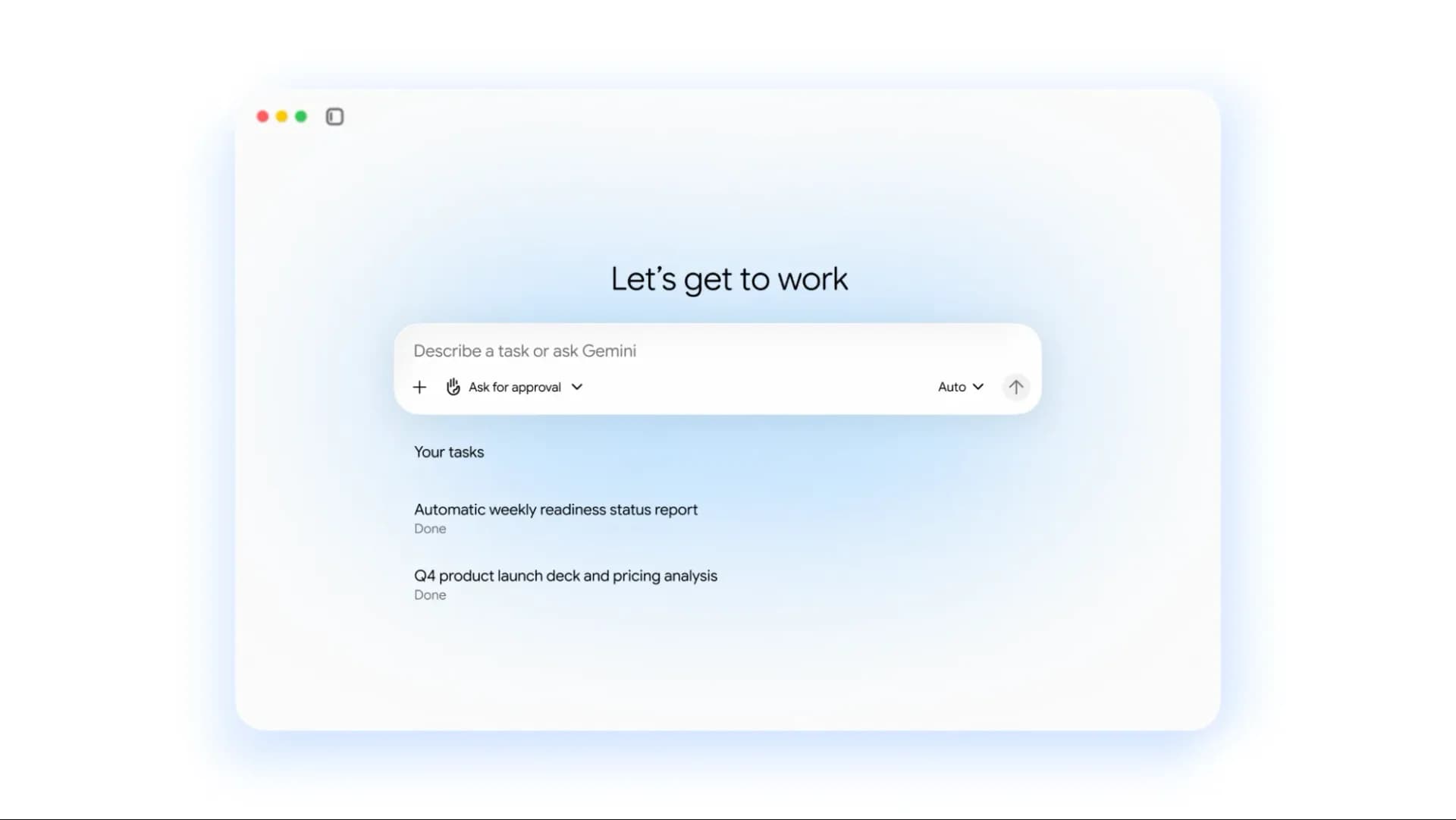
Google Photos now lets Gemini Task run multistep photo workflows — organizing, filtering, and batch-editing across albums or tagged collections. The feature launched globally this week, rolling out to all users with access to Gemini in Google Photos. It’s not a redesign. It’s an expansion of Spark (now renamed Task), built into the app’s existing interface: tap the Gemini icon, type a command like “Find all photos from Kyoto where I’m wearing red, remove photobombers, then add them to a new album called ‘Kyoto Red’”, and Gemini handles the rest, autonomously, without further input.
But it’s not reliable enough for critical edits. And it downgrades image quality on export. That’s the trade-off. You get speed and scale.
You lose fidelity and consistency. Google Photos users in the US and India are seeing the update now. No opt-in required. No separate download.
Just open the app and look for the Gemini button next to Search. The core capability is real: batch object removal, smart tagging, album creation by condition, and non-destructive color grading, all in one prompt. Android Police tested it across 100 photos. Results varied.
Removing photobombers worked cleanly in most family portraits, but hallucinated textures in others, especially when backgrounds were complex or lighting uneven. Batch editing amplified those errors: one misfire in a set of 27 meant manually checking each output before saving. Gemini uses its Nano model for on-device image work, so capabilities match what you get in regular Gemini chat, not the heavier Pro or Flash models.
That explains the ceiling. It also means no cloud-based upscaling or RAW-level adjustments. Edited versions are saved as lower-resolution duplicates. Originals stay untouched.
But the exported files shrink in both pixel dimensions and dynamic range. Colors flatten. Fine grain disappears. Shadows lose depth.
That matters if you’re archiving or printing. For social sharing? Often fine. For anything else?
A step back. Speed is another friction point. Simple tasks, like grouping an existing album, finish in under 60 seconds. Complex chains, filter + edit + caption + share link, regularly take two minutes or more.
Users report leaving the app and returning later. There’s no progress bar. No estimated time. Just silence, then a notification.
Still, the organizational upside is real. Pulling “all photos from Snow Monkey Park where I appear” and auto-creating an album took one prompt and under 30 seconds. No manual scrolling, no face-tagging lag, no toggling between folders. That part works.
And it works well. This isn’t a replacement for Snapseed or Lightroom Mobile. It’s a power tool for curation, not creation. Google hasn’t announced pricing changes.
Gemini remains free for basic use in Photos. No subscription tier unlocks higher-res exports or faster processing. The rollout is complete. No regional delays.
No staged release. If your Google account has Gemini enabled, and you’re on the latest version of Google Photos, you already have it.
MDFiled by The Mobile Desk
Phones from leak to launch to price cut: what was announced, what it costs where, and when it goes on sale. Indian launches and prices included, not appended.
More from this desk →

Be the first to comment
Join the argument. No password, just your email or a passkey.