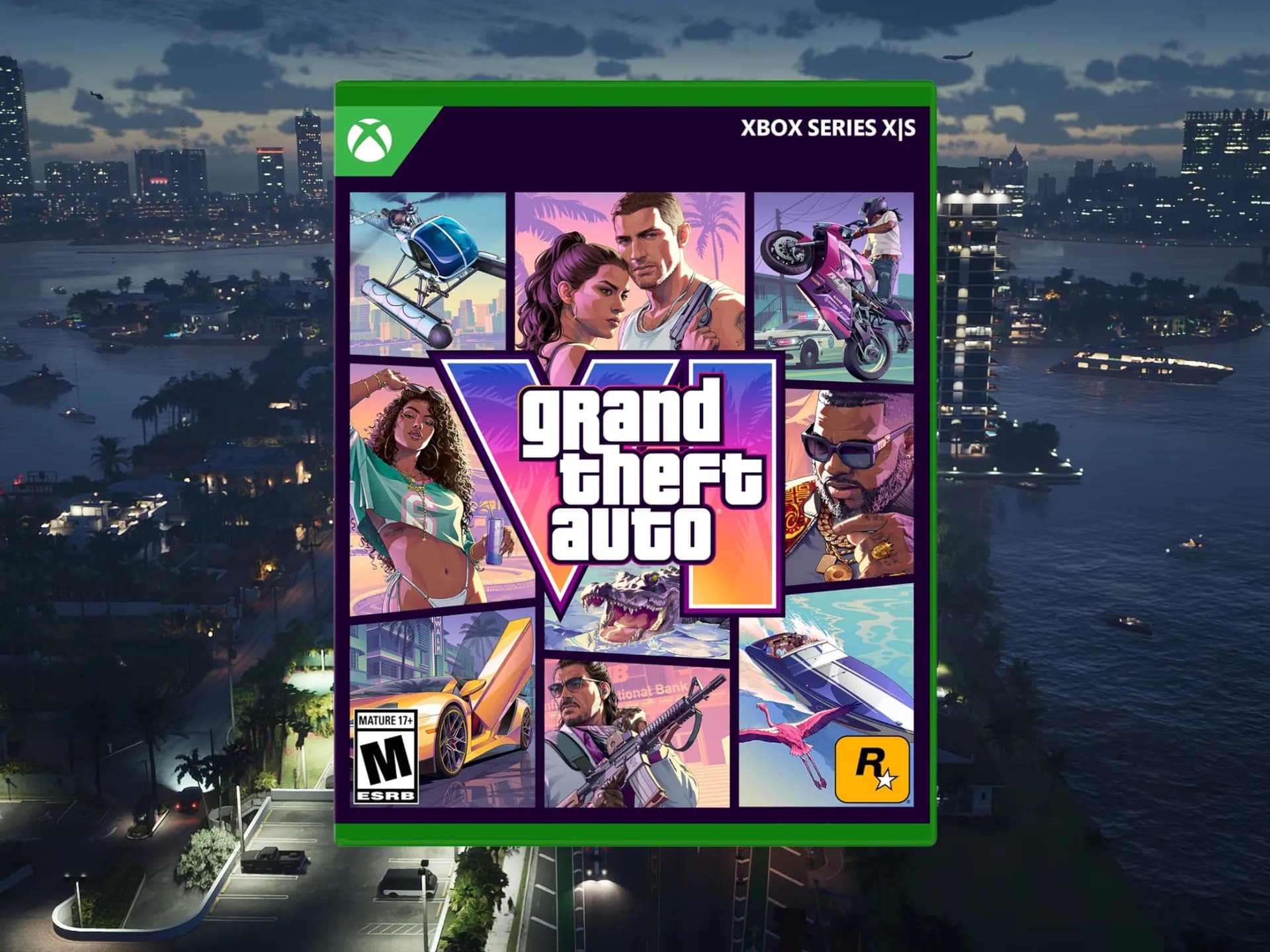
Grand Theft Auto VI is live as of Thursday morning, November 21, 2026 — 13 years after GTA V shipped. It’s available on PS5 and Xbox Series X|S. There is no PC release yet. No official date has been announced for that version, only confirmation it’s coming “in the future.” The game is set in Leonida, a fictionalized Florida, with Vice City as its centerpiece.
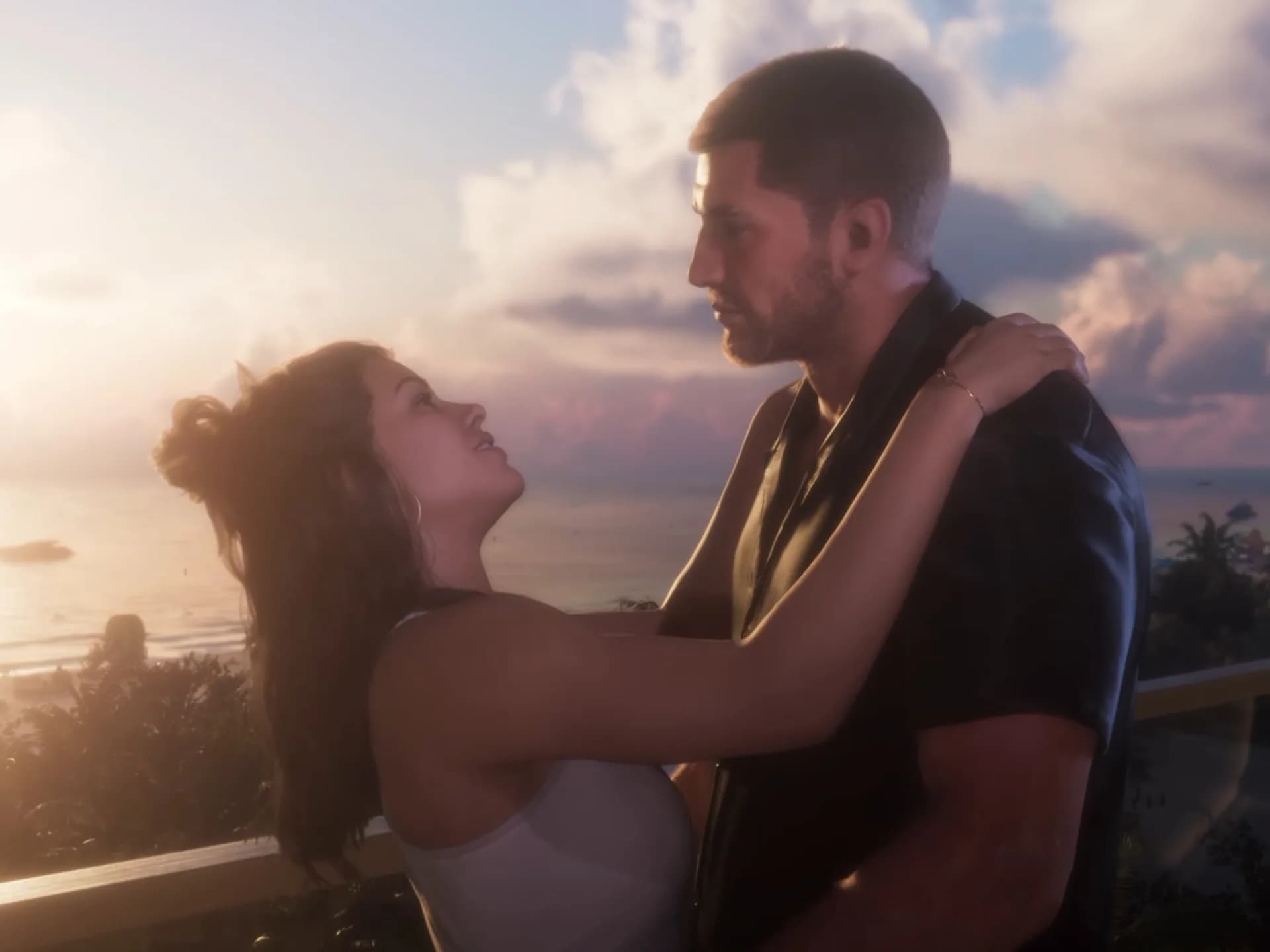
You play Jason and Lucia, two criminals navigating escalating danger and moral collapse under palm trees and neon signs. Rockstar calls it its most ambitious title ever. Tom’s Guide confirms it delivers dense environments and layered soundscapes, but only if you tune your hardware first. Because GTA 6 has almost no in-game graphics options: just one slider for motion blur.
Everything else depends on your PS5’s system settings. Three matter most. First: HDR calibration. If you’re using an OLED TV, go to Settings > Screen and Video > Video Output > HDR.
You’ll see three brightness adjustment pages. On the first two, press up or down until the sun logo vanishes. On the third, dial brightness all the way down, OLEDs handle black levels natively, so overcompensating washes out contrast. GTA 6 also includes its own in-game HDR calibration screen.
It works, but defaults are already strong. Second: Dolby Atmos. The PS5 didn’t launch with Atmos support, but it’s been added via system update. If your soundbar or AV receiver supports it, enable it at Settings > Sound > Sound Output > Audio Format > Dolby Atmos.
GTA 6’s audio design leans hard into spatial immersion, sirens, radio chatter, and ambient heat haze all benefit. Third: VRR and 120Hz output. Go to Settings > Screen and Video > Video Output. Set Variable Refresh Rate (VRR) to Automatic for unsupported games.
Set 120Hz output to Automatic too. Neither will raise GTA 6’s locked 30 fps, Rockstar confirmed to Kotaku that the PS5 Pro won’t be patched to run at 40 or 60 fps. But those settings keep the door open if that changes later. They also help with other titles that do offer performance modes.
That’s it. No resolution toggle. No texture quality slider. No ray tracing switch.
Just those three PS5-level adjustments, and they’re enough to tighten shadows, deepen bass, and smooth motion where possible. GTA 6 is not a technical showcase for raw horsepower. It’s a world built for presence, not pixels per second. And right now, presence starts in System Settings, not in-game menus.
The PC version remains unannounced. No pricing, no release window, no benchmark leaks. Until then, this is the full PS5 experience: rich, deliberate, and fixed at 30 fps.
GDFiled by The Games Desk
Consoles, handhelds, PC gaming and the platforms and hardware behind them.
More from this desk →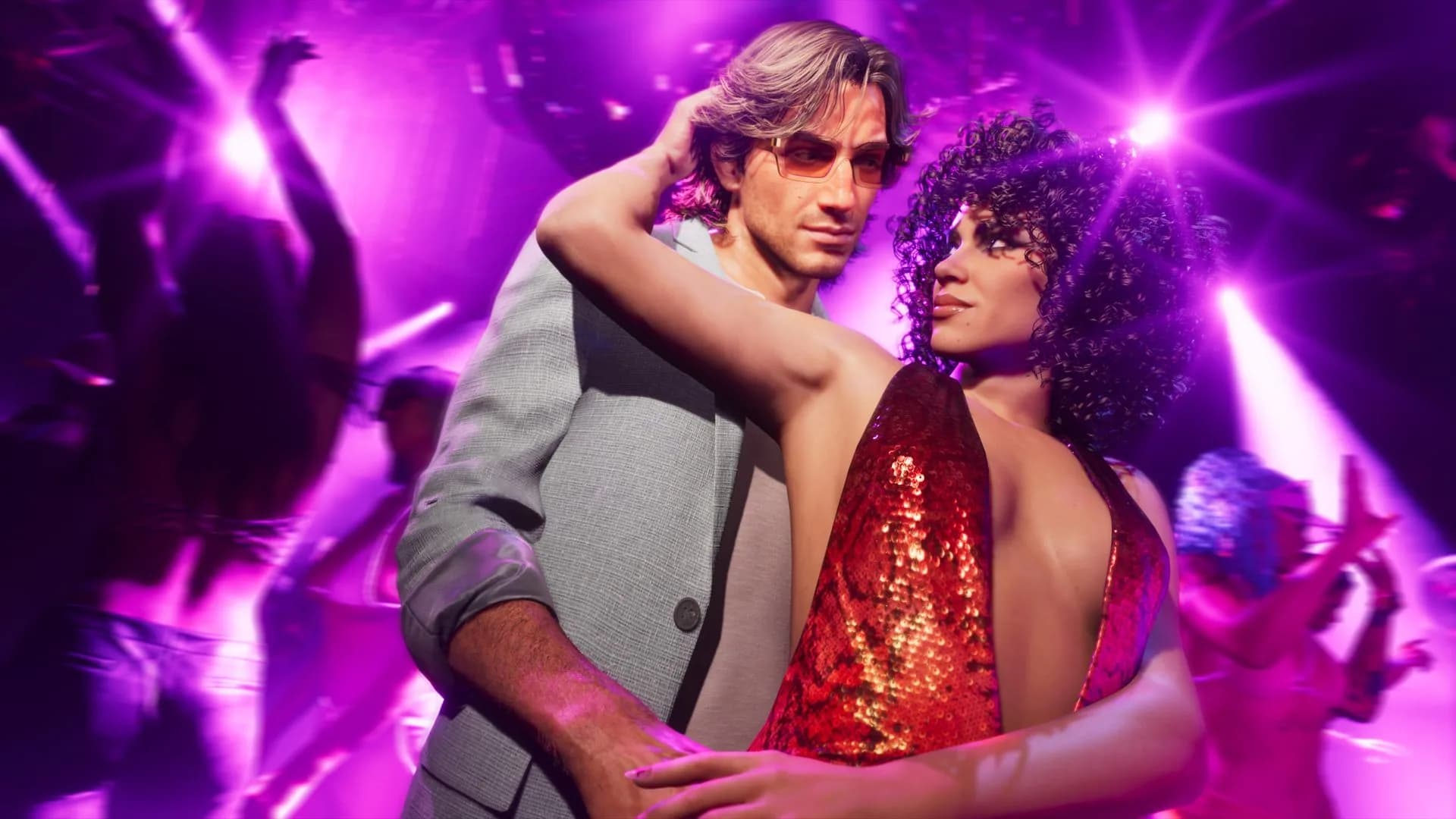
Be the first to comment
Join the argument. No password, just your email or a passkey.