You can take your PlayStation 5 on a plane. Full stop. The TSA permits it in both carry-on and checked bags. But that doesn’t mean you should — and it definitely doesn’t mean you can toss your DualSense controller into your suitcase without consequences.
What changed this week isn’t policy, but attention: with GTA 6 launching in November 2026, players are suddenly weighing whether to haul their PS5 across time zones, and how to do it without frying a battery or losing a $500 console in transit. Engadget’s guide spells out what’s allowed, what’s risky, and what’s smarter than packing at all.
The rules are clear. The trade-offs aren’t. The PS5 weighs 3.9 kg (slim model) or 4.5 kg (original), measures 390 × 260 × 104 mm, and contains no restricted components beyond standard electronics. TSA says fragile gear like this belongs in carry-on, not because it’s banned from checked bags, but because airport handlers aren’t trained to treat it like a museum artifact.
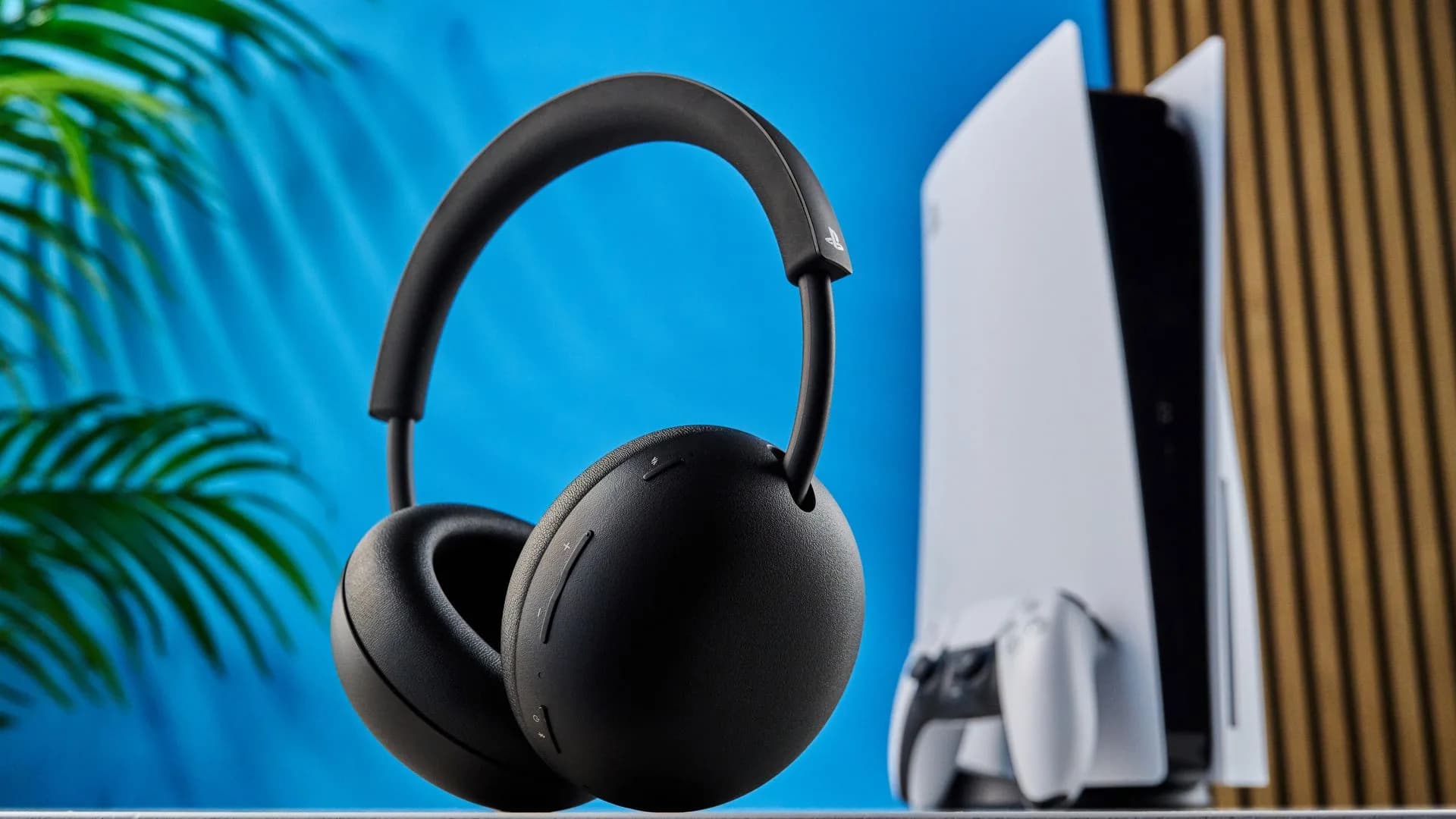
So yes, you can check it. But if your suitcase gets dropped, stacked, or left in a hot tarmac trailer, Sony won’t replace it. The real bottleneck is the DualSense. Its lithium-ion battery is rated at 3.65 V and 1,560 mAh, just 5.7 watt-hours.
That’s well under the FAA’s 100 Wh ceiling for carry-on batteries. But the FAA still requires devices with lithium batteries to be carried in the cabin. If you must check the controller, say, because your carry-on is full, it must be powered off and protected from damage or accidental activation.
Why? Because thermal runaway incidents involving lithium batteries averaged 2.36 per week on U.S. Passenger flights in 2025, according to ULSE data cited by Engadget. So: controller in your lap, wrapped in clothes or in an official DualSense carry case. Console in your overhead bin, padded, cables coiled, disc removed, or buried in soft clothing at the center of a hard-shell suitcase.
No original box? No problem. Just don’t rely on a flimsy duffel. There’s a third path, one that skips the baggage claim entirely.
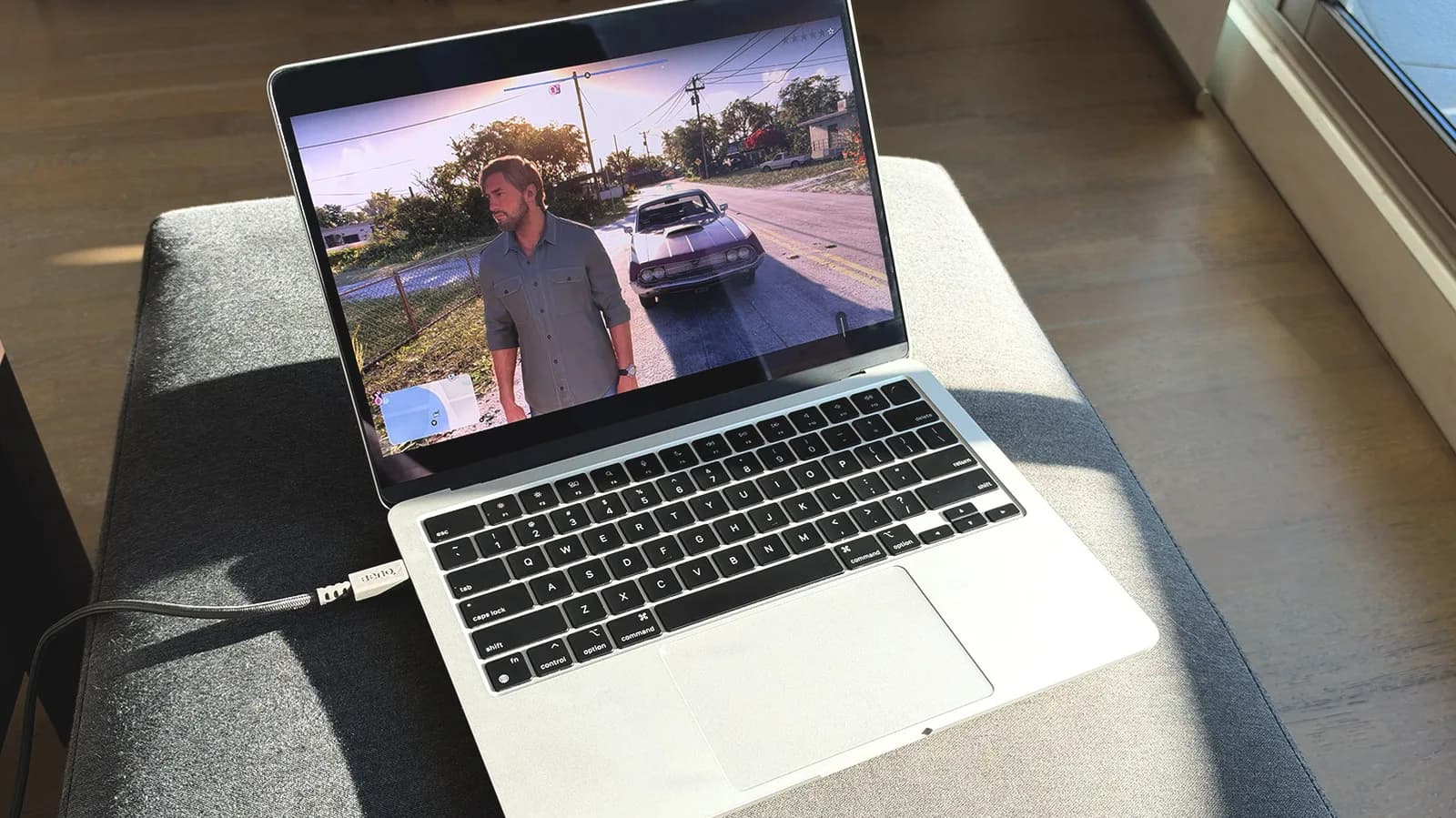
PlayStation Remote Play streams your home PS5 to a phone, tablet, or laptop over Wi-Fi or cellular, provided your home connection hits at least 5 Mbps (15 Mbps recommended). It works only if the PS5 stays in rest mode with “Stay Connected to the Internet” and “Enable Turning on PS5 from Network” turned on, settings found under Settings > System > Power Saving > Features Available in Rest Mode.
The PlayStation Portal handheld makes this smoother. It’s built for Remote Play, works on public Wi-Fi after initial home-network setup, and, with a PlayStation Plus Premium subscription, can even stream select games directly from Sony’s servers, no home console required. That changes the calculus. For most travelers, lugging a 4.5 kg console isn’t about necessity.
It’s about habit. Or nostalgia. Or refusing to trust hotel Wi-Fi. But if your flight has decent connectivity and your home internet is stable, Remote Play costs nothing extra and adds zero weight.
The PS5 itself remains where it belongs: plugged in, updated, and waiting. Next step? Check your airline’s carry-on size and weight limits against those PS5 dimensions. Back up your saves.
Shut the system down fully. And decide whether your trip needs the console, or just the games.
GDFiled by The Games Desk
Consoles, handhelds, PC gaming and the platforms and hardware behind them.
More from this desk →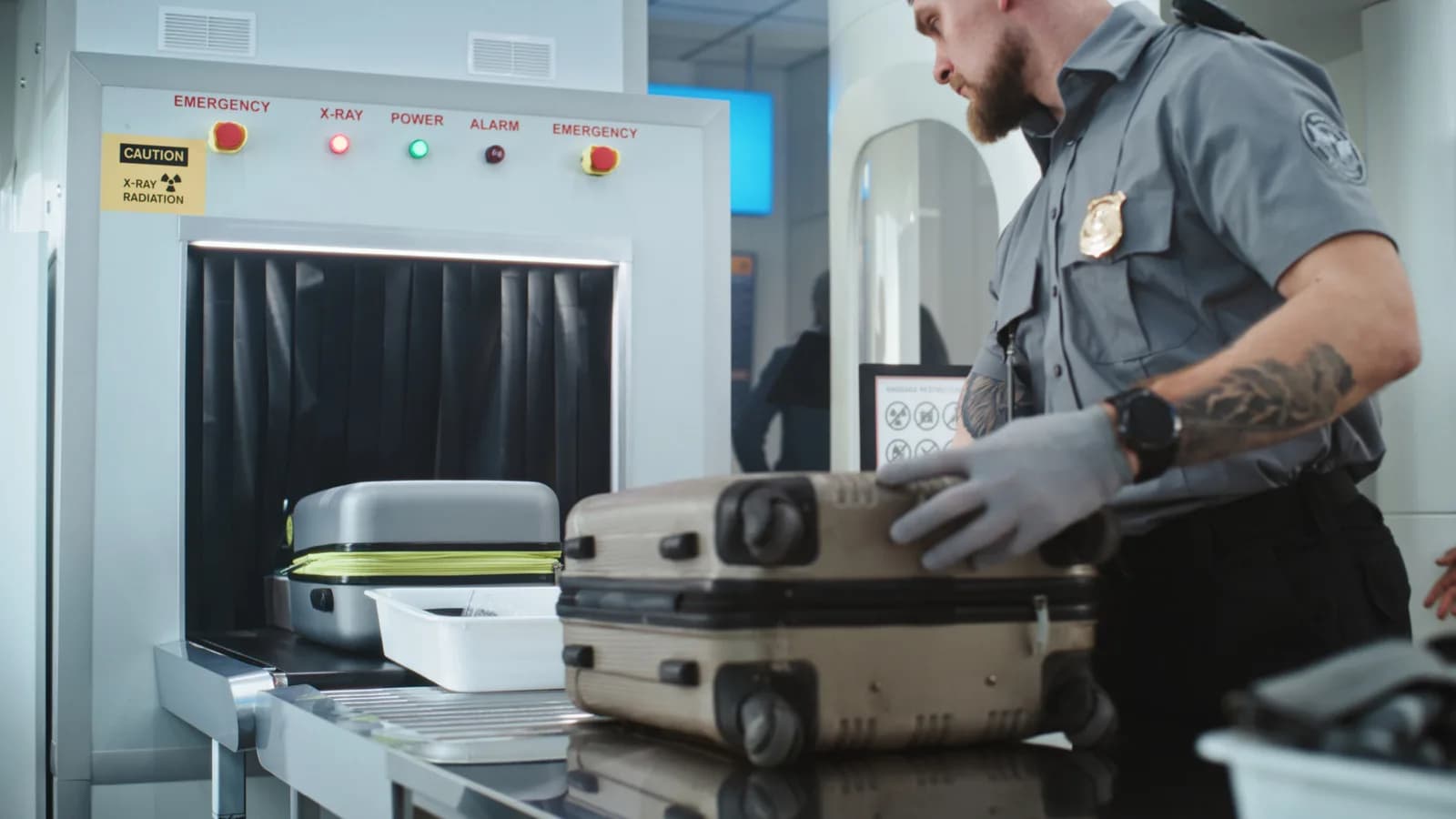

Be the first to comment
Join the argument. No password, just your email or a passkey.