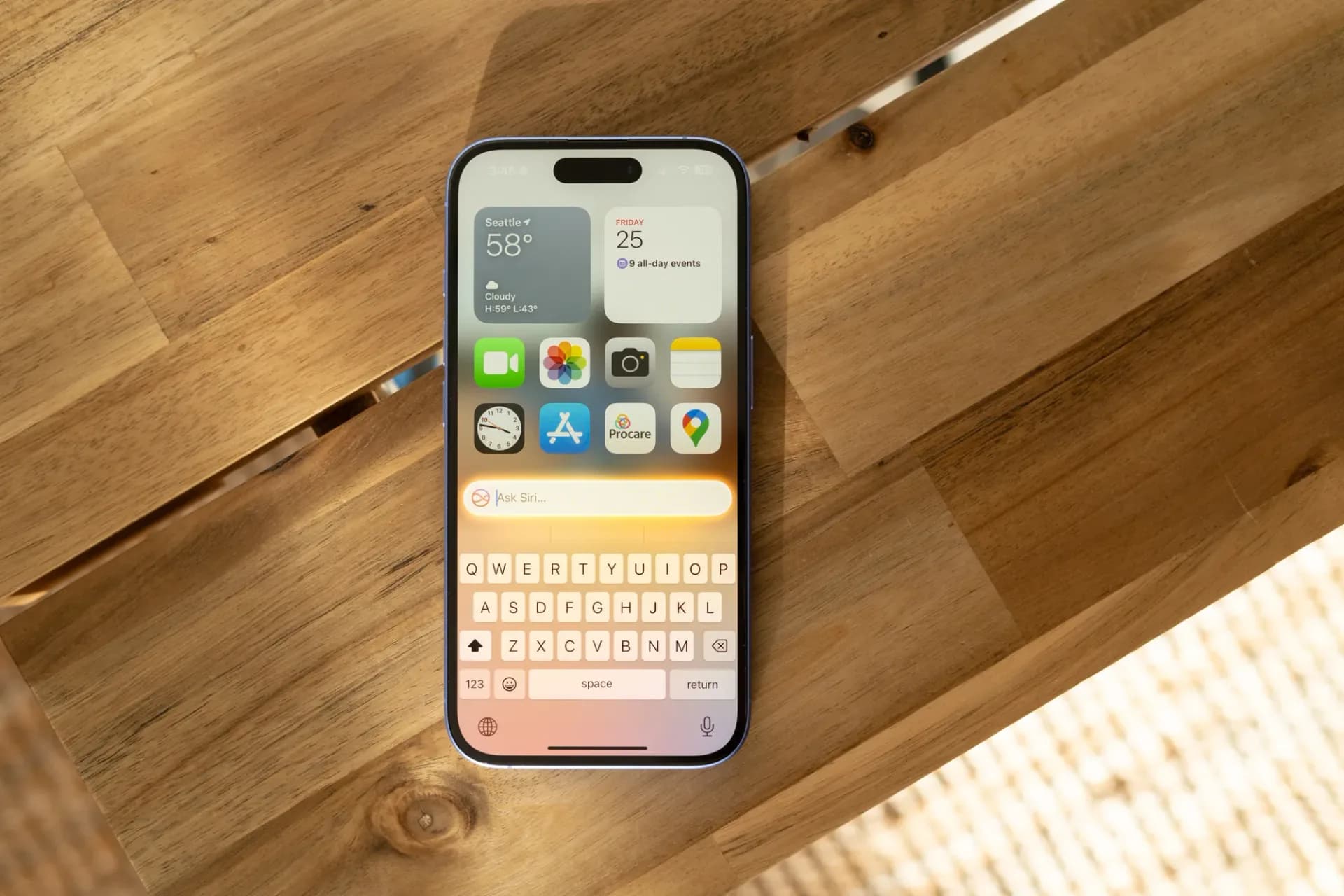
Apple's iPhone Mirroring tool, which lets you control an iPhone directly from a Mac desktop, picked up three changes with the release of macOS 27 Golden Gate and iOS 27 last month, according to 9to5Mac, which has used the feature daily since it launched.
The biggest shift is that the iPhone Mirroring window can now be resized freely. Until this update, the window was locked to three preset sizes: smaller, actual size, and larger. In macOS 27, you can drag the window to whatever dimensions you want, the same way you'd resize any other app on the Mac.
There's a catch for now. Free resizing only works with apps that have been updated for iOS 27, and right now that means Apple's own native iPhone apps. Third-party developers haven't caught up yet, so the practical benefit is limited until they push their own iOS 27 updates, which 9to5Mac expects to roll out over the coming months.
Why this might matter beyond the Mac
9to5Mac points out that the timing is suggestive. Apple is widely expected to launch a foldable iPhone Ultra later this year, and a Mac feature that suddenly needs to handle arbitrary screen dimensions, rather than three fixed sizes, lines up with a phone whose display shape and aspect ratio could change depending on whether it's folded or unfolded. That's a reasonable read of the groundwork Apple has laid, though Apple has not confirmed any connection between the two, and the foldable iPhone itself remains unannounced.
Control Center and DRM video finally work
The other two changes are smaller but close real gaps. IPhone Mirroring previously had no way to reach Control Center at all, Apple's toggle panel for Wi-Fi, Bluetooth, flashlight and the rest. In macOS 27, you can pull it up with the CMD+4 keyboard shortcut or through the View menu in the Mac's menu bar.
DRM-protected video also plays correctly now. Before this update, anything copy-protected, think a streaming app with digital rights management, would just render as a black screen when viewed through iPhone Mirroring, making the feature useless for watching that kind of content remotely from a Mac. That restriction has been lifted.
MacOS 27 also swaps in a new app icon for iPhone Mirroring, matching a refresh Apple has given to several of its other stock apps this cycle.
None of this requires new hardware. If a Mac is already running macOS 27 Golden Gate and is paired with an iPhone on iOS 27, the updated Mirroring features should already be active. The bigger payoff, full resizing support across third-party apps, depends on how quickly other developers adopt iOS 27, a process that typically stretches out over the months following an Apple software release rather than happening all at once.
CDFiled by The Computing Desk
Laptops, desktops, processors, graphics cards and the operating systems that run on them.
More from this desk →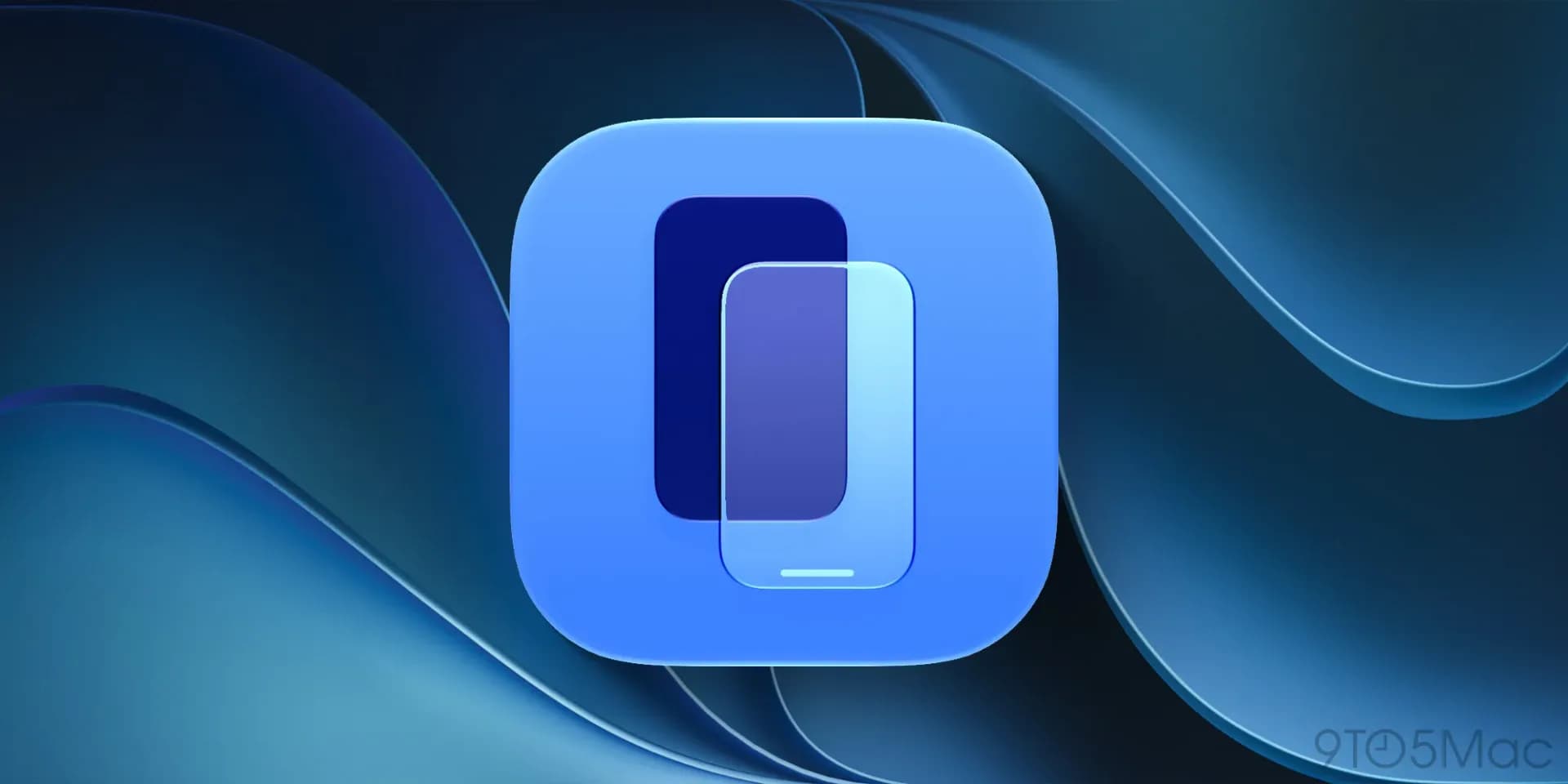
Be the first to comment
Join the argument. No password, just your email or a passkey.