If you own a Pixel Watch and have ever wished it ran a piece of Samsung's software, someone has probably already made that happen. A community of Wear OS developers has ported three pieces of Galaxy Watch software, Samsung's Compass app, its Gallery app, and a set of Galaxy Watch faces, so they install on the Pixel Watch and other non-Samsung Wear OS devices, according to a report from How-To Geek.
None of this is official, and none of it comes from the Play Store. Getting any of these apps onto a watch means sideloading: turning on developer options, connecting the watch to a computer over ADB, and pushing the APK file across manually. It's the same process used for any app that doesn't ship through Google's or Samsung's own channels, and it requires some comfort with command-line tools.
The Compass app is the simplest of the three, a straightforward heading tool styled the way Samsung builds it, though it only works on watches with a compass sensor built in. The Gallery port fills a gap Google has left open on the Pixel Watch, which has no native photo viewer or file browser of its own. Samsung's Galaxy Watch has shipped with one for years.
A storage permission and a known bug
Installing the Gallery port isn't quite plug-and-play. Popular builds come with an extra ADB command that grants the app broad storage access, the permission a gallery app needs to actually find photos stored on the watch. How-To Geek lists it as a recommended step, not optional, since the app otherwise can't see what's on the device. There's also a known limitation: pop-ups don't open once the ported apps have been closed and reopened, a reminder that this is software built for different hardware, running somewhere it was never meant to.
People who'd rather skip Samsung's version entirely have native options too. AnExplorer and WearFiles are open-source file managers already built for the Pixel Watch.
The watch faces are arguably the bigger draw. Moving faces across brands isn't new: when the original Pixel Watch launched in 2022, Google packaged its default faces into a sideloadable APK that ran on the Galaxy Watch 4 and Watch 5 under Wear OS 3. More recently, a separate developer went the other way, porting Pixel Watch 4 faces onto Galaxy Watch models up through the Watch 6, though not the Watch 7, Ultra, or 8 series, which shipped with Wear OS 6.
None of these ports carry support from Google or Samsung, and How-To Geek points to listings on XDA's forums rather than any official source. They're described as tested on a handful of watches, with compatibility varying by model and no guarantee a future Wear OS update won't break them. For now, they're a hobbyist's workaround, not a feature anyone should expect to stick around without maintenance.
GDFiled by The Gadgets Desk
Audio, wearables, cameras, tablets, chargers and every other device worth carrying or plugging in.
More from this desk →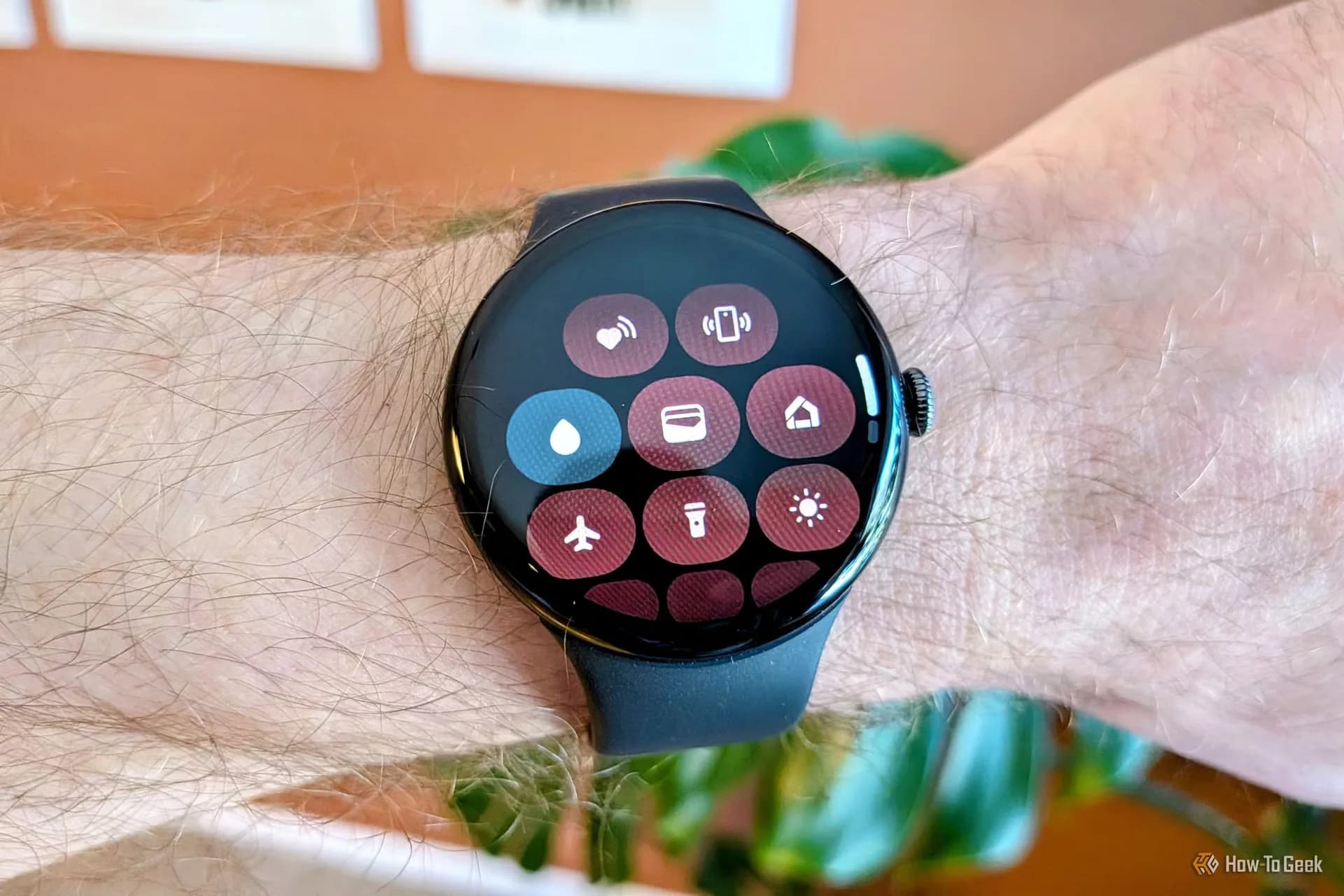

Be the first to comment
Join the argument. No password, just your email or a passkey.