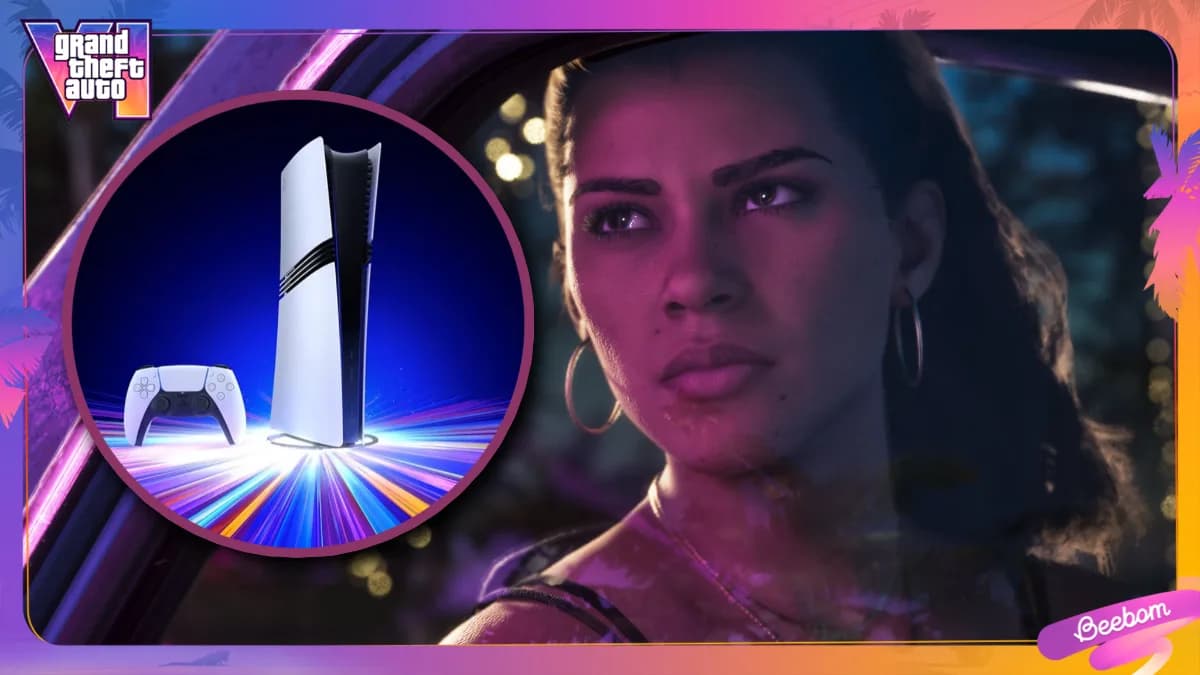
GTA 6 launches November 14 — and the PS5 Pro is officially ready. Not with a new console update, not with a patch, but with settings you can change in under 10 minutes. XDA Developers confirms that the GTA 6 Ultimate Edition preload went live November 10, and its files confirm what Rockstar has already stated: the game targets 30 FPS on PS5 Pro.
But they also reveal something quieter, and more actionable: support for 120Hz output, VRR readiness, and an upgraded PSSR version (13.60) over the base PS5 Pro’s current 13.00-series implementation. That means sharper image reconstruction, and yes, it’s exclusive to PS5 Pro. No PS5 Slim or original PS5 gets it. The upgrade isn’t about frame rate.
It’s about fidelity at 30 FPS. And it only works if your setup is configured correctly, starting with the HDMI cable. An Ultra High Speed HDMI cable plugged into a full-bandwidth HDMI 2.1 port is non-negotiable. Plug into the wrong port?
Your $2,000 TV becomes a $2,000 60Hz display. That’s step one. Step two: Settings > Screen and Video on the PS5 Pro. Turn all of these to Automatic, Resolution, 120Hz Output, HDR, VRR, ALLM, Deep Color Output, RGB Range.
Especially 120Hz Output. Even though GTA 6 won’t hit 120 FPS, enabling it unlocks clean 40 FPS modes elsewhere, and ensures the console negotiates the highest possible signal for whatever Rockstar actually ships. VRR stays on. It’s not used in GTA 6, per the preload data, but disabling it breaks compatibility across your entire library.
Game Mode on the TV is mandatory. Motion smoothing, AI picture enhancements, dynamic contrast, Eco Mode, all off. Local dimming stays on (High setting recommended) for LCD, QLED, and mini-LED TVs. OLED owners skip that step, no backlight, no zones.
The preload doesn’t confirm VRR in GTA 6. It doesn’t confirm 40 FPS either. What it does confirm is that Rockstar built the PS5 Pro version with PSSR 13.60, a tangible, hardware-specific upgrade. And that the engine expects a 120Hz handshake.
So if you’re preloading tonight, do the 10-minute setup first. Because launch day isn’t when optimization starts. It’s when it ends.
GDFiled by The Games Desk
Consoles, handhelds, PC gaming and the platforms and hardware behind them.
More from this desk →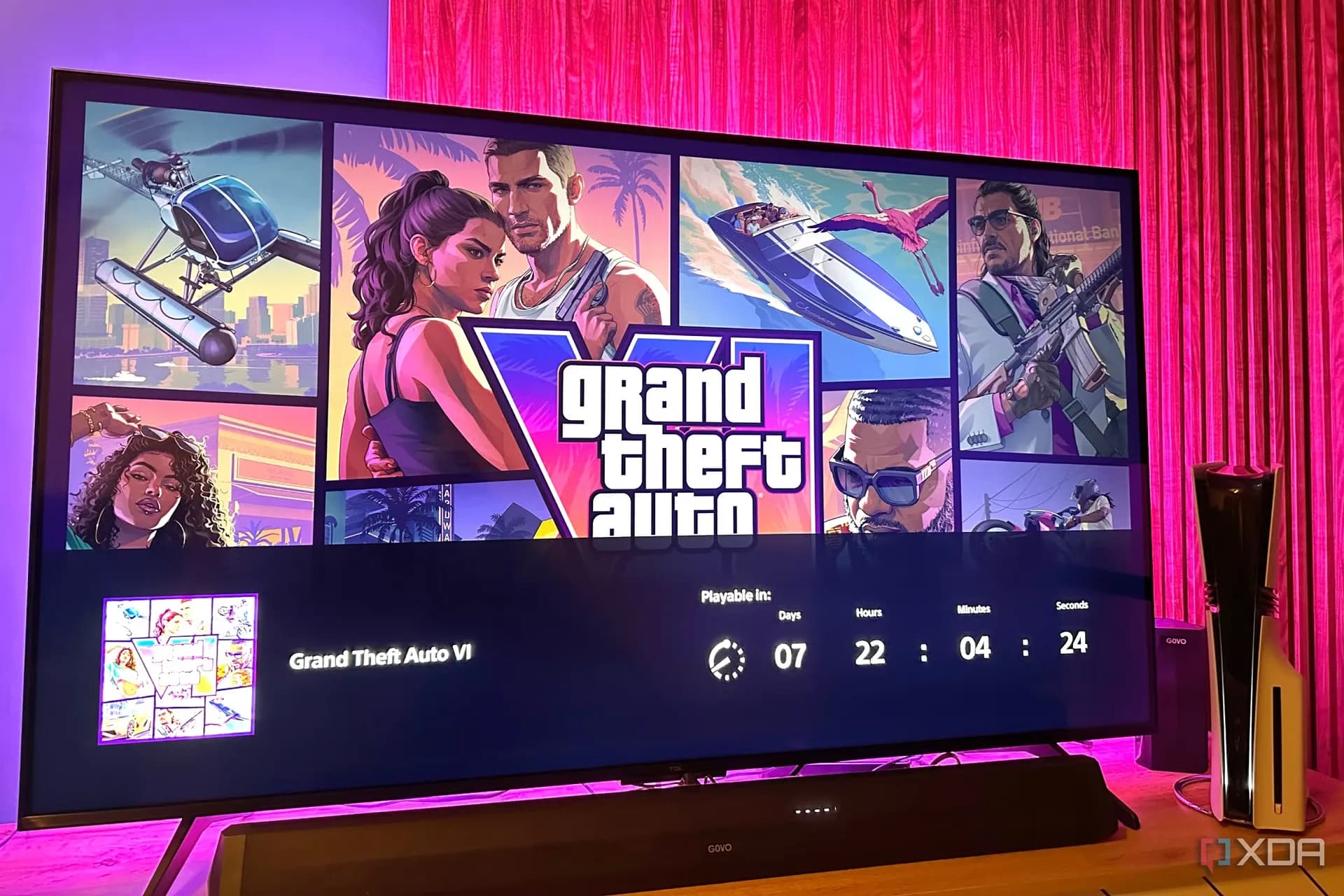
Be the first to comment
Join the argument. No password, just your email or a passkey.