Windows 11 File Explorer now supports ZIP, RAR, and 7z extraction without third-party tools. But it still can’t do three routine, security-critical archive tasks that 7-Zip handles out of the box.
First: full AES-256 encryption — including encrypted filenames. Microsoft’s own documentation acknowledges this gap and recommends third-party tools for password-protecting archives. 7-Zip lets users lock down both contents and filenames inside a 7z archive, so no one can even guess what’s inside without the password. For ZIP files, it also supports legacy ZipCrypto, not ideal, but usable where compatibility matters.
Second: archive integrity testing before extraction. File Explorer reports errors during extraction, too late, if you’ve already unpacked a corrupted 5GB archive into your Downloads folder. 7-Zip’s ‘Test archive’ feature reads and decompresses on the fly without writing files to disk. It confirms whether every file inside is intact, saving time and storage.
Third: self-extracting executables (SFX). With 7-Zip, you can bundle any archive into a single.exe that extracts itself when double-clicked, no software required on the recipient’s end. Useful for client handoffs or internal team sharing. How-To Geek notes the caveat: some antivirus tools flag SFX files as suspicious, and non-technical users may hesitate to run unknown.exes.
None of these are niche. Encryption protects unreleased product specs. Testing prevents wasted hours on broken downloads. SFX simplifies delivery for clients who shouldn’t need to know what a ‘ZIP file’ is.
Microsoft has improved File Explorer’s compression UI, right-click → ‘Send to’ → ‘Compressed (zipped) folder’ works. But it remains a basic utility, not an archive manager. Search remains slow. File discovery is still clunky. And archive handling stops at ‘open’ and ‘extract’.
7-Zip, by contrast, stays lean: under 1MB install, open source, actively maintained. It doesn’t replace File Explorer, it fills holes File Explorer wasn’t built to cover.
No timeline exists for Microsoft adding these features. The company hasn’t announced plans to support AES-256 with filename encryption, pre-extraction validation, or SFX generation in File Explorer. Until then, 7-Zip remains the default tool for anyone who regularly shares sensitive data, verifies large downloads, or ships assets to non-technical recipients.
The app is free, runs on Windows 10 and 11, and requires no subscription. Its latest stable version is available from 7-zip.org.
SDFiled by The Software Desk
Apps, platforms, operating system releases, security fixes and the features arriving in them.
More from this desk →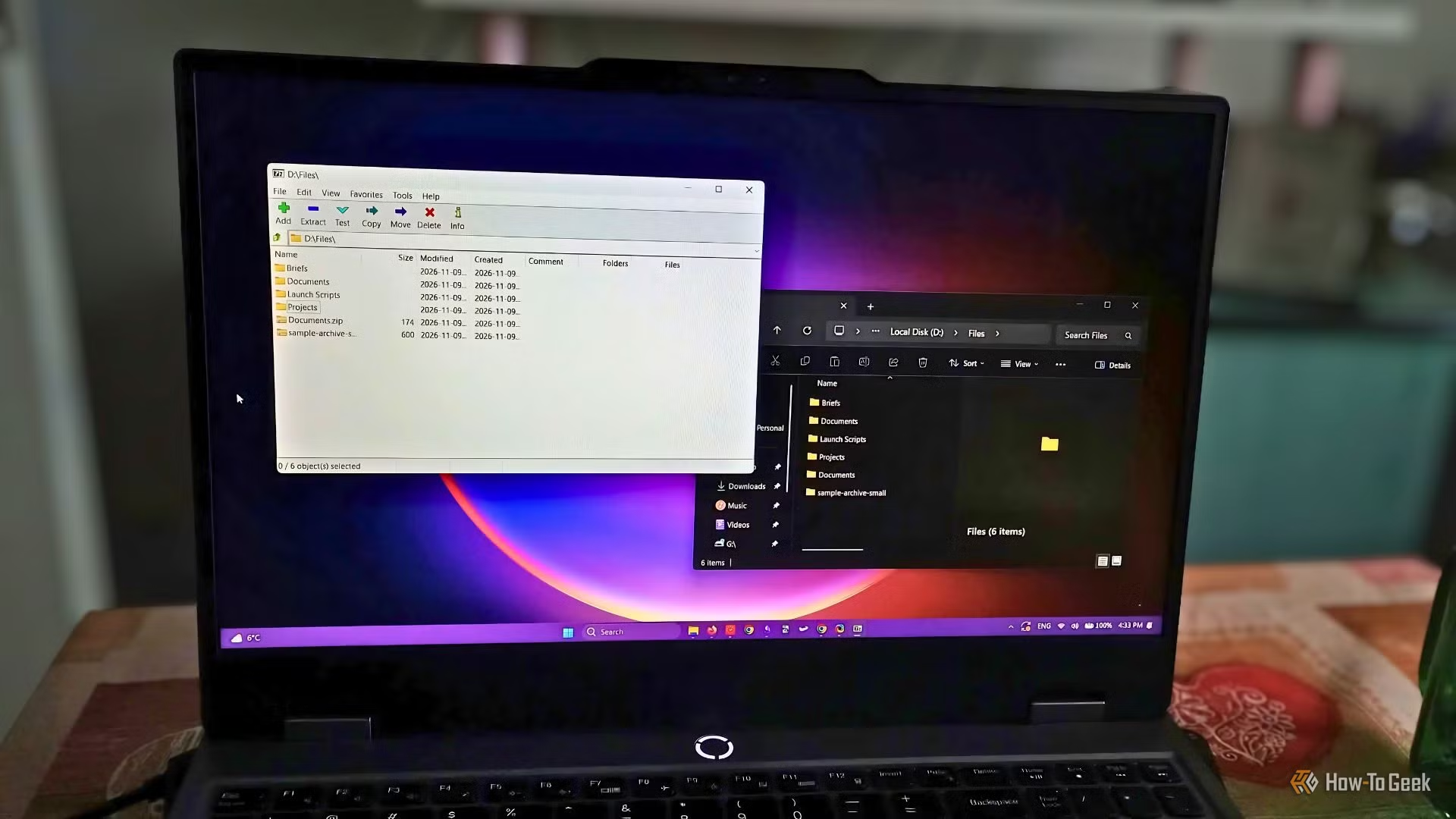
Be the first to comment
Join the argument. No password, just your email or a passkey.