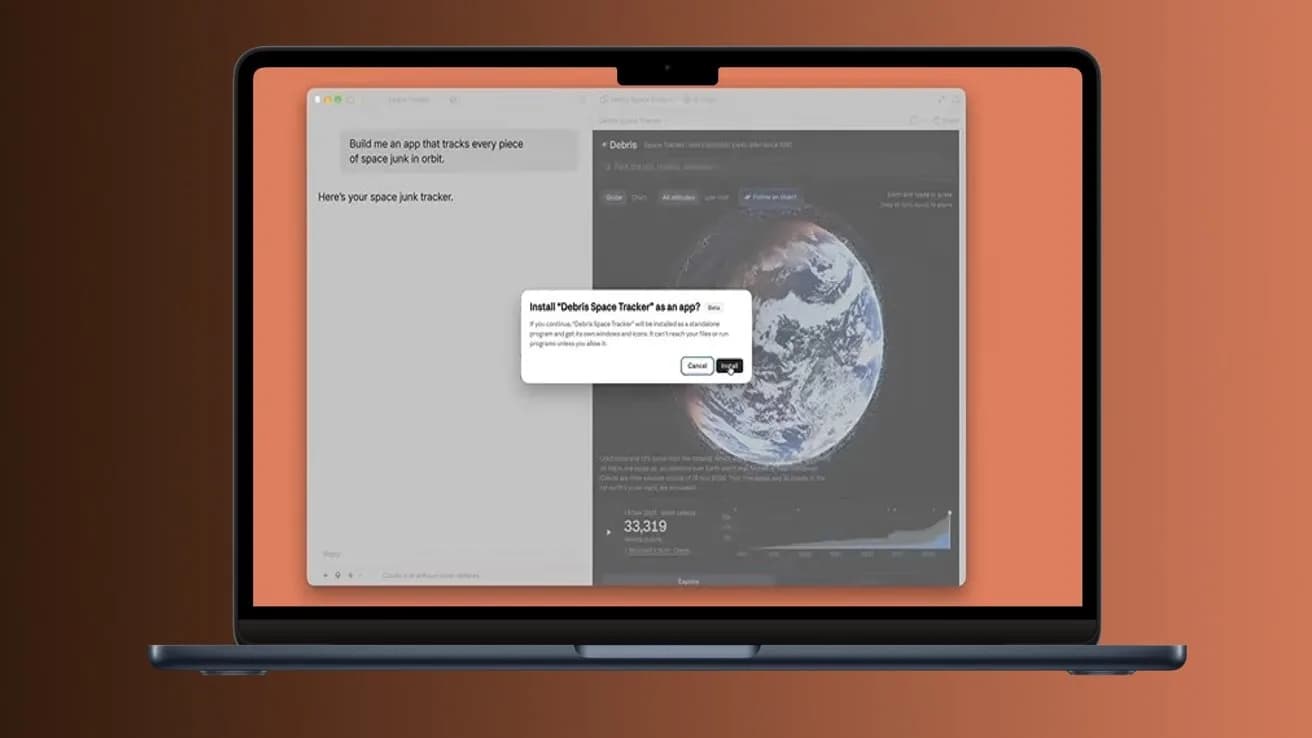
Claude can now build installable Windows and macOS applications without writing code — and it’s available to everyone, including users on the free plan. Anthropic rolled out the feature in beta today under the name “Install as app,” letting users describe a tool in plain English, iterate on its behavior via chat, then install it as a standalone executable with its own icon, window, and OS integrations.
It works in Claude Desktop 6.28899.0 or newer. No subscription tier is excluded. No coding environment is required. But yes, it does need an active internet connection and a signed-in Claude account to launch, even after installation.
And no, Linux, web, or mobile aren’t supported yet. That last part matters: this isn’t a cross-platform dev tool. It’s a tightly scoped, desktop-first expansion of Claude Artifacts, the interactive output format introduced in June 2024. Back then, artifacts lived inside Claude’s interface: dashboards, calculators, mini-websites, all sandboxed and ephemeral.
Now they can escape. Once installed, these apps behave like native software. They appear in the Windows Start menu and macOS Spotlight. They support desktop notifications, global keyboard shortcuts, floating windows, and system tray icons.
Some even integrate with third-party services, provided the user grants permissions. Anthropic offers three permission levels: browser-equivalent (most restrictive), elevated (for things like file access or clipboard interaction), and full computer access. The latter lets apps launch executables and modify or delete local files, without prompting for each action. Full access is intended for self-built tools or those created within an organization’s workspace.
Permissions must be re-authorized every time the app updates. Anthropic does not review or vet apps before installation. Users bear responsibility for what they install and what permissions they grant. The company has already built internal examples: workflow helpers, data visualizers, custom API wrappers.
None are pre-installed or curated by Anthropic, they’re demos of what’s possible, not a marketplace. This isn’t low-code. It’s vibe-coding made tangible: describe, refine, install. But it’s also not offline software.
Every launch checks for authentication and connectivity. Every interaction consumes the user’s existing Claude usage allowance. What comes next? Wider rollout, likely, but no timeline is given.
Linux support remains unmentioned. Web and mobile versions are absent. And while the feature lowers the barrier to building personal utilities, it doesn’t replace traditional distribution channels. These apps don’t ship on the Microsoft Store or Mac App Store.
They don’t sign with developer certificates. They run only when Claude’s backend is up and your account is valid. Still: for someone who needs a quick, bespoke timer that logs to Notion, or a one-click PDF summarizer that lives in the menu bar, this changes the calculus. You no longer search for the right app.
You ask for it, and install it before lunch.
ADFiled by The AI Desk
Models, assistants and the companies and chips behind them, reported from what was released and what was claimed, with the difference kept clear.
More from this desk →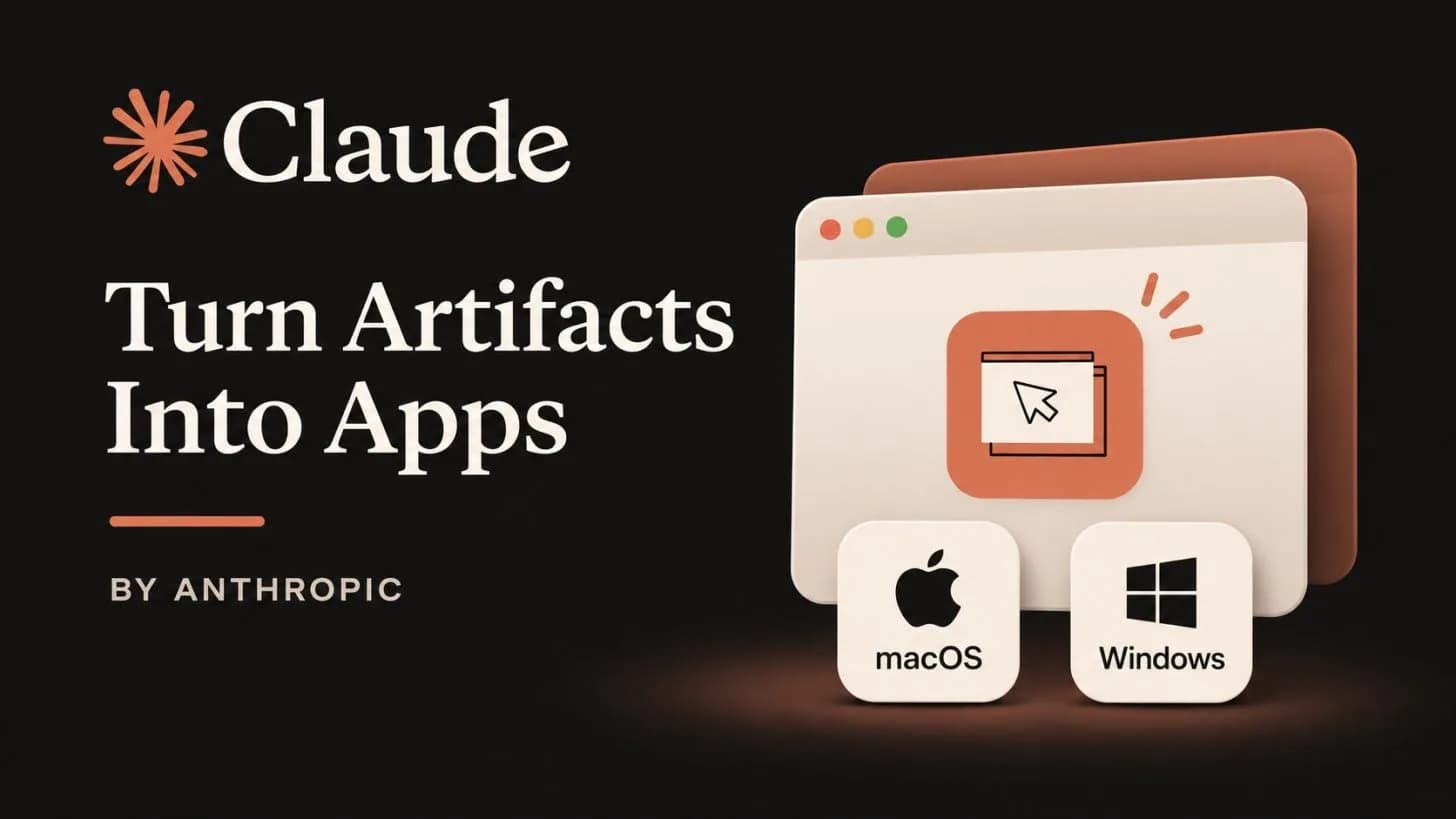

Be the first to comment
Join the argument. No password, just your email or a passkey.