Canon cameras still rely on a single bridge to move photos directly into your pocket: the Canon Camera Connect mobile application. A deep dive by DPReview into the software across both operating systems revealed that the experience differs substantially depending on whether you carry an iPhone or an Android phone.
Testing the setup with a PowerShot V1, DPReview found that Android users face strict file limitations that do not exist on iOS. When browsing pictures stored on the memory card, the Android version of Camera Connect will only transfer standard JPEG images. Attempting to pull an uncompressed Raw file triggers an automatic in-camera conversion to JPEG instead of moving the original file. If you capture HDR shots in HEIF format, the Android client refuses them entirely until you manually convert each shot down to SDR JPEG inside the camera body first.
By contrast, the iPhone app effortlessly pulls down JPEGs, HEIFs, and original Raw files without forced downsampling, taking advantage of native media decoding inside Apple's ecosystem.
Pairing Quirks and Wi-Fi Permissions
Before transferring any photos or firing off a remote shutter, users run into another hurdle: an obligatory Canon ID. The software requires creating an account with an email address and password before it will function, and DPReview noted that the app repeatedly prompts owners to register their hardware even after declining the notice, offering no permanent dismissal toggle.
Once logged in, the physical pairing workflow moves quickly. Initial setup involves selecting your model from an indexed catalog, scanning a pairing QR code, and linking over Bluetooth. Both the camera interface and phone screen require a quick confirmation tap to establish the base handshake.
When you actually want to transfer images or use live view remote shooting, the mobile client commands the camera to spin up its private Wi-Fi network. That is where platform behavior flips again.
Android handles this transition with less day-to-day friction. Once granted network permissions during the first setup run, it quietly accepts the camera's wireless link on future connections. The iOS app, however, forces you to approve the local Wi-Fi connection prompt every single time you reconnect to download photos or control shooting.
Remote live view shooting works identically once the radio link clears, delivering full manual control over exposure settings alongside an active video stream directly on your phone screen. Canon continues to maintain Camera Connect as a free download on the Apple App Store and Google Play Store for compatible digital cameras.
GDFiled by The Gadgets Desk
Audio, wearables, cameras, tablets, chargers and every other device worth carrying or plugging in.
More from this desk →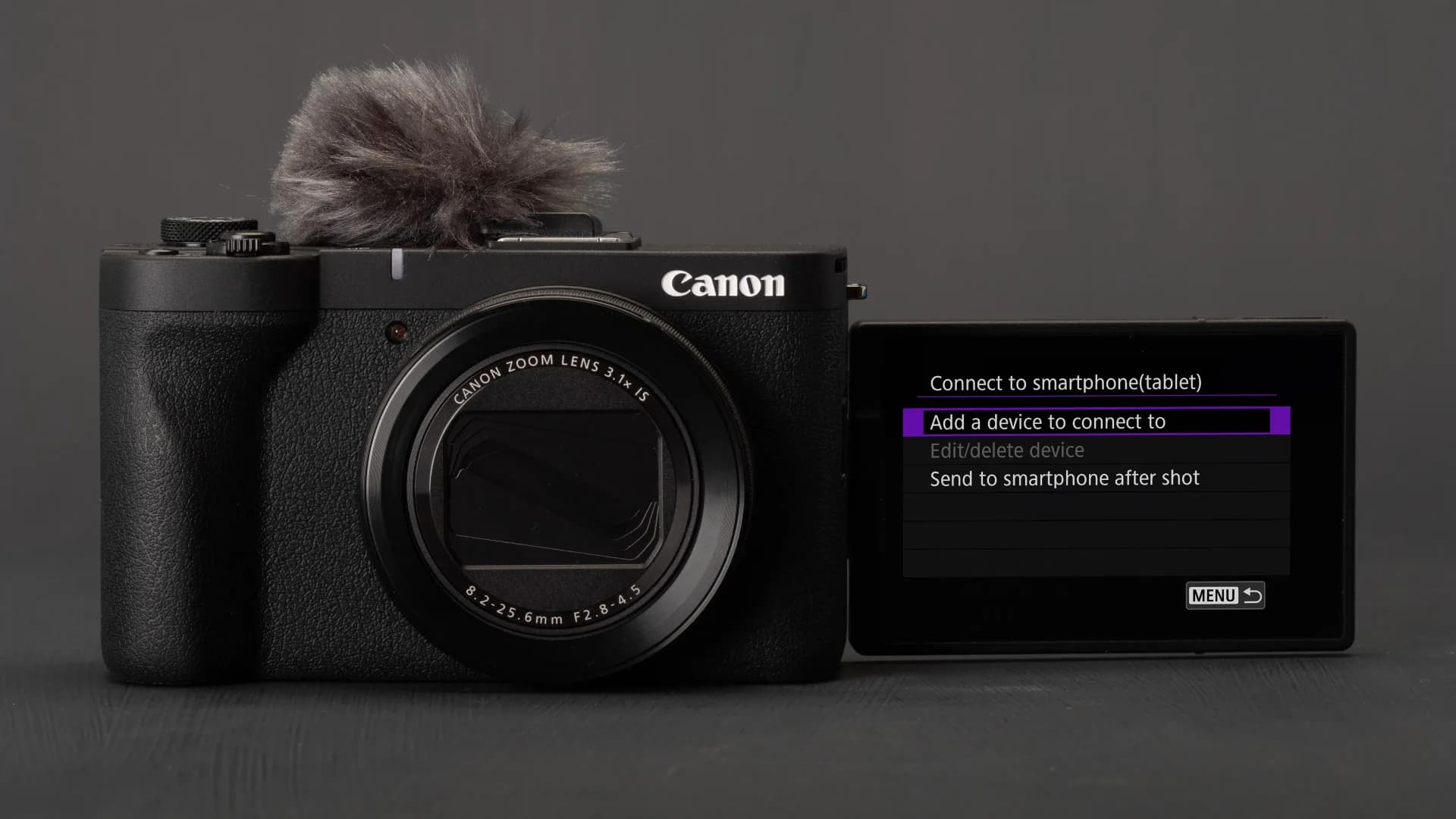
Be the first to comment
Join the argument. No password, just your email or a passkey.