The author of the How-To Geek piece drives in Ahmedabad. He uses Maps for daily commutes, hunting down new restaurants and dodging rush-hour gridlock. The app started to feel basic — basic enough that he nearly jumped to a rival navigator. Then he opened the settings screen.
What he found kept him put. The McLaren F1 car icon is the headline grabber. Google pushed it out for the United States Grand Prix. It stays live until November 23, 2026.
The avatar is an orange Formula 1 racer. Tap your profile picture, choose Settings, then Your vehicles, then Driving avatar. Swipe through the carousel until the McLaren appears. The rollout is staggered, so the option may not show on every device today.
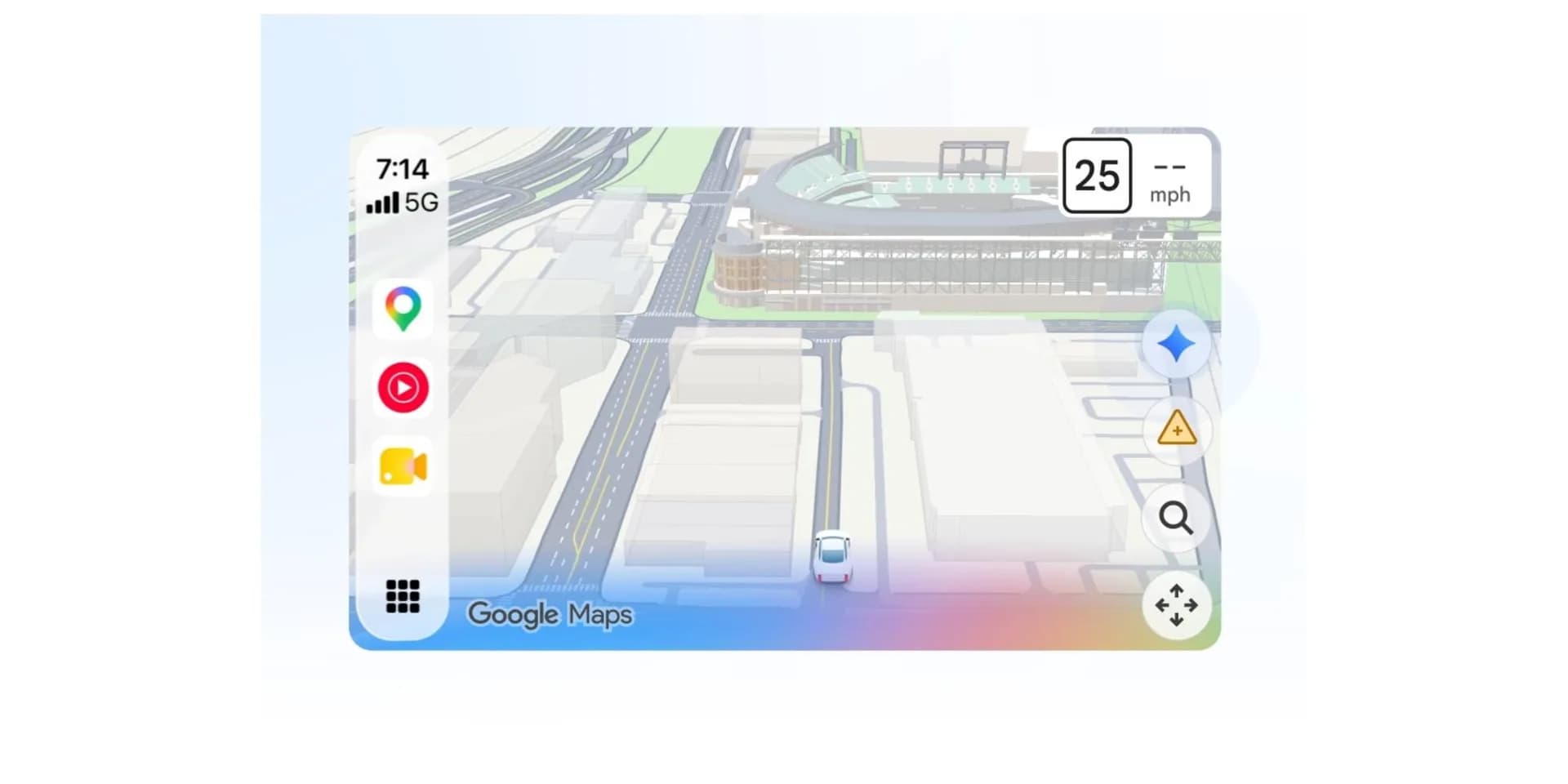
When it does, the car renders on the phone and mirrors onto Android Auto and Apple CarPlay displays. The writer calls it a small change that makes routine drives feel more fun. He notes he cannot afford the real machine. The digital one is free for the next few weeks.
Electric-vehicle tools sit in the same Your vehicles menu. An Electric subsection asks for make, model, year, trim and the exact charging plugs the car accepts. Save the profile and Maps filters station lists to show only compatible connectors. No more opening each listing to verify the plug type.
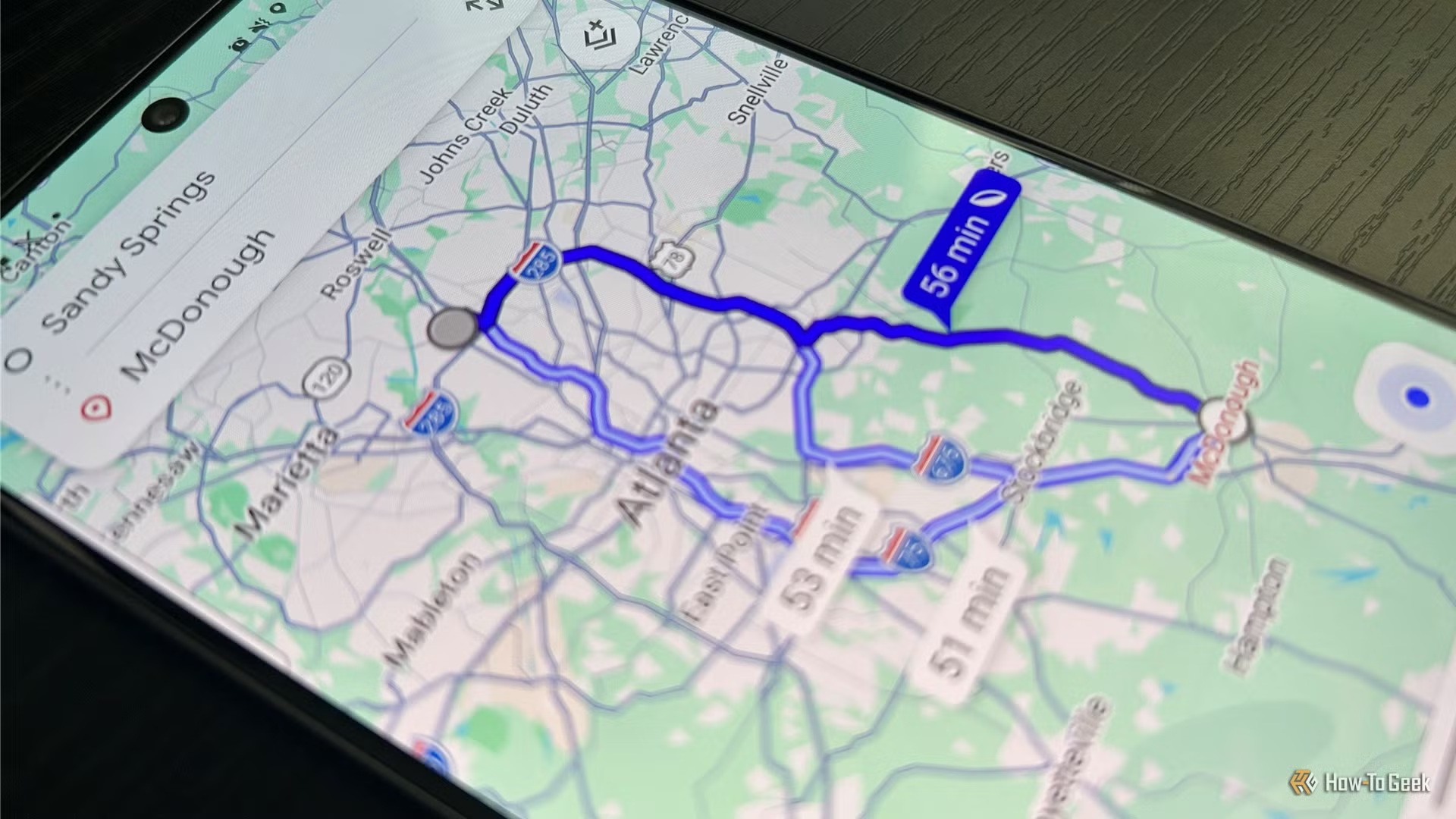
On supported EVs the app also estimates battery consumption for a chosen route. That projection appears when you set a destination and helps on longer trips where range anxiety creeps in. The writer labels this his favorite customization so far. Google Workspace integration lives a layer deeper.
Connect Gmail, Calendar and Drive and Maps can pull hotel confirmations, calendar events and stored files to tailor suggestions. Google Photos works the same way, travel albums and geotagged images feed recommendations. Non-Google apps such as Canva can be linked as well. Each connection surfaces a permission prompt before reading data.
The writer advises checking exactly what information each link exposes before enabling it. Offline maps have a download-preference toggle. Profile picture → Settings → Offline maps → Download preferences → Over Wi-Fi only. The setting blocks large tile downloads from eating mobile bandwidth while you stream music or message.
The writer prefers queuing areas at home on his home network. He notes that offline areas still lack live traffic and some alternate routes, so he keeps cellular data active while driving. None of these features arrived with a press release. They have been shipping quietly across versions.
The McLaren avatar is the only one with a hard expiry date. Everything else remains until Google decides otherwise. The next Maps update will likely add more vehicle profiles and deeper Workspace hooks. Watch the Your vehicles screen.
SDFiled by The Software Desk
Apps, platforms, operating system releases, security fixes and the features arriving in them.
More from this desk →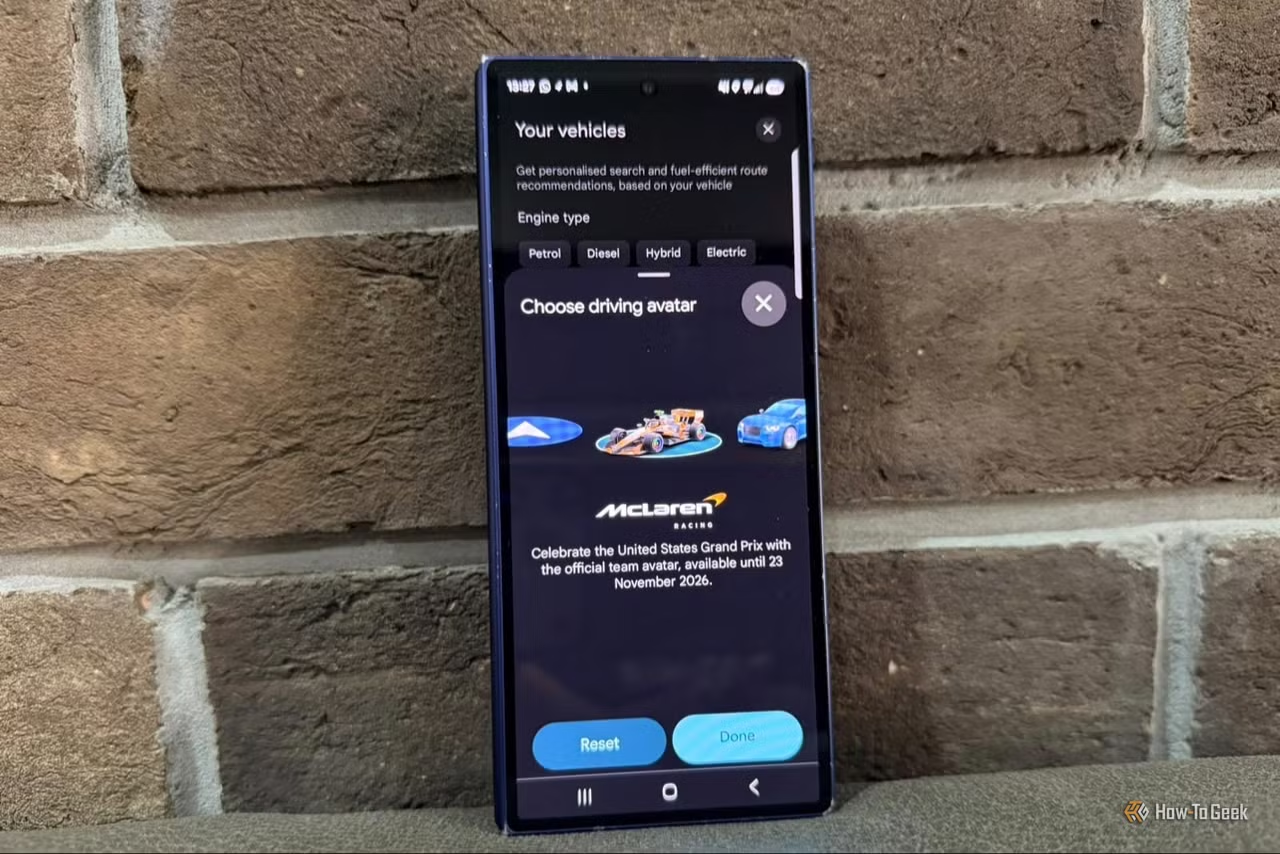
Be the first to comment
Join the argument. No password, just your email or a passkey.