Amazon’s Kindle Paperwhite is now a gateway to your own library — not Amazon’s. A growing number of readers are jailbreaking older Kindles, installing KOReader, and connecting them to self-hosted Calibre-Web servers via OPDS. No Amazon account. No DRM lock-in. Just EPUBs, PDFs, CBZ, MOBI, and other readable files stored on a home server, and read on e-ink, offline, with full control over fonts, line spacing, margins, hyphenation, and even per-book overrides.
The setup costs nothing. It runs on hardware already in the drawer. And it’s built entirely from free, open tools: Calibre-Web, KOReader, and Tailscale for remote access. But it comes with trade-offs, no Whispersync, no purchased Kindle books (they’re DRM-locked), and firmware updates that must be manually vetted by the KindleModding community before installation.
You can’t push an Amazon-purchased title into this stack. You can, however, reflow PDFs, crop margins, toggle hyphenation per book, and browse your entire collection by cover, not just list, using the OPDS Plus plugin. The OPDS catalog lives at /opds on the Calibre-Web instance. KOReader connects to it with a username, password, and local IP like http://192.168.1.25:8083/opds.
Setup takes under an hour. The server stays on your home network by default, but with Tailscale, your Kindle reaches it from anywhere. Calibre-Web itself is a web-based front end for a Calibre library. It reads Calibre’s metadata.db file and folder structure directly, no import required, so the underlying files remain plain and portable.
If you abandon Calibre-Web later, the library stays intact and fully usable in Calibre desktop. Plugins like KinAMP Player let you listen to audiobooks. BT Manager adds Bluetooth keyboard support. All are installed via drag-and-drop into KOReader’s plugin folder.
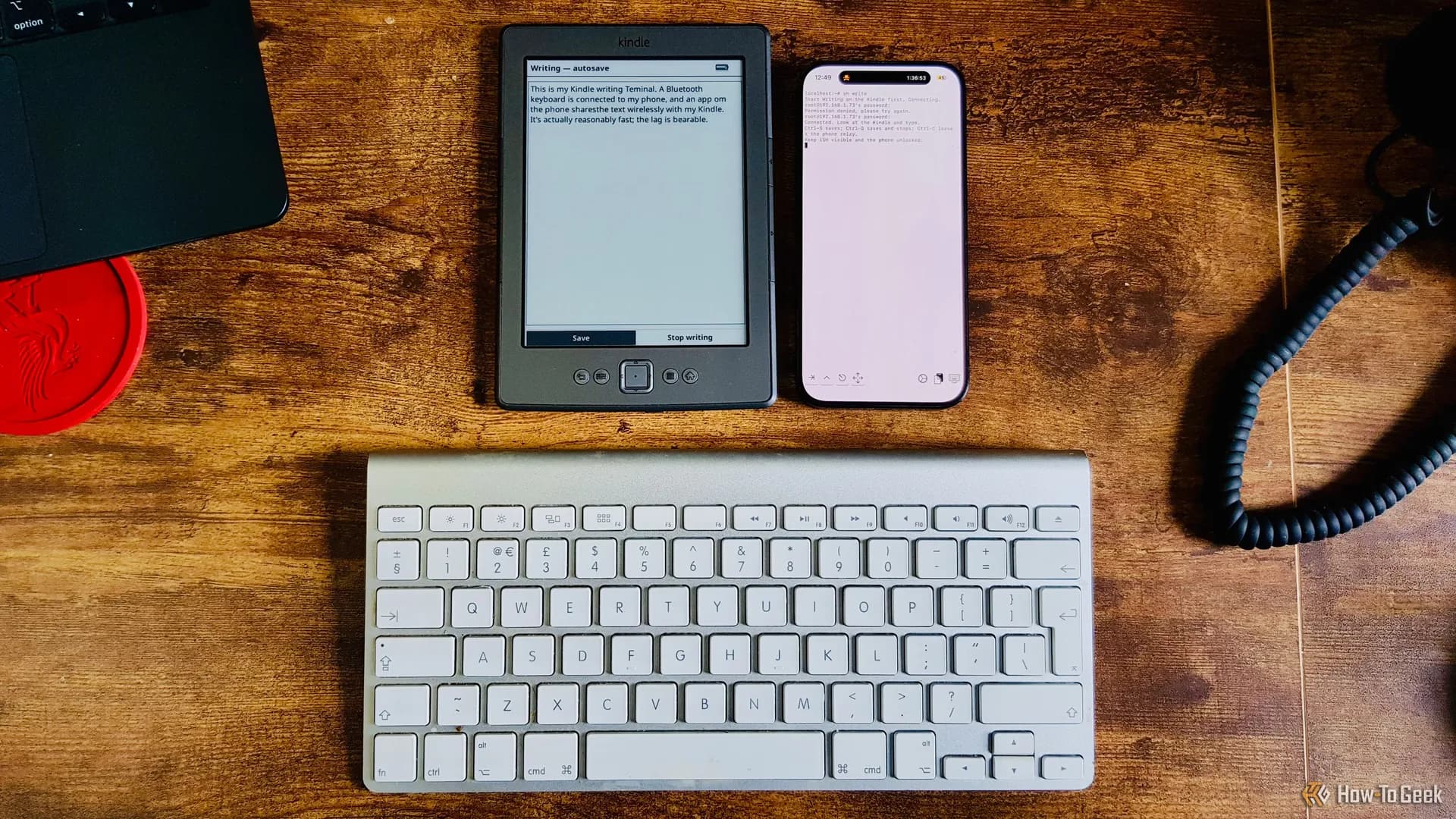
The author notes they’ve already repurposed their Kindle as a pocketable terminal and a Home Assistant display, making this reading setup just another layer of utility. They miss Whispersync most, the cleanly cross-device resume, but KOReader offers its own progress sync, provided you run a separate sync server. The jailbreak requires maintenance: automatic updates are disabled, and new firmware is only applied after confirmation from the KindleModding community that it’s safe.
This isn’t a new device launch. It’s a quiet, user-led shift: away from cloud-dependent reading, toward ownership, interoperability, and plain-file permanence. And it starts with an old Kindle Paperwhite, jailbroken, repurposed, and finally yours.
MDFiled by The Mobile Desk
Phones from leak to launch to price cut: what was announced, what it costs where, and when it goes on sale. Indian launches and prices included, not appended.
More from this desk →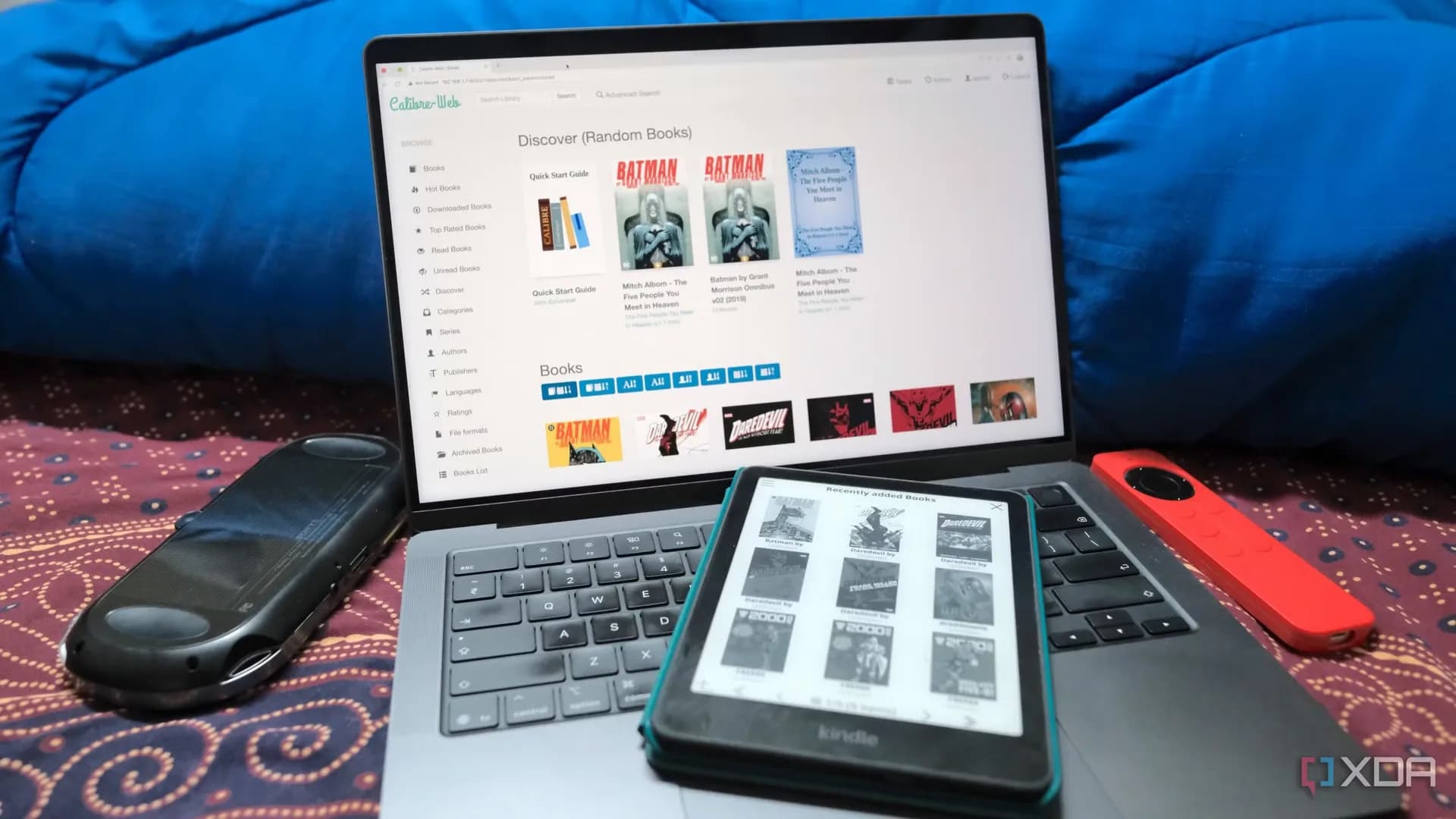
Be the first to comment
Join the argument. No password, just your email or a passkey.