Linux Mint remains the default recommendation for reviving a slow portable computer, but machines with ancient processors or limited memory still choke on it. When a machine cannot handle Mint's baseline demands, several specialised operating systems strip resource consumption down to double-digit megabytes.
According to an analysis by How-To Geek, four ultra-lean alternatives can get old hardware working again: Tiny Core, Alpine Linux, Puppy Linux, and antiX. Each takes a different route to bypass the bottlenecks of decade-old components, though all demand more manual tinkering than mainstream distributions.
Running in Memory
For systems hobbled by sluggish or failing mechanical drives, running straight out of system memory eliminates the storage bottleneck entirely.
Tiny Core takes minimalism to the extreme. The base system with a graphical interface fits inside 25MB of storage, expanding to under 50MB once basic utilities are added. The catch is sheer austerity. It provides almost nothing out of the box. Even wireless networking requires downloading a dedicated extension. Because the operating system loads straight into RAM, any modifications or downloaded applications vanish on reboot unless you explicitly store them inside the platform's tce directory.
Puppy Linux takes a friendlier path while keeping the RAM-disk approach. Built around Debian packages, its TrixiePuppy64 release targets 64-bit portable PCs made over the past 15 years, while TrixiePuppy32 caters to older 32-bit processors. Unlike Tiny Core, Puppy includes pre-installed software right away, bundling a compact office suite and day-to-day tools for quick setups. It can run off a USB drive or internal disk with persistence enabled. The big caveat is administrative access: Puppy defaults to running as root, posing genuine security risks if used carelessly.
Stripping the Modern Stack
Users who want standard package management without heavy background services have distinct choices in Alpine and antiX.
Alpine Linux is famous for powering lightweight containers across Docker and Proxmox setups, but it can double as a minimal desktop operating system. Its native apk package manager handles installations smoothly, and the entire base installation fits within a gigabyte of storage. Getting it ready requires running terminal scripts like setup-alpine alongside setup-desktop to configure environments such as Xfce. Because Alpine swaps standard glibc for musl, certain proprietary software will refuse to run without workarounds like Flatpak. Manual setup is also mandatory for sound, power savings, and wireless connections.
For broader software compatibility, antiX provides access to the complete Debian 13 package archive without including systemd. Running the IceWM window manager, antiX asks for just 256MB of RAM, though 512MB is recommended for smoother operation. Both 32-bit and 64-bit releases exist, giving ancient machines access to thousands of standard Debian repositories, provided the user can navigate custom configuration tools and software that does not mandate systemd.
Choosing among them comes down to available memory and how much configuration you want to tolerate before getting a working screen.
CDFiled by The Computing Desk
Laptops, desktops, processors, graphics cards and the operating systems that run on them.
More from this desk →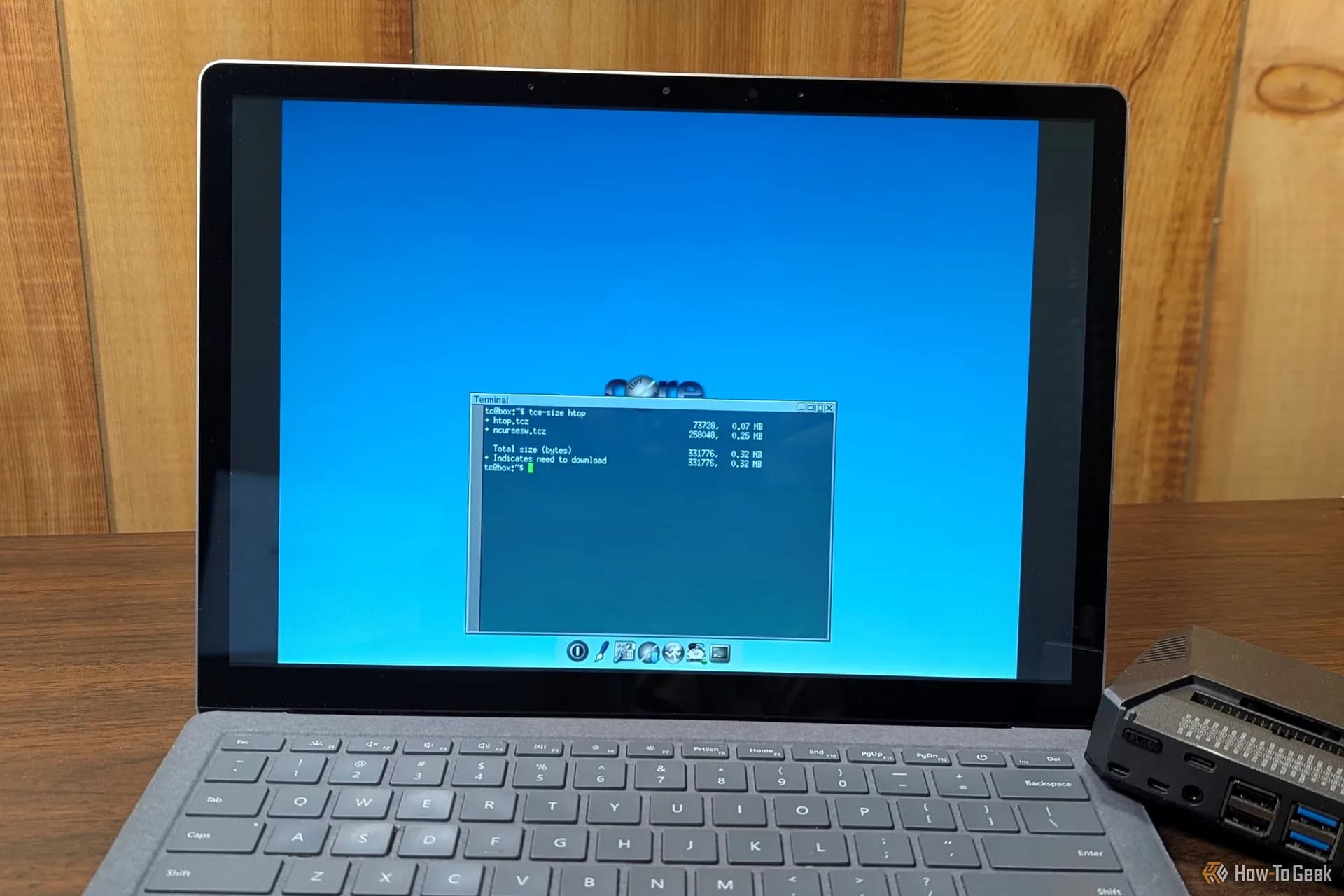


Be the first to comment
Join the argument. No password, just your email or a passkey.