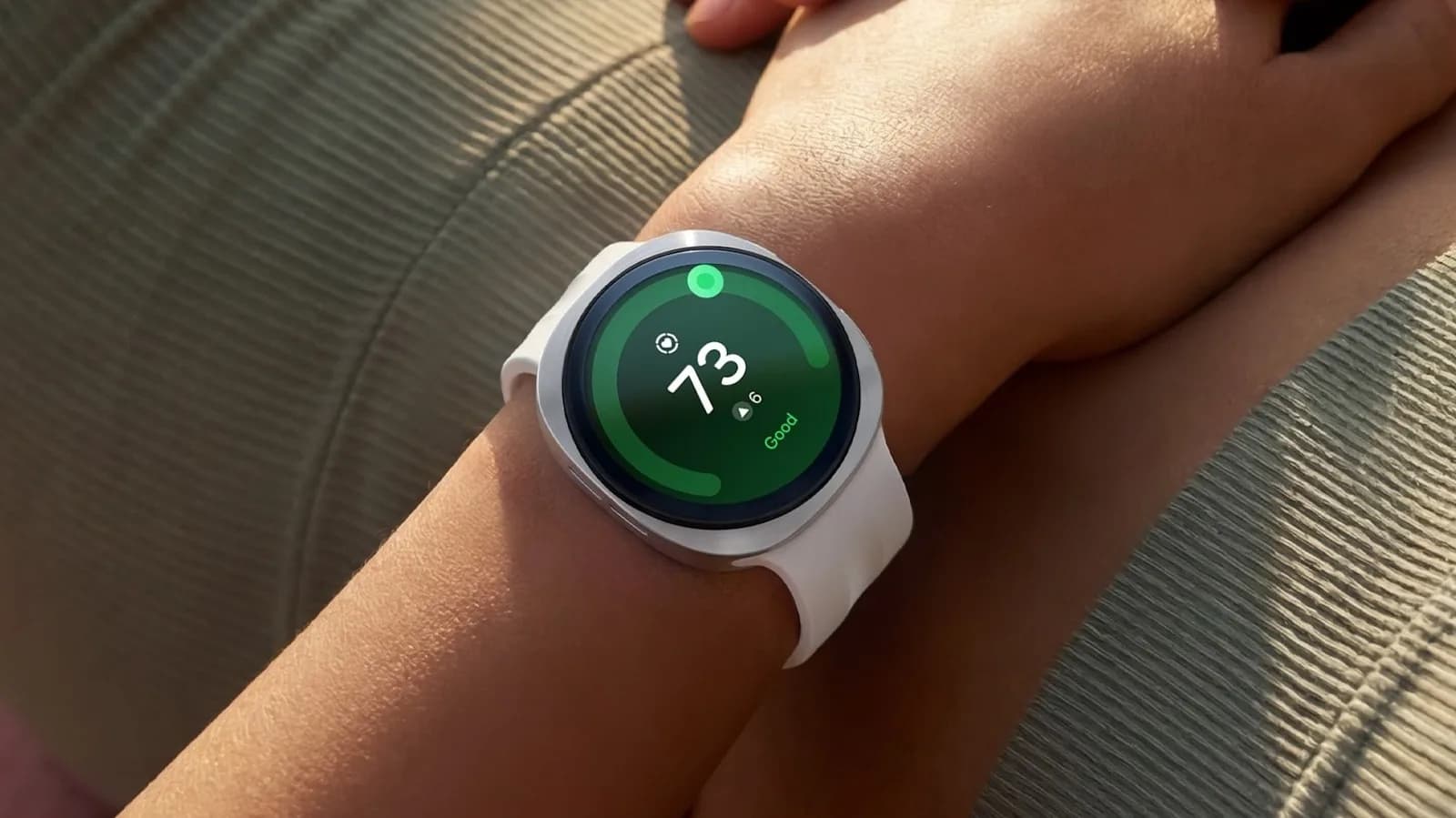
The Samsung Galaxy Watch ships with a photo watch face, default Quick Panel shortcuts, and Gemini buried in the app drawer. That’s not a flaw. It’s an invitation — one Android Police just spelled out in plain terms: the device you already own can become a productivity hub today, with zero firmware update and no new purchase required.
Just four deliberate changes. No leaks. No rumors. No unannounced features.
Just what’s already in One UI Watch 9.5, live on current Galaxy Watch models (including Watch 7, Watch Ultra, and Watch 8 series). First: swap the photo face for one with complications. Battery level, next calendar event, step count, weather, all visible at a glance. Not “nice to have.” Essential.
You stop swiping. You start knowing. Second: reassign the Home button. Long-press for Gemini.
Double-press for Samsung Wallet. Both trigger instantly, no unlock, no app launch animation. Ask Gemini to “add ‘call supplier’ to Tasks” or “note down this headline idea,” and it lands in Google Tasks or Keep across your phone, tablet, and laptop within seconds. Third: rebuild the Quick Panel.
Move Do Not Disturb and Flashlight to the front. Not because they’re flashy. Because DND silences notifications during meetings, including those in a packed theater, and the flashlight works when your hands are full and the lights go down. Fourth: add cards to Samsung Wallet.
Tap-to-pay works at any terminal that accepts contactless payments in the US and India. No phone. No wallet. Just wrist and terminal.
The article doesn’t claim new hardware. Doesn’t cite pricing. Doesn’t mention availability, because none of this requires it. These are settings.
They exist now. On devices already sold. In the US and India. For Galaxy Watch users running One UI Watch 9.5, which rolled out globally in October 2026.
So if you’ve been typing “Galaxy Theater” into search, hoping for a cinematic mode or theater-mode shortcut: it’s not coming. What is here is something sharper. A watch that answers before you ask. And it’s been sitting on your wrist the whole time.
GDFiled by The Gadgets Desk
Audio, wearables, cameras, tablets, chargers and every other device worth carrying or plugging in.
More from this desk →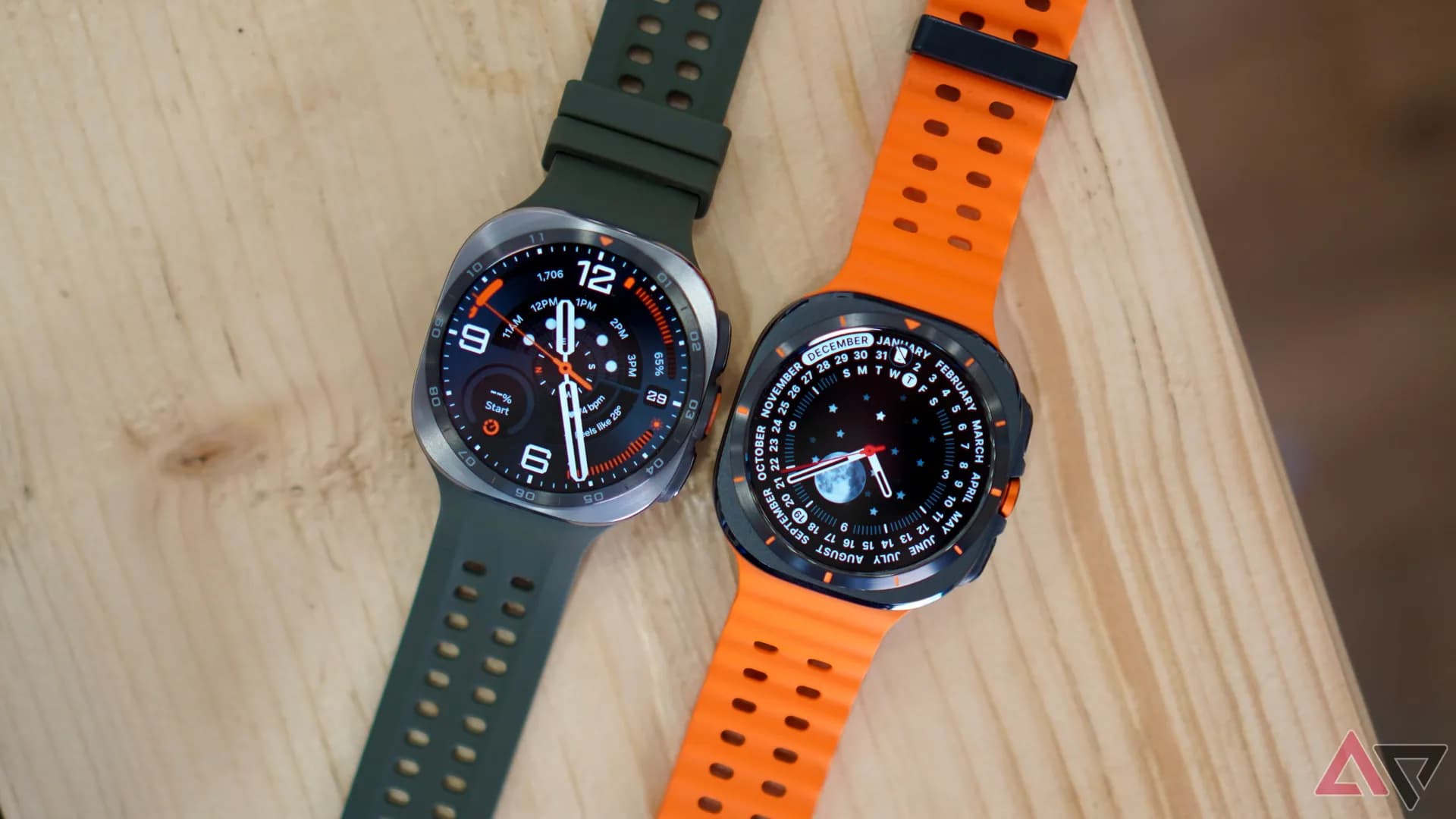
Be the first to comment
Join the argument. No password, just your email or a passkey.