Google has pushed a server-side update that brings a redesigned side panel and consolidated settings page to the Gemini app on Android.
The navigation drawer now puts search in the top-right corner. New chat stays first, but Library jumps to second place instead of sitting near the bottom. Only five items show before a "More" button expands the full list.
AI Ultra subscribers see the complete lineup: New chat, Library, Images, Scheduled, Daily brief, Customize, Students, Videos, and Gems.
Settings get a bigger overhaul. Preferences used to live in two places — the account menu and a separate "Gemini Settings" screen. Now everything sits on one page. The account menu only handles switching accounts, leaving feedback, or getting help.
The new Settings page opens with Manage account and Usage limits. Under Preferences you'll find Notifications, Personal Intelligence, Avatar, Task settings, Theme (new), Skills, Voice, Media, Device controls, Cart and orders, and Gemini Notebook.
This redesign landed on iOS, macOS, and the web app last week alongside the Gemini 4 Argon release. Android is now catching up via a server-side push, so the update should appear without a Play Store download.
The rollout is gradual. If you don't see it yet, force-closing the app or waiting a few hours usually does the trick.
MDFiled by The Mobile Desk
Phones from leak to launch to price cut: what was announced, what it costs where, and when it goes on sale. Indian launches and prices included, not appended.
More from this desk →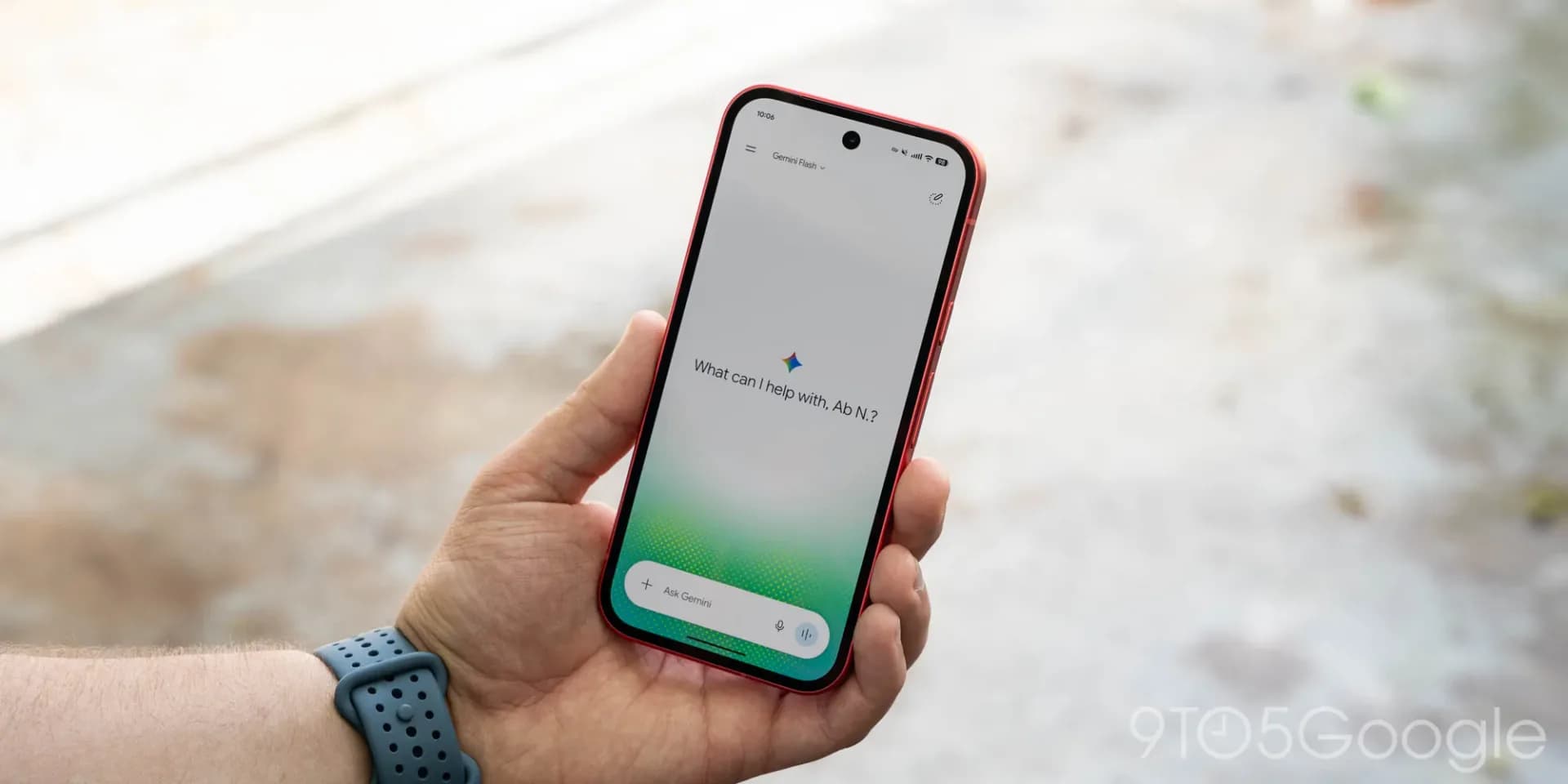
Be the first to comment
Join the argument. No password, just your email or a passkey.