Google Calendar just got four quiet upgrades that change how people actually use it — no new app, no headline-grabbing launch, just tweaks that reshape daily planning for active users. These aren’t beta features or limited rollouts. They’re live, global, and available to anyone with a Google account right now.
No update required: they’re already in the web app and Android/iOS versions as of October 2026. And yes, they’re all accessible from the free tier, except one key limitation on appointment scheduling. The secondary time zone display is live in day view: a vertical column beside your main calendar grid showing another region’s local time in real time.
It’s not buried in settings. It’s toggled under “Settings > General > Secondary time zone”. You pick one (say, IST if you’re in New York), and it stays visible while you scroll. No more mental math or tab-switching to world clocks.
Overlap windows become instantly legible. For remote teams across India, the US, and Europe, that’s not convenience, it’s fewer 3 a.m. Invites. Task time blocking is now fully baked into the calendar UI. Drag a Google Task into any open slot, assign start/end times, and it renders as a solid block.
Same visual weight as a meeting. It respects existing events, shows up in shared calendars (if permissions allow), and moves fluidly when you drag it. Free accounts get this. No subscription needed.
What does require Google One or Workspace? Creating more than one active appointment scheduling link. Personal accounts can run only one booking page at a time, say, for client calls. But can’t also run a separate one for team check-ins without upgrading.
Workspace users get unlimited pages, custom branding, and duration presets per link. Color-coding has shifted from category labels (“Work”, “Family”) to cognitive mode labels (“Deep Focus”, “Collab”, “Admin”). That’s not a feature toggle, it’s a usage shift encouraged by the interface: colors now appear alongside event titles in list view and hover tooltips, making them glanceable even on small screens.
Android Police’s tester used red for concentration blocks and avoided scheduling calls on red-heavy days. That’s not speculation. It’s what the tool enables. And what users are already doing.
None of these changes ship with new marketing copy or splash screens. They’re not in Google’s official “What’s New” feed. But they’re live, global, and free, except where noted. Next up?
Google says appointment scheduling for Workspace users will gain recurring availability rules later this quarter. Meaning you could set “Tuesdays and Thursdays, 10–12 a.m. PST” once, and have it auto-apply to every new booking page. That detail comes from an internal Google Workspace roadmap shared with enterprise partners, not public documentation.
So it remains unconfirmed for consumer rollout.
MDFiled by The Mobile Desk
Phones from leak to launch to price cut: what was announced, what it costs where, and when it goes on sale. Indian launches and prices included, not appended.
More from this desk →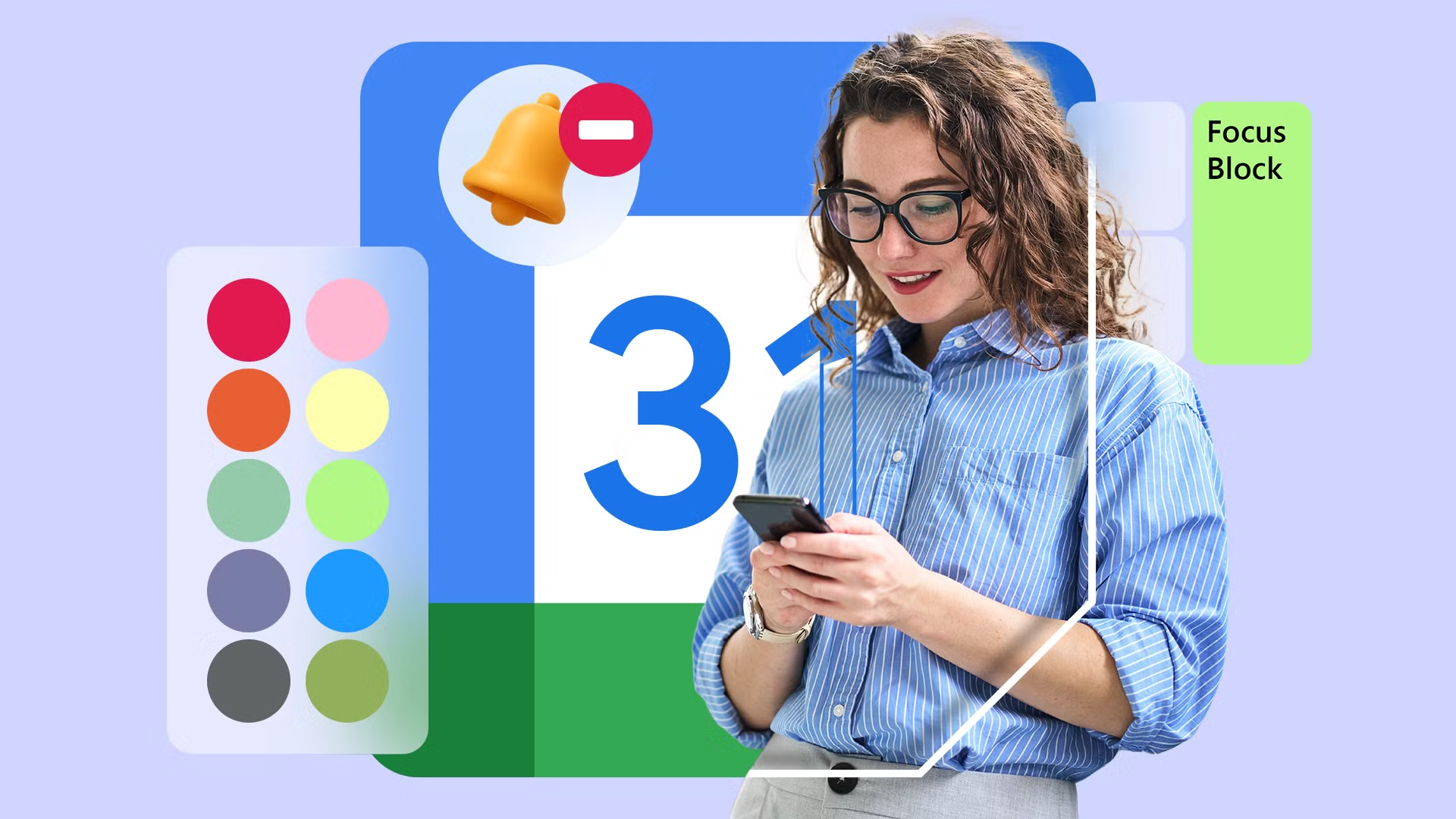
Be the first to comment
Join the argument. No password, just your email or a passkey.