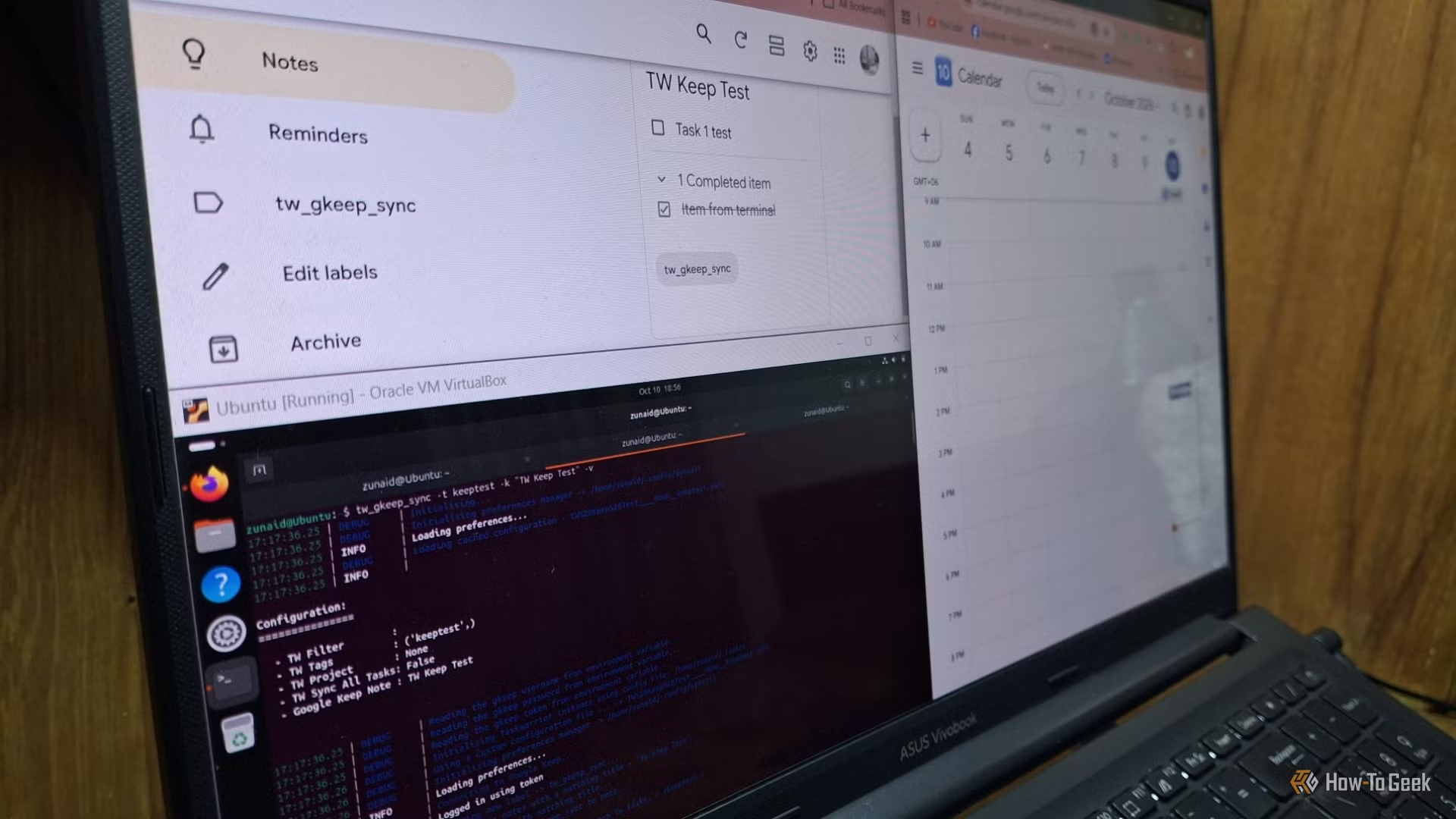
Taskwarrior now syncs with Google Calendar and Keep — but only if you’re willing to spend hours in the terminal, hand-craft OAuth tokens, and trust a third-party library that asks for your Google password. The integration isn’t baked into Taskwarrior. It’s not offered by Google. And it doesn’t auto-sync.
It’s a fragile, manual bridge built by developers who prefer tw add 'Buy milk' due:tomorrow over clicking through a web UI, and who’ve accepted that syncing means running tw_gcal_sync every time they want their terminal tasks to appear on calendar.google.com. The setup requires a Google Cloud project, API enablement, client secrets, cookie extraction from browser dev tools, and environment variables set with tokens that gkeepapi warns have full access to your Google account.
One-way sync works reliably: add a task tagged remindme in Taskwarrior, run the command, and it shows up in Calendar. Keep sync is shakier. The How-To Geek reporter got tasks from Taskwarrior into a single Keep note, but items created in Keep failed to land back in Taskwarrior due to date parsing errors and missing pass folder configurations.

Be the first to comment
Join the argument. No password, just your email or a passkey.