A single Gemini tab in Chrome was using more than 5GB of RAM — and Google just fixed it. The memory leak, which had plagued users for over a year, is now resolved, according to Google’s official support account on Reddit. The confirmation came after a user posted a screenshot showing one Gemini tab consuming 5.2GB on a Windows PC running Chrome.
Google Support replied: “This issue has been resolved.” Anyone still seeing runaway memory use is asked to report it via Chrome’s built-in feedback tool. <br><br>It wasn’t a quirk of heavy usage. The leak appeared even when the tab sat idle, no typing, no uploads, no long conversations. Users reported laptop fans spinning up unexpectedly, system-wide slowdowns, and Chrome becoming unresponsive, all from one backgrounded Gemini tab.
On machines with 8GB or 16GB of RAM, that kind of memory consumption left little room for anything else. Chrome’s Memory Saver mode didn’t help. Neither did closing other tabs. <br><br>The problem was strictly in the web app, not Chrome’s local AI models, which run off-disk and don’t inflate active memory the same way.
This was a classic memory leak: objects accumulating in RAM without being released. Google hasn’t said what caused it or what changed in the patch. No version number, no changelog, no advisory, just a quiet fix rolled out globally. <br><br>The timing matters. Google is pushing Gemini deeper into browsing: the Search homepage now features a persistent Gemini sidebar, nudging users to keep chats open across sessions.
That design only made the leak more disruptive. For anyone who pins Gemini as a work-tab, researchers, writers, developers, the fix means fewer midday restarts and less manual tab hygiene. <br><br>Chrome users can still monitor memory use in real time: right-click the tab bar and select “Task Manager”, or type chrome://system into the address bar and look for “Memory” under the “Processes” section.
If a Gemini tab climbs back into the gigabyte range during extended use, Google wants to know, via the “Report an issue” option in Chrome’s three-dot menu. <br><br>The fix doesn’t change Gemini’s feature set or pricing. It doesn’t affect the Android or iOS apps. And it doesn’t alter how Gemini integrates with Gmail, Docs, or Sheets.
It’s purely about stability, and finally, reliability, inside the Chrome web store’s most resource-hungry AI interface.
SDFiled by The Software Desk
Apps, platforms, operating system releases, security fixes and the features arriving in them.
More from this desk →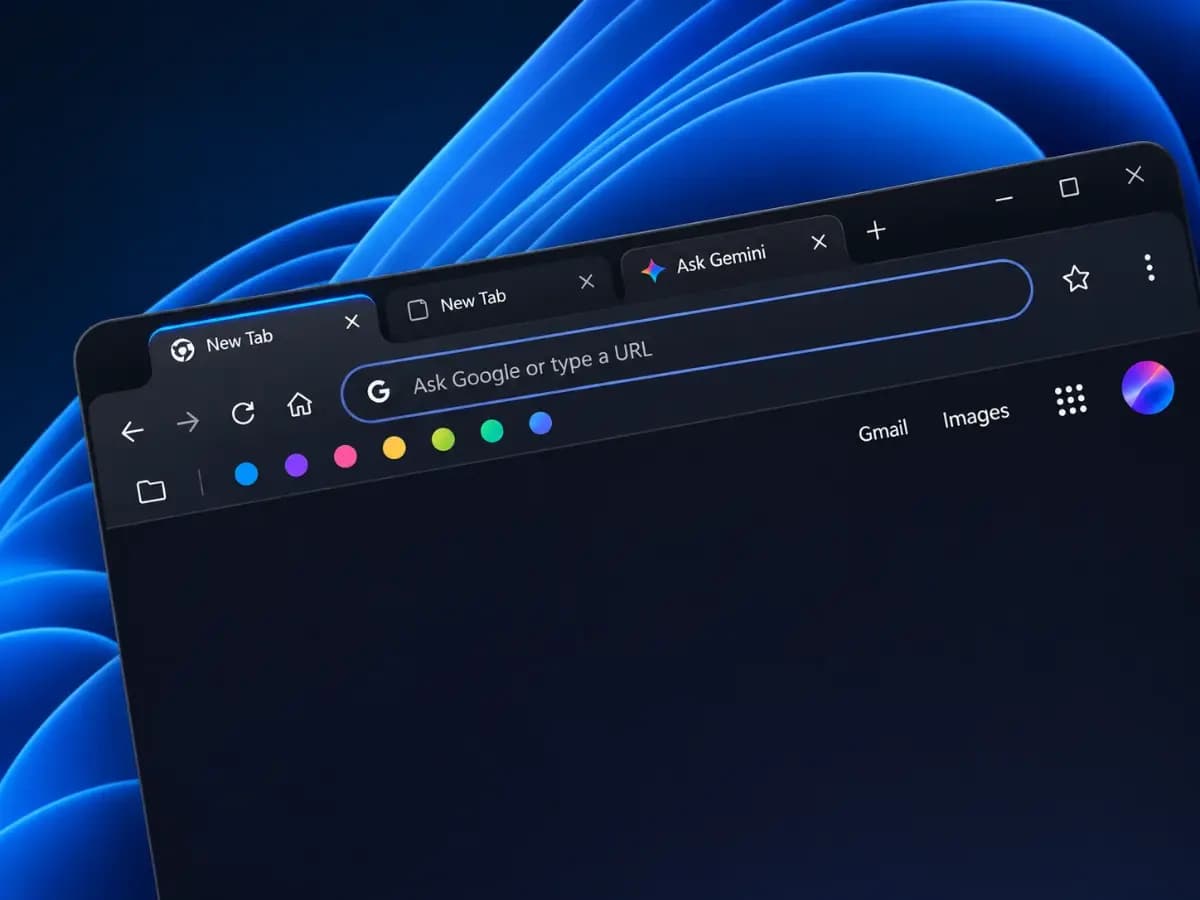

Be the first to comment
Join the argument. No password, just your email or a passkey.