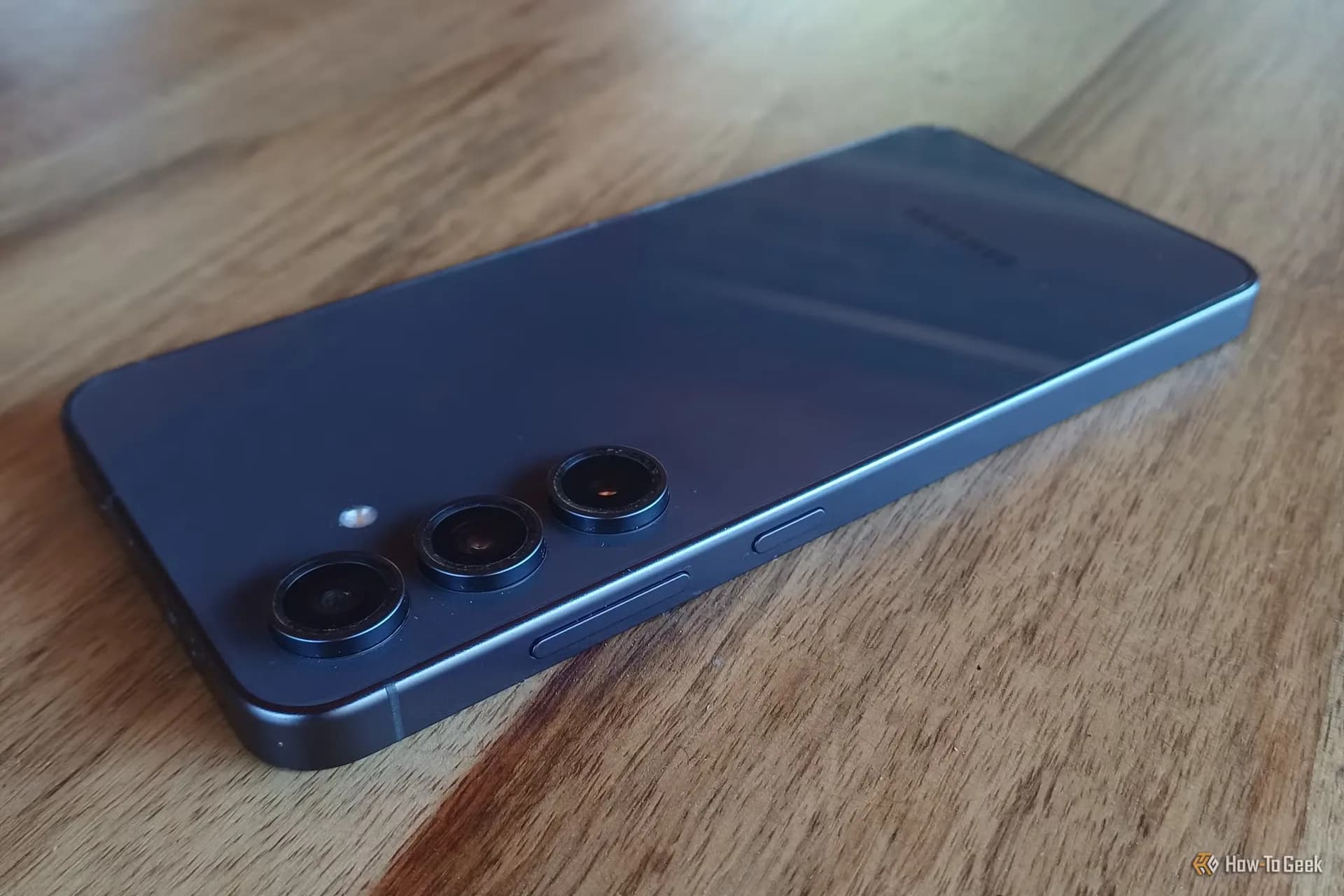
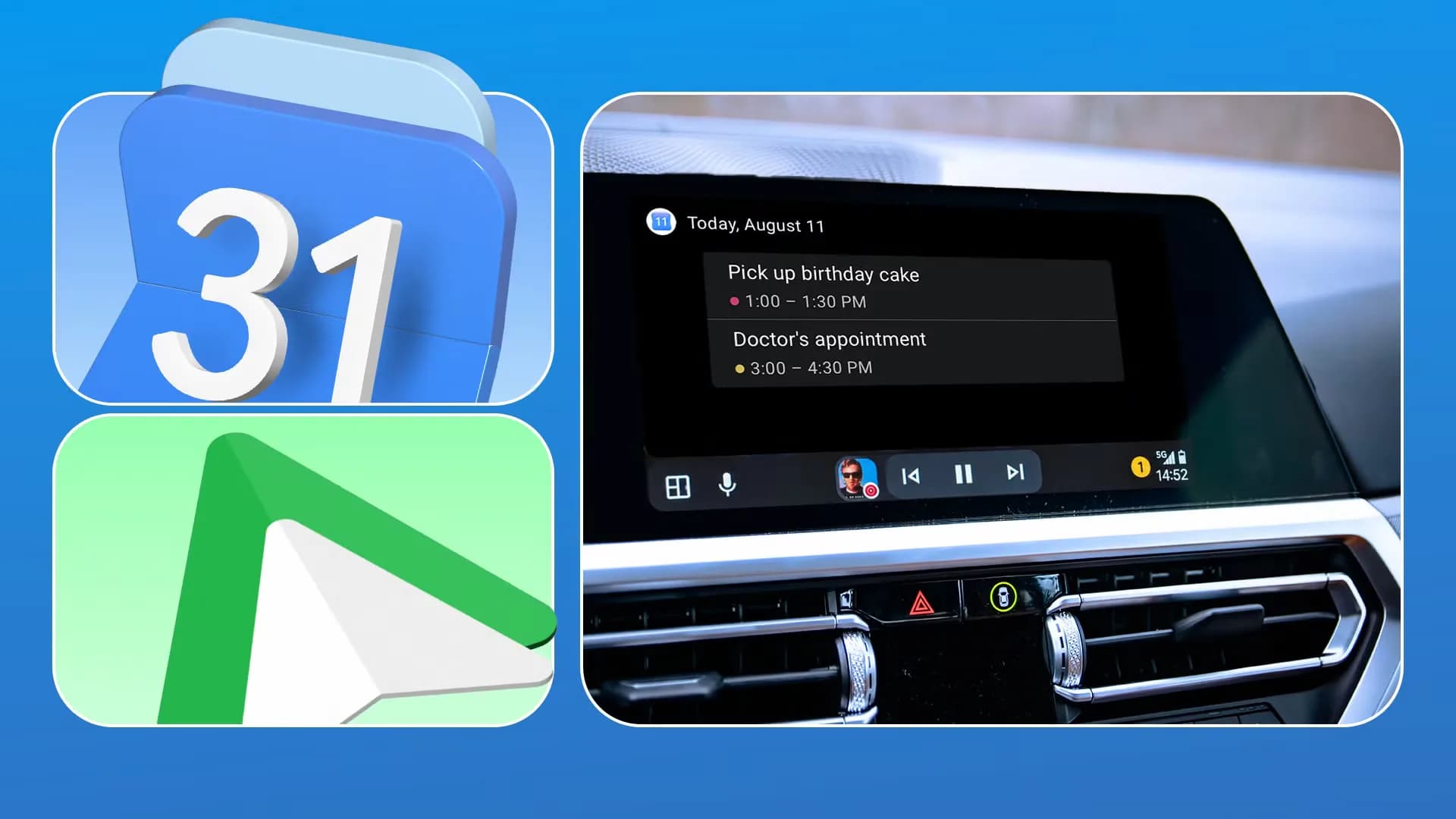
Google Gemini is the default assistant on most Samsung Galaxy phones now. But if you rely on it to manage your calendar, the stock Samsung Calendar app may hold you back. Android Police tested Gemini against both Samsung Calendar and Google Calendar on a Galaxy phone and found the integration with Samsung's app is thinner.
Gemini could create, move and delete events in Samsung Calendar without trouble. Ask it to add a location to an existing event, though, and it replies: 'Samsung Calendar doesn't support editing the location of an existing event directly.' The same request in Google Calendar works instantly. Gemini also parsed an event flyer — title, date, time, location, entry fee, and populated a Google Calendar entry in one go.
Reminders are a weak spot in both calendars. Gemini cannot modify notification or alert times on existing events in either app. When asked to set a reminder, it creates a separate entry in Google Tasks or Samsung Reminder depending on which calendar is active. Those reminders stay detached from the event.
Move the event to a new day and the reminder stays put. Samsung Reminder at least surfaces its reminders next to events in Samsung Calendar, but they still have to be moved manually. Gemini does detect matching reminders and suggests moving them together. Bixby, Samsung's own assistant, shows no such friction.
Given the same prompts, Bixby added a location to a Samsung Calendar event and moved it to another day without complaint. The gap shows that Bixby still controls Samsung's first-party apps more deeply, even as Gemini becomes the default voice interface. Another snag: Samsung Calendar maintains a separate 'My Calendar' store that writes events to Samsung's cloud, not Google's. Those events never appear in Google Calendar if you switch apps, and Gemini cannot fully edit them.
Samsung Calendar's UI shows events as clean bars. Google Calendar looks busier by comparison. But for anyone building a workflow around Gemini, the functional gaps in Samsung Calendar are real. The practical takeaway: on a Galaxy phone, Google Calendar is the more capable partner for Gemini right now.
Bixby remains the better choice if you want full voice control over Samsung's native apps.
MDFiled by The Mobile Desk
Phones from leak to launch to price cut: what was announced, what it costs where, and when it goes on sale. Indian launches and prices included, not appended.
More from this desk →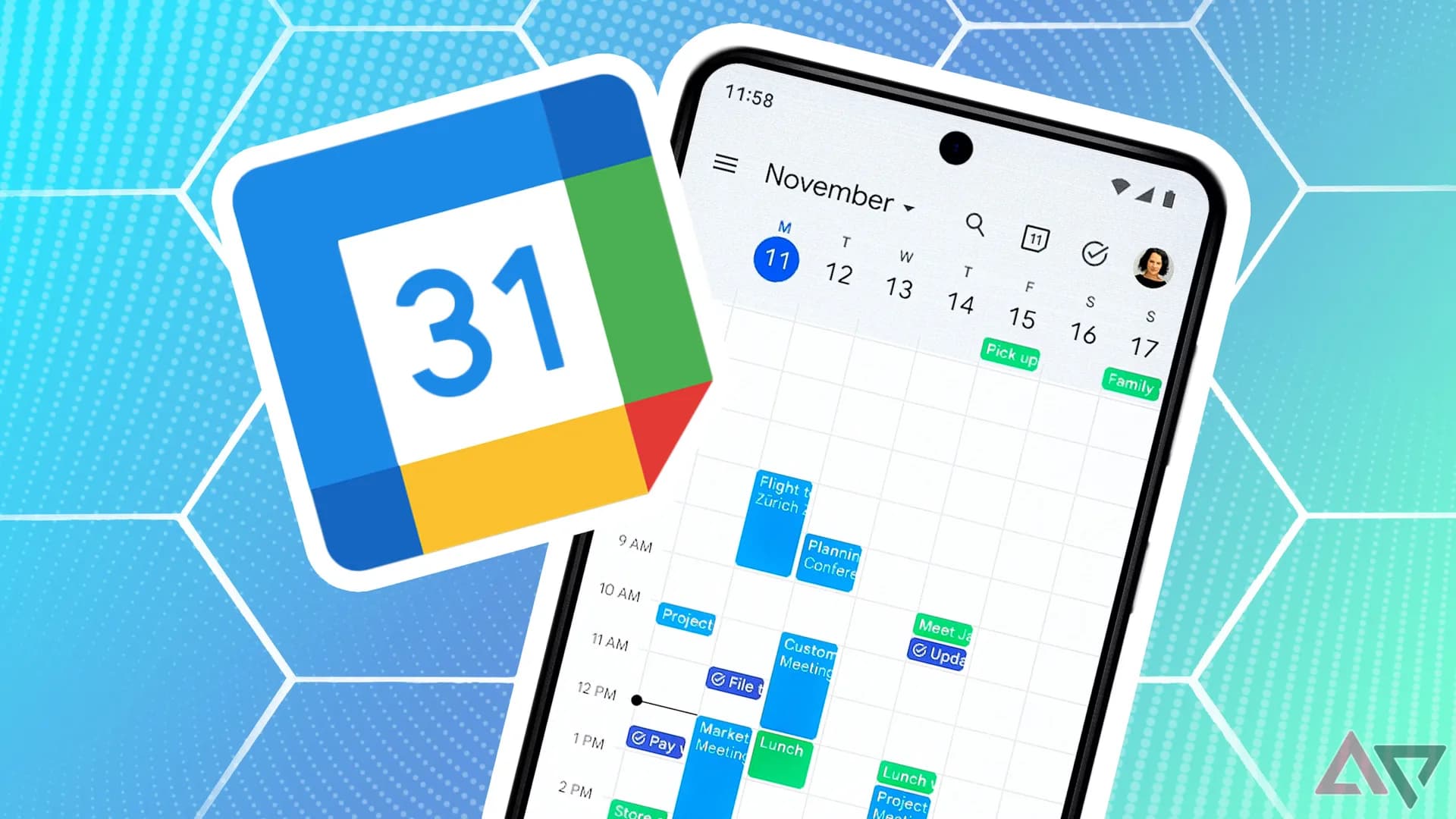
Be the first to comment
Join the argument. No password, just your email or a passkey.