Google is turning its conversational assistant into an autonomous background worker. Gemini Spark, the agentic assistant previewed at Google I/O in May, now lets users hand off multistep routines across Workspace apps rather than prompting the system for one-off replies.
The feature runs background jobs while following specific multi-stage instructions. Users can tell the system to monitor incoming emails for specific inquiries, extract client contact details, append the rows into a Google Sheets tracker, and automatically set up designated Google Drive folders. Other use cases outlined by Google include digesting dozens of recent email replies to build a personalized tone guide or monitoring internship opportunities. The automation connects directly into Gmail, Docs, Calendar, and Slides, supported by Gemini's Personal Intelligence system to pull context from existing account data.
Subscriptions and regional limits
Access is not open to standard free tiers. Running Spark requires an active Google AI Pro or Google AI Ultra subscription, though select business Workspace tiers can also use it. Regional barriers remain tight. The tool is unavailable to users located in the European Economic Area, Switzerland, the United Kingdom, and Nigeria.
Where supported, the feature lives across the Google Gemini app on mobile, the native Mac client, and the standard web interface. Google has also tied the tool to Chrome through an auto-browse capability designed to complete web actions like reserving tables or booking flights. Users must enable the Keep Activity setting on their Google accounts before Spark can operate, allowing the model to retain context and resume task threads across sessions.
Controls and setup
Starting a background workflow requires opening the main Gemini menu and choosing Spark. Prompts can specify complex dependencies and link directly to external assets, including files saved in Google Drive or notes stored in a Gemini notebook. Once a job runs, users can track progress under Menu > Spark > Tasks. A dedicated work panel displays finished, active, and upcoming steps whenever the user clicks the progress chip.
Google has issued clear warnings about unattended execution. Users are advised not to feed login credentials or payment details into task prompts, and the company cautions against scheduling sensitive workflows while offline because model hallucinations can still break steps mid-run.
Configuration is also shifting behind the scenes. At the end of September, Google announced plans to retire Gemini Gems in favor of modular instructions called skills. Instead of configuring separate bots, users will trigger pre-saved workflows or style rules inside Spark prompts simply by typing a forward slash followed by the skill's name.
ADFiled by The AI Desk
Models, assistants and the companies and chips behind them, reported from what was released and what was claimed, with the difference kept clear.
More from this desk →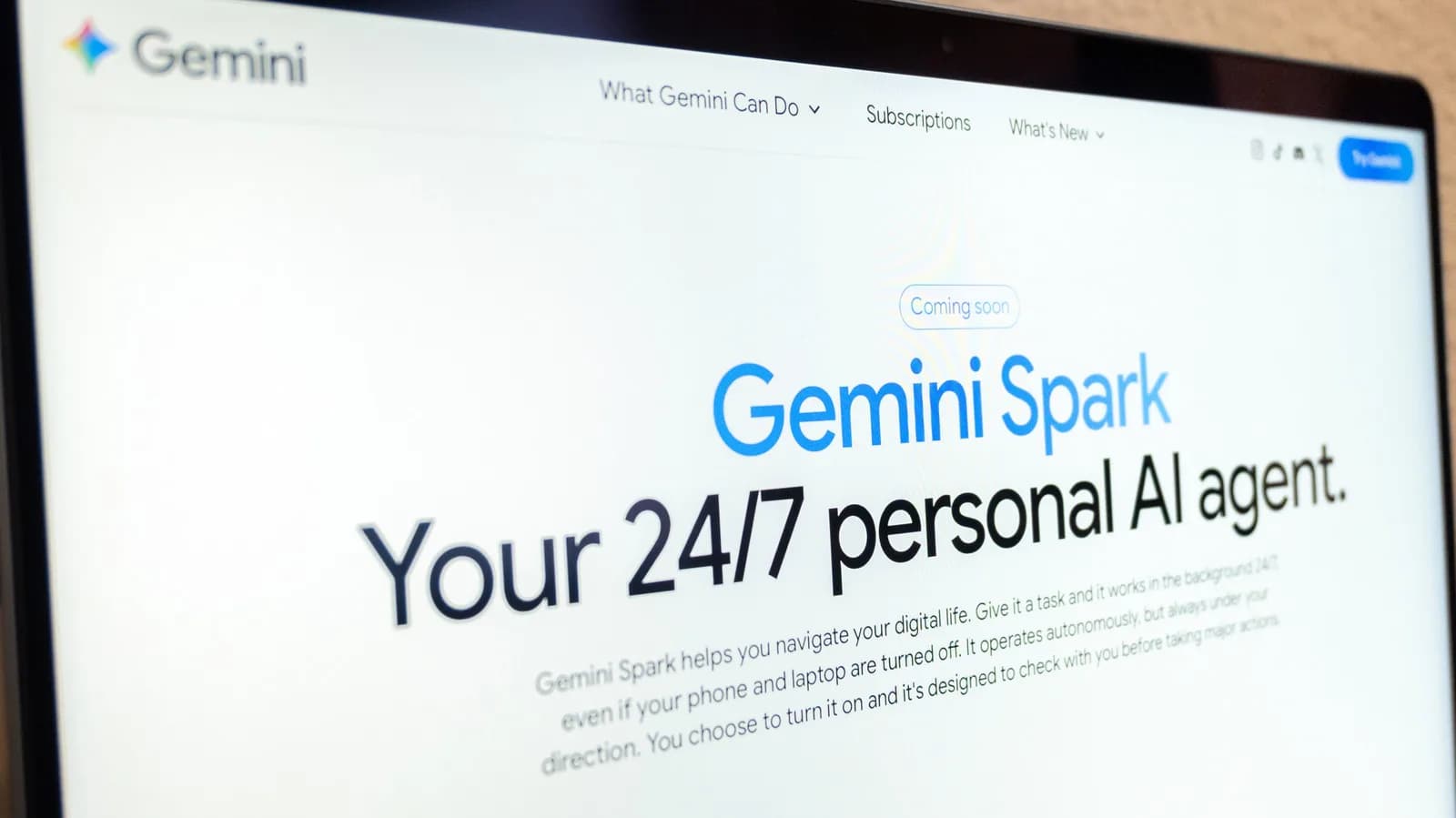

Be the first to comment
Join the argument. No password, just your email or a passkey.