Google Maps directions by car just got faster — if you know these four Android Auto tricks. No new update. No AI gatekeeping. Just four underused Google Maps tricks in Android Auto that shave minutes off real commutes, right now.
And they’re all live today on any compatible Android phone and car display, from Mumbai to Minneapolis. Android Police’s 2026-10-15 guide spells out how drivers actually use them. Not as theoretical features, but as daily time-savers with measurable impact. The first is saved places: Home and Work shortcuts for regular commutes, plus custom lists like ‘Coffee’ or ‘Pharmacies’.
You set them up on your phone before driving, search a location, tap its name at the bottom, select Save, then choose a list. Once connected to Android Auto, tap the search bar and pick ‘Saved’ to pull them up instantly. No typing. No misremembered addresses.
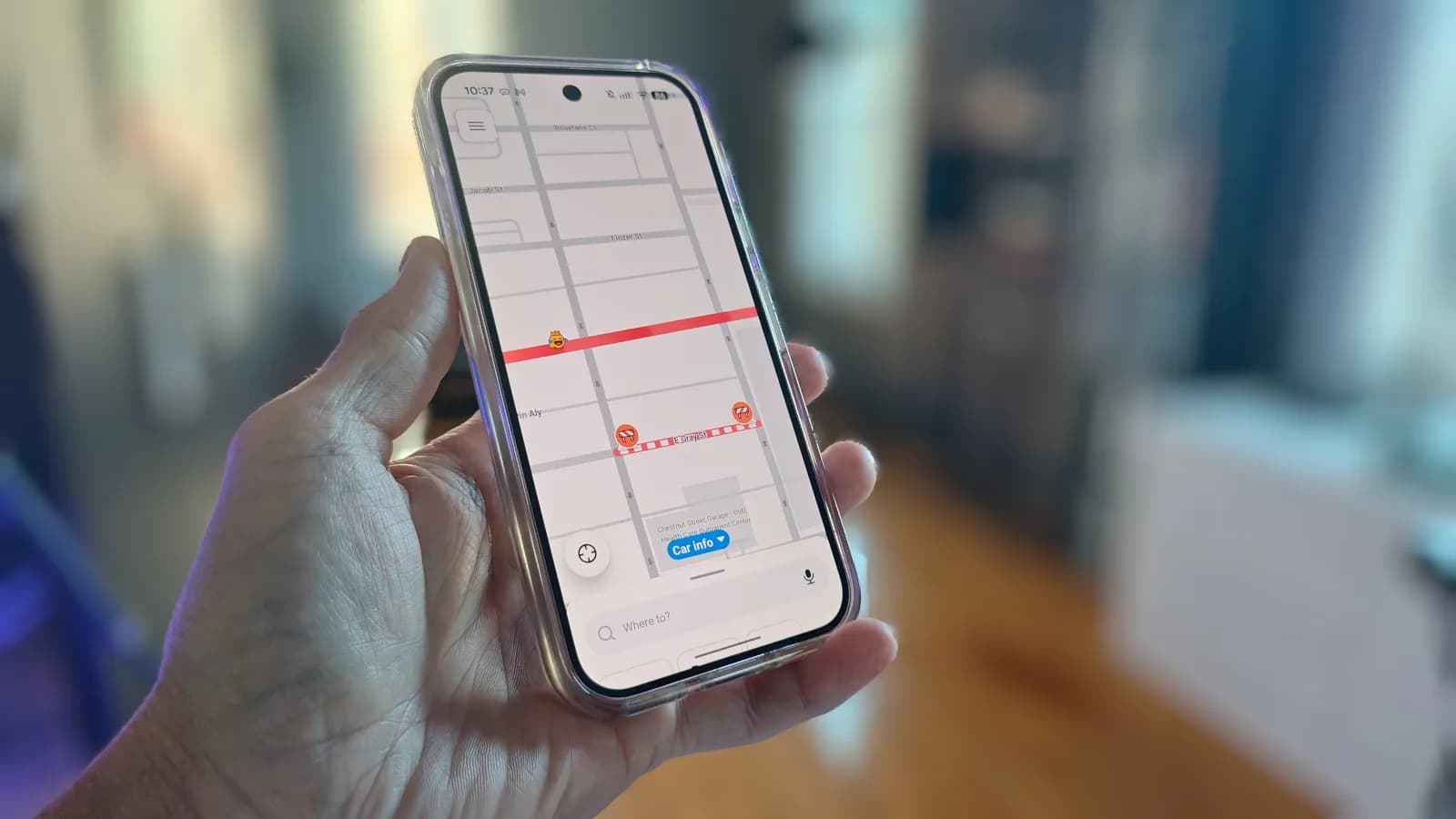
No scrolling through recent searches when you’re already late. The second is live traffic layer. Off by default in Android Auto, but toggled on via the cog icon in Maps. Then color-coded roads appear along your route: green for smooth flow, orange for slowdowns, red for congestion.
You can compare routes and estimated times before pulling away, not while stuck behind a stalled truck. Android Police notes this is best done while parked, not mid-drive. Third: adding stops without abandoning navigation. Start directions to your destination, tap the search icon, pick Categories (gas stations, parking, coffee shops), browse results, and tap ‘Add stop’.
Maps shows exactly how many extra minutes each option adds. So you don’t detour three miles for a latte. Fourth: voice commands. Say “Hey Google” or hold the steering-wheel button, then ask “Navigate to the nearest gas station”, “Find coffee shops along my route”, or “What time will I arrive?” No tapping.
No screen glance. No fumbling. These aren’t edge cases. They’re the difference between checking traffic once and adjusting en route, between searching for ‘supermarket’ and pulling up ‘My Groceries’ list, between stopping for fuel and rerouting entirely.
Android Police frames it plainly: saving time isn’t always about the fastest route, it’s about avoiding a jam, finding essentials without breaking focus, or using voice instead of touch. None require Gemini access, Pixel hardware, or paid subscriptions. They rely only on Maps version 11.127 and Android Auto 9.4. Both stable, widely deployed, and supported across Samsung, OnePlus, Xiaomi, and Google devices sold in India and the US.
What changes next? Nothing technical. Just habit.
MDFiled by The Mobile Desk
Phones from leak to launch to price cut: what was announced, what it costs where, and when it goes on sale. Indian launches and prices included, not appended.
More from this desk →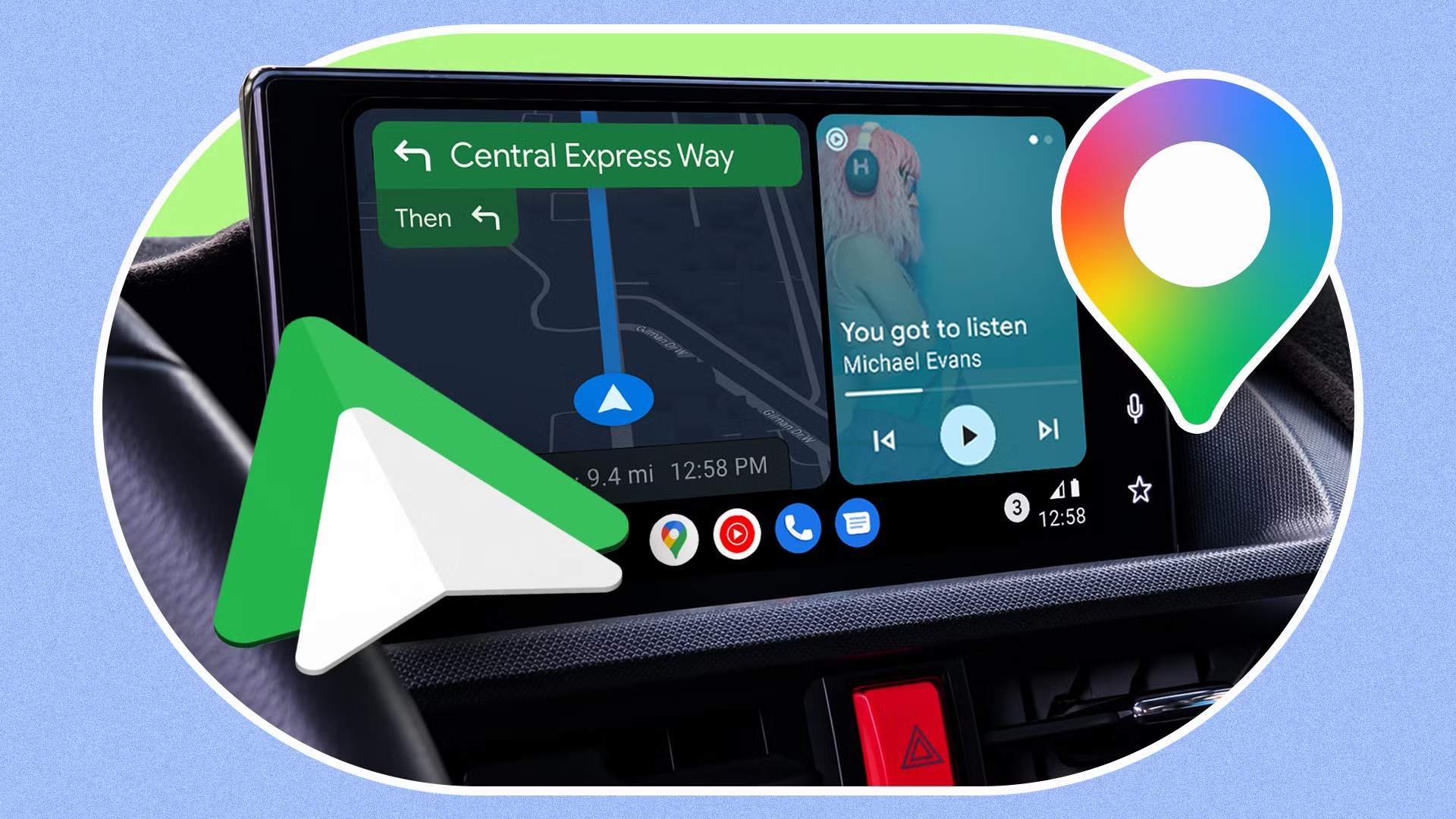
Be the first to comment
Join the argument. No password, just your email or a passkey.