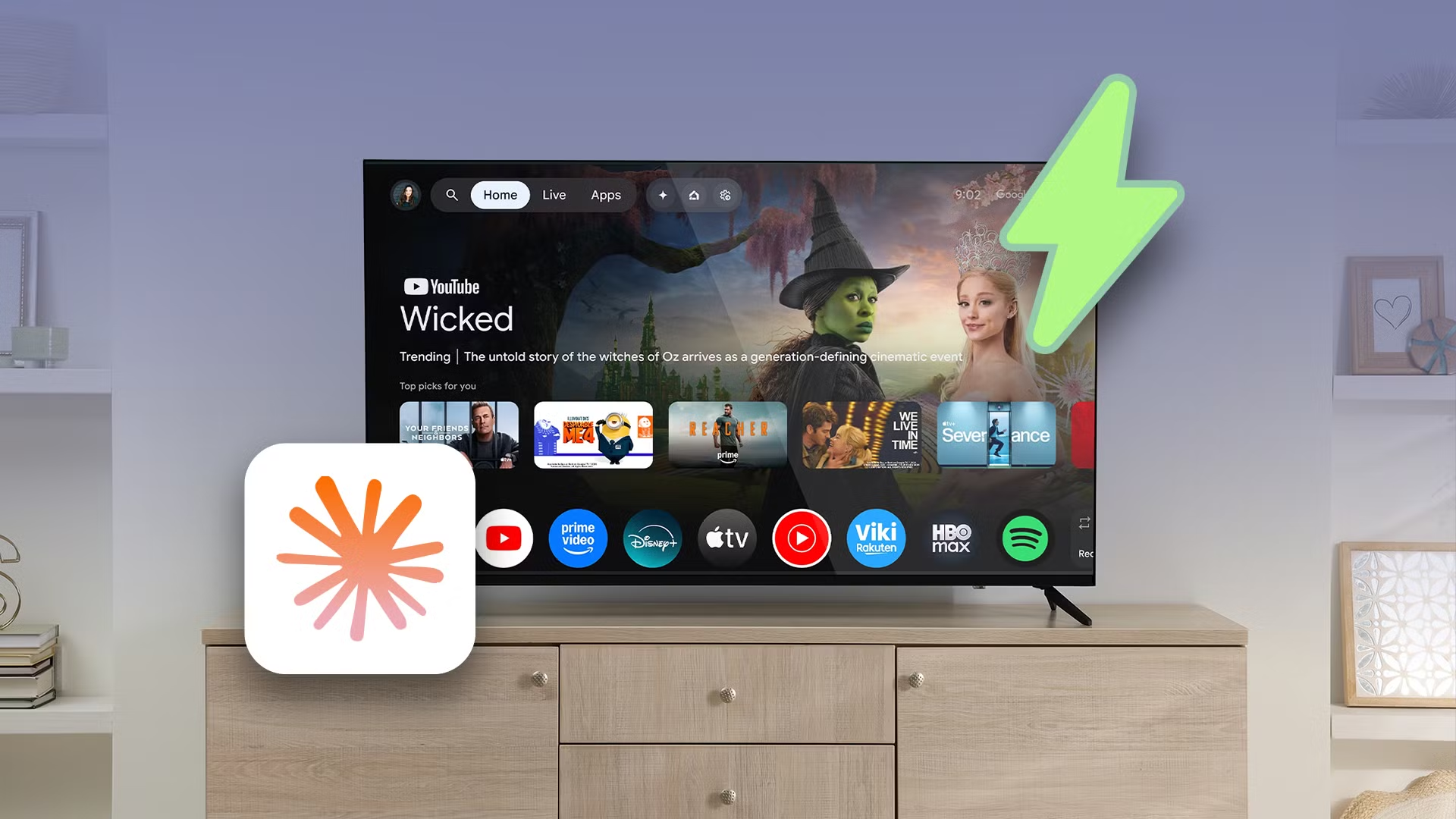
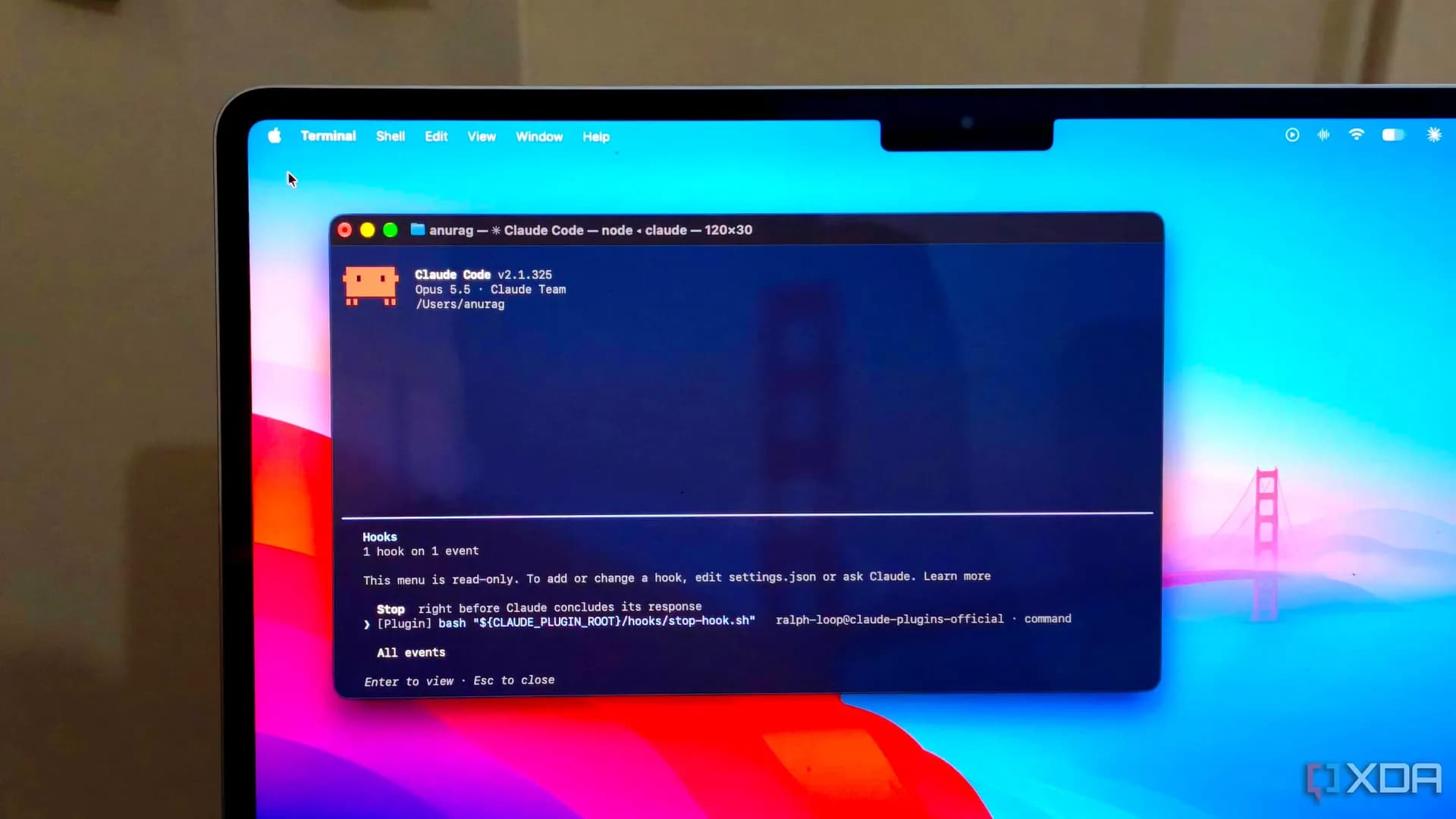
A 2020 Hisense Android TV — long abandoned for an Apple TV 4K, just got its first meaningful software upgrade in six years. Not from Google. Not from Hisense. From Claude Code, guided by a publicly shared prompt from developer Mert Cobanov.
The result: a leaner interface, no ads or recommendations, and a home screen that responds to the remote like it remembers what you asked for. All without rooting or flashing a custom ROM. And yes, it worked on stock Android TV 11, the version shipped with that 2020 model. The process is repeatable, but not guaranteed, on any Android TV device with USB debugging enabled and ADB access.
It does not require paid Claude Pro, though the author borrowed one to avoid hitting free-tier limits during testing. The core steps are public: install ADB on a Windows PC, enable USB debugging on the TV, plug in via USB or connect over Wi-Fi, then feed Claude a specific prompt that lists installed packages, asks for approval to disable them, and, after confirmation, executes the removals.
Thirty-three packages were disabled on the test unit. That includes Google’s recommendation engine, ad-serving services, shopping overlays, and background sync daemons that kept the TV awake and sluggish. None were system-critical. All could be restored from a script Claude generated and saved to the PC.
Then came the launcher swap. After disabling the stock Google TV launcher, Claude downloaded, sideloaded, and activated FLauncher, a lightweight, open-source Android TV launcher that ditches the horizontal scroll, removes suggestions, and boots straight to app icons. Pressing the Home button still defaults to the old launcher unless rooted, a known limitation the author accepted.
But launching apps manually, navigating menus, and responding to voice commands all became noticeably faster. The TV didn’t get new hardware. It just stopped fighting itself. This isn’t a product launch.
There’s no price, no release date, no official support. It’s a documented workflow, built on existing tools (ADB, FLauncher, Claude Code) and shared as a reproducible experiment. It targets the exact pain points readers search for: “android tv remote” lag, “android tv app” clutter, and “android tv launcher” replacement. It doesn’t fix Bluetooth volume bugs in Android 17, that’s a separate regression, but it does eliminate the software layer that made those bugs feel worse.
Other projects like benfirad/tv-vibehack and mihirgupta0900/tv-home go further, adding visual redesigns and gesture controls. But this one started small: remove bloat, replace the launcher, reclaim responsiveness. The next step? Rolling it out on other brands, Sony Bravia TVs running Android TV 12, TCL units on Android TV 13, or even the newer Google TV devices shipping with Android 14.
Those haven’t been tested yet. But the prompt is ready. So is the ADB setup guide. And so, apparently, is the willingness to treat Android TV not as a finished product, but as code waiting for a better instruction.
MDFiled by The Mobile Desk
Phones from leak to launch to price cut: what was announced, what it costs where, and when it goes on sale. Indian launches and prices included, not appended.
More from this desk →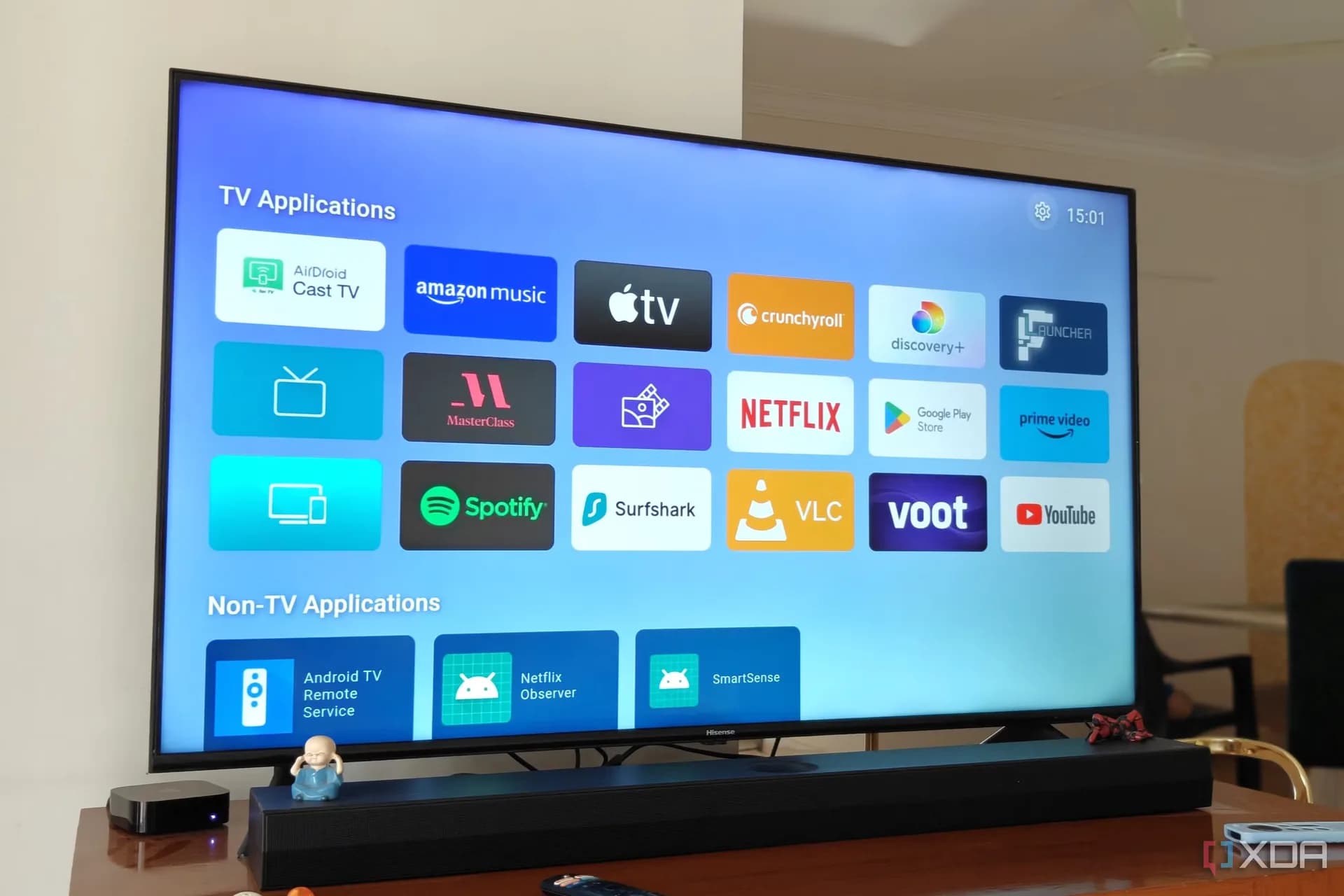
Be the first to comment
Join the argument. No password, just your email or a passkey.