Intel-powered Googlebooks cannot run every major Android application smoothly right off the shelf. While hardware running Qualcomm Snapdragon silicon handles mobile code natively, buyers opting for x86 chips face gaps in app compatibility that leave more than 300 titles out of reach without developer intervention.
Google explained the difference in statements shared with Android Authority, noting that it relies on a binary translation layer to bridge the gap on Intel hardware instead of conventional emulation. The technique mirrors what ChromeOS historically did with its libhoudini layer, converting Arm instructions into x86 commands on the fly. Translation typically preserves system responsiveness far better than pure software emulation, but it still introduces edge cases where mobile software refuses to launch or misbehaves.
Snapdragon models avoid those hurdles entirely because mobile titles are authored for Arm architectures from the start. Google continues to state that the bulk of catalog software functions properly on both hardware families. Yet the remaining friction on x86 machines is real enough that software creators will have to manually tweak their packages before certain programs behave.
Part of the compatibility drag comes down to how laptops differ from handsets. Applications built strictly around portrait screens, accelerometer inputs or touch-only gestures often falter when dropped onto a clamshell with a physical trackpad and keyboard. Still, architectural barriers remain the primary separator between the two processor options.
Laptops running Googlebooks software have only just started reaching retail shelves, and early adopters are running into several teething troubles beyond software translation. The browser experience currently lacks support for juggling multiple user profiles in Chrome. Device pairing has hit roadblocks too, with Samsung smartphones unable to integrate across the platform without friction.
For shoppers deciding between shelf configurations, processor choice now carries practical daily consequences. Anyone who treats a laptop as an extension of their smartphone ecosystem faces a clearer path on Qualcomm silicon. Those looking at Intel models will want to confirm that their essential software actually works before committing to x86 hardware, at least until developers patch what remains broken.
CDFiled by The Computing Desk
Laptops, desktops, processors, graphics cards and the operating systems that run on them.
More from this desk →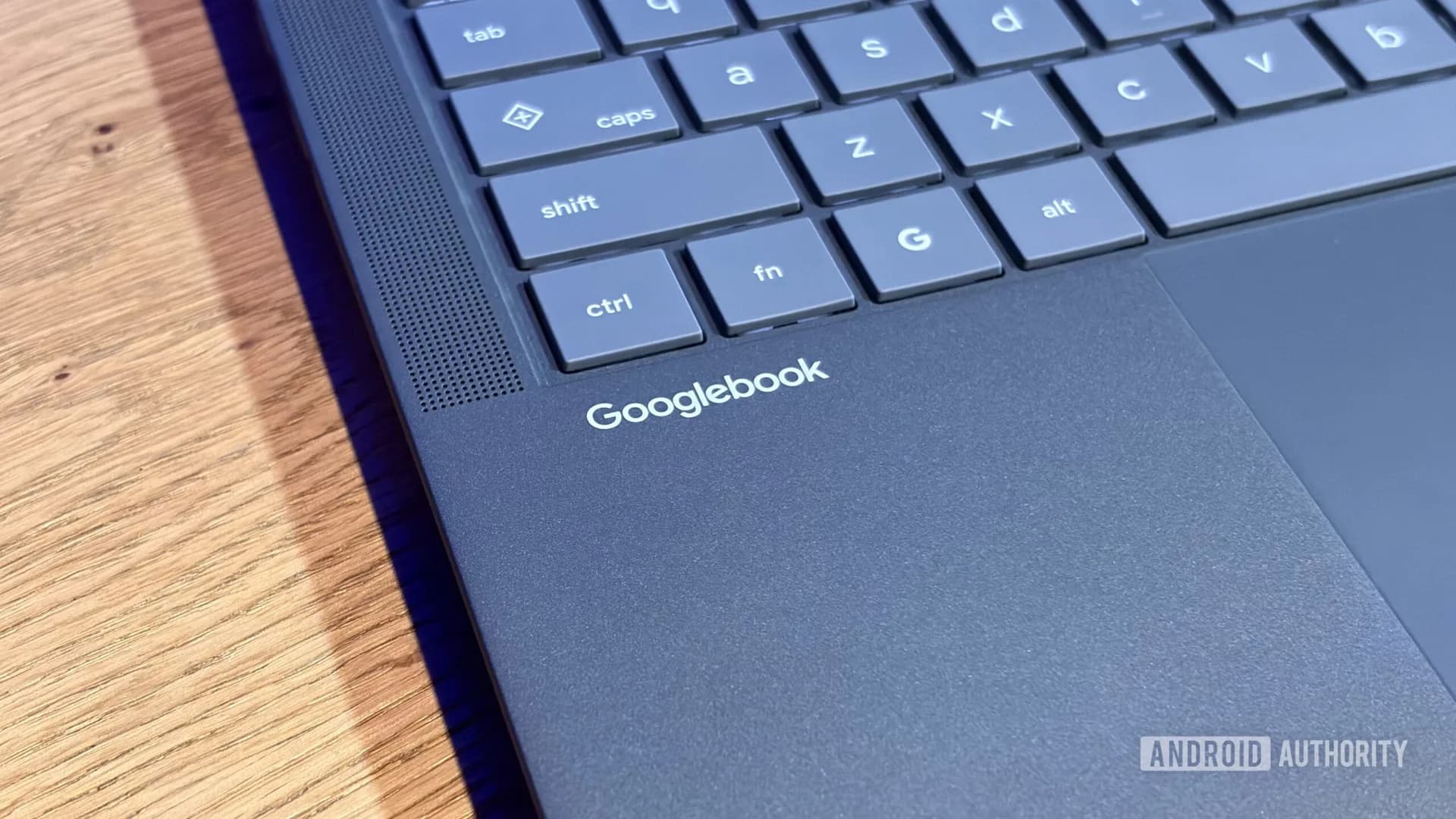
Be the first to comment
Join the argument. No password, just your email or a passkey.