IOS 27 brings three concrete, wallet-focused upgrades — no marketing fluff, no vague 'enhanced experience' claims. Just three things you can do now that you couldn’t before: create custom digital passes from physical cards, split a restaurant bill by scanning the receipt, and see upcoming Apple Card recurring charges before they post.
All land with the iOS 27 update, which is available now globally for compatible devices. The custom pass feature works by scanning barcodes, any barcode. Open Wallet, tap +, select Create a Pass, aim your camera, and snap. You can then edit fields, tweak colors, or change the theme.
No barcode? Tap Create Pass Manually, pick a template, and fill in the details. This isn’t limited to loyalty cards or gym memberships. It’s for anything you carry: library cards, parking permits, event wristbands, even handwritten notes you want quick access to.
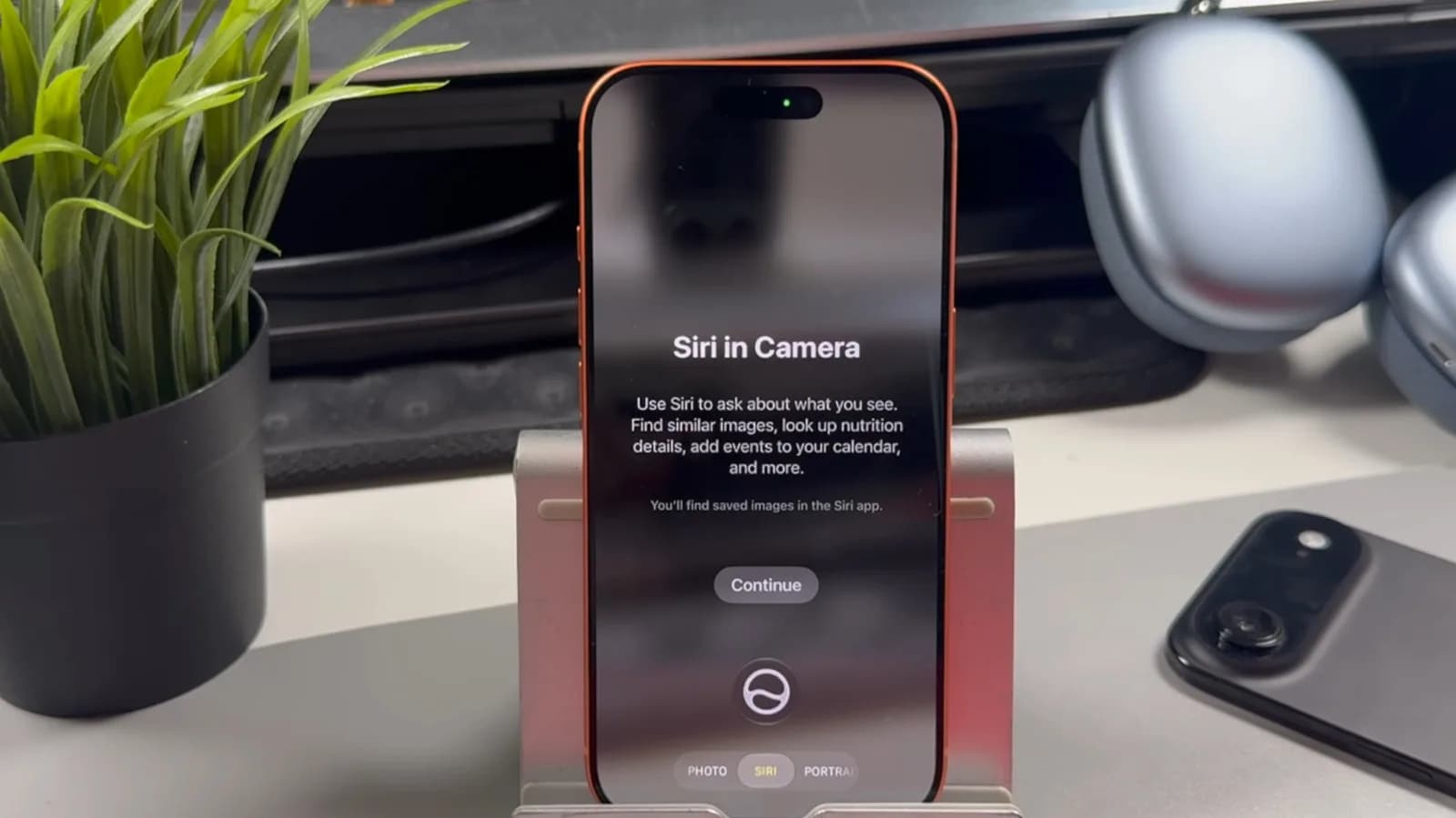
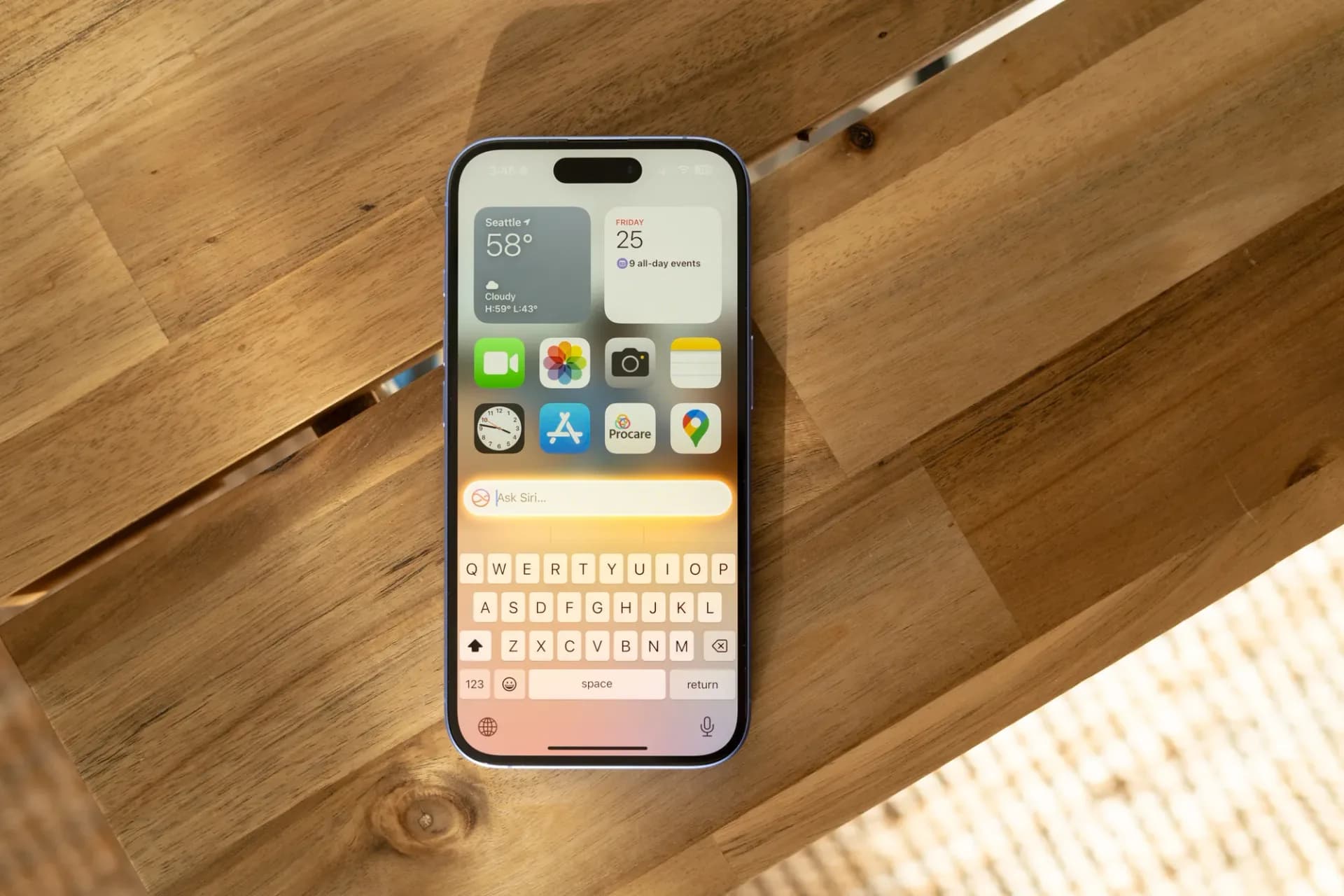
Bill splitting ties directly to Apple Cash and Siri AI. Point your iPhone’s camera at a printed or emailed receipt, activate Siri AI mode, and tap Split Bill with Apple Cash. You’re dropped into Wallet’s Split the Bill interface. Search for contacts, assign items, and use fractions, 1/2, 1/3, 1/4, to divide line items.
Tip amount is adjustable. Requests go out instantly via Apple Cash. But it only works if everyone involved uses Apple Cash, and only on iPhone 15 Pro or newer, since Siri AI is required. Recurring payment tracking is Apple Card–only and lives under the card’s ellipsis menu.
Tap Recurring, and you’ll see upcoming charges, subscriptions, gym memberships, cloud storage plans, alongside recent transaction history. Tap All to scroll through every active recurring payment tied to that card. No third-party app needed. No manual spreadsheet.
None of these require new hardware. But the Siri AI–dependent features, bill splitting and any future Wallet actions built on it, do require iPhone 15 Pro, iPhone 15 Pro Max, or later. Older iPhones running iOS 27 get custom passes and recurring charge visibility, but not the AI-assisted receipt scan.
Wallet has long been more than a payments hub. Now it’s becoming a catch-all for physical-world tokens and financial intent. That shift matters most for people who still carry plastic, especially those juggling dozens of low-tech loyalty programs or shared household subscriptions. The question isn’t whether Wallet is useful.
It’s whether Apple’s push to absorb more of your analog life will finally make the physical wallet obsolete. IOS 27 is rolling out now. Update via Settings > General > Software Update.
MDFiled by The Mobile Desk
Phones from leak to launch to price cut: what was announced, what it costs where, and when it goes on sale. Indian launches and prices included, not appended.
More from this desk →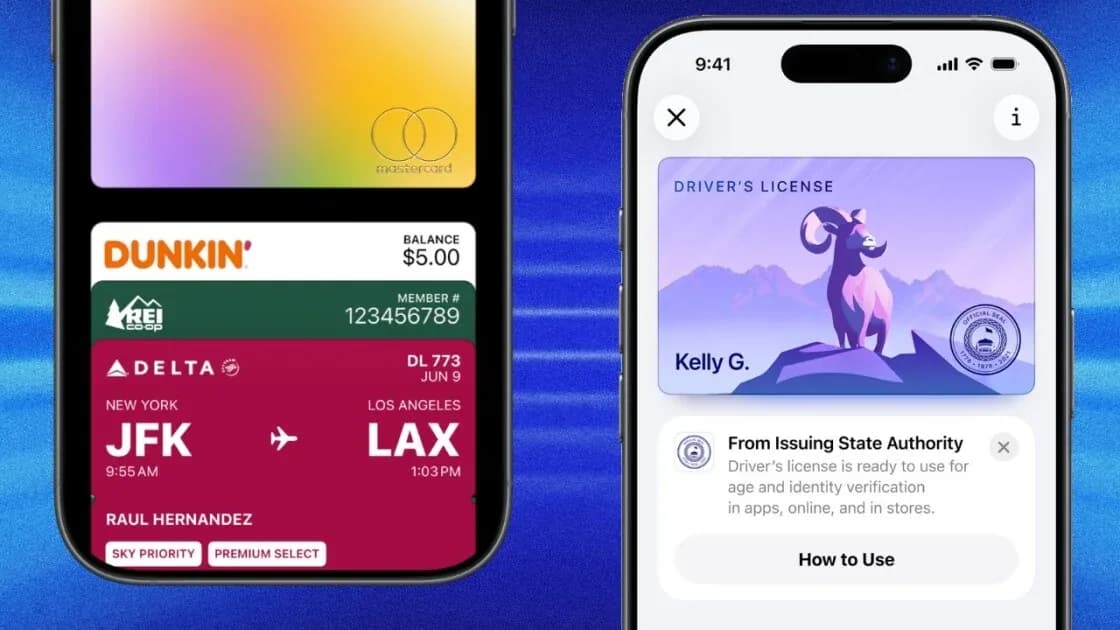
Be the first to comment
Join the argument. No password, just your email or a passkey.