Microsoft is cutting eight Copilot actions out of File Explorer's right-click menu, the latest sign that its push to wedge AI into every corner of Windows 11 has hit a wall of user annoyance.
The change was laid out in a Microsoft 365 Message Center announcement and first reported by Windows Latest. According to that notice, Microsoft is retiring the Summarize, Create FAQ, Compare Files, Ask a question, Explain image, Explain images, Compare images, and Extract text options that currently show up when you right-click an eligible OneDrive file in File Explorer.
None of those capabilities are disappearing outright. Microsoft says it's consolidating them rather than killing them off. Anyone who wants to summarize a document or pull text out of an image will still be able to do it through the "Ask Copilot" entry in the context menu, the Copilot icon on the File Explorer home screen, or the OneDrive activity center.
A rollback with a timeline
Microsoft says the eight-action removal starts rolling out in mid-November 2026, with the change reaching every market by early December 2026. That's a fairly specific window for what Microsoft is framing as housekeeping, not a retreat from Copilot.
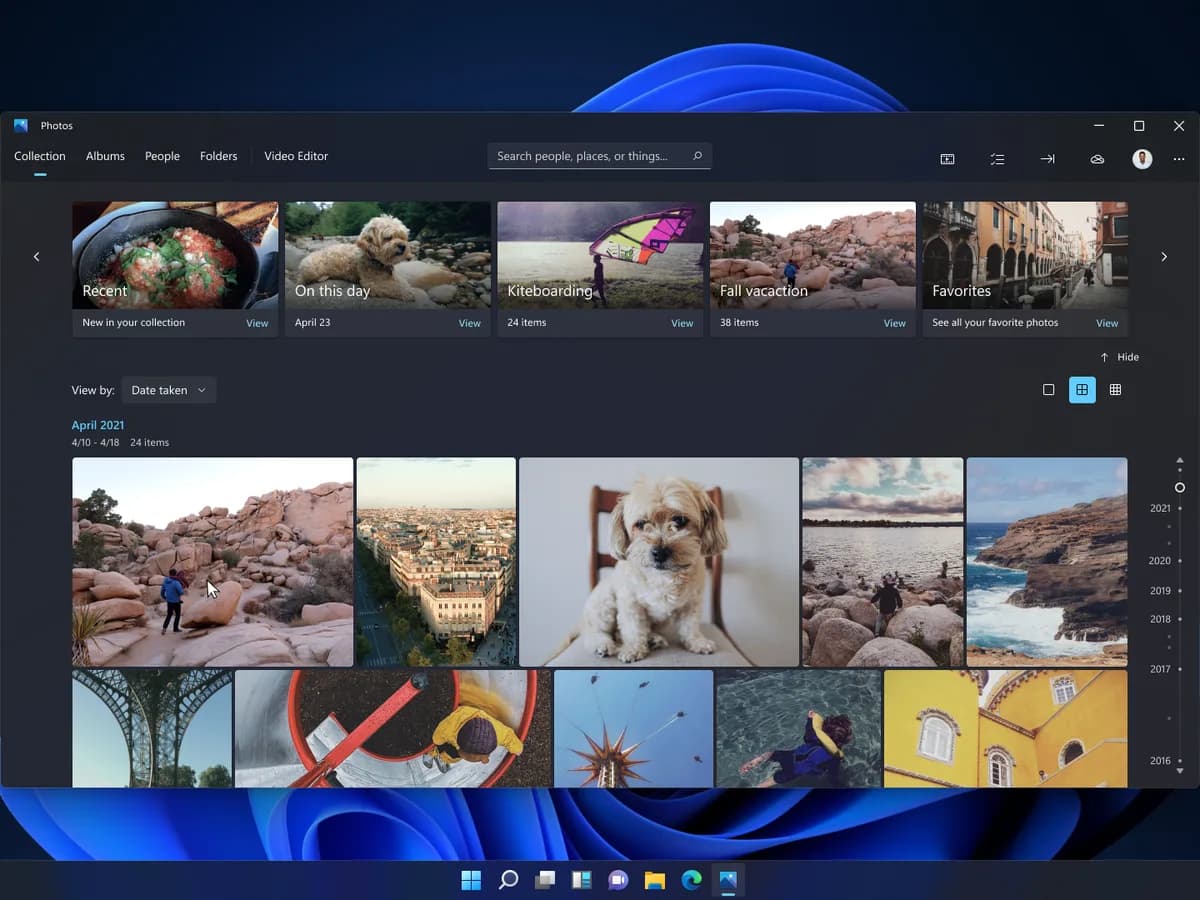
But the framing matters less than the pattern. This is not Microsoft's first walkback this year. Back in March, the company said it would start paying closer attention to feedback on where Copilot shows up uninvited, and it has since pulled the Ask Copilot button out of Snipping Tool and Photos. Notepad's Copilot branding got swapped out too, replaced with the plainer "Writing Tools" label.
Taken together, the moves suggest Microsoft has accepted that stuffing a Copilot icon into every app isn't landing the way it hoped. Windows enthusiasts have taken to calling the company's AI-everywhere approach "Microslop," and while Microsoft hasn't tied this specific rollback to that criticism, the timing lines up with a broader pullback that started earlier this year.
None of this amounts to Microsoft stepping back from Copilot as a product. The company is still building it into Windows 11's taskbar, its settings app, and its core search experience, and it has no apparent plans to slow down there. What's changing is the sheer number of places a Copilot button can pop up uninvited, particularly in a file browser where most people just want to rename, move, or delete something.
For OneDrive users who relied on the right-click shortcuts, the practical difference once the change lands will be one extra click: open Ask Copilot instead of picking a pre-built action. Whether that counts as simplification or just relabeling is something Windows 11 users will get to judge for themselves once the rollout reaches their machines in mid-November.
CDFiled by The Computing Desk
Laptops, desktops, processors, graphics cards and the operating systems that run on them.
More from this desk →
Be the first to comment
Join the argument. No password, just your email or a passkey.