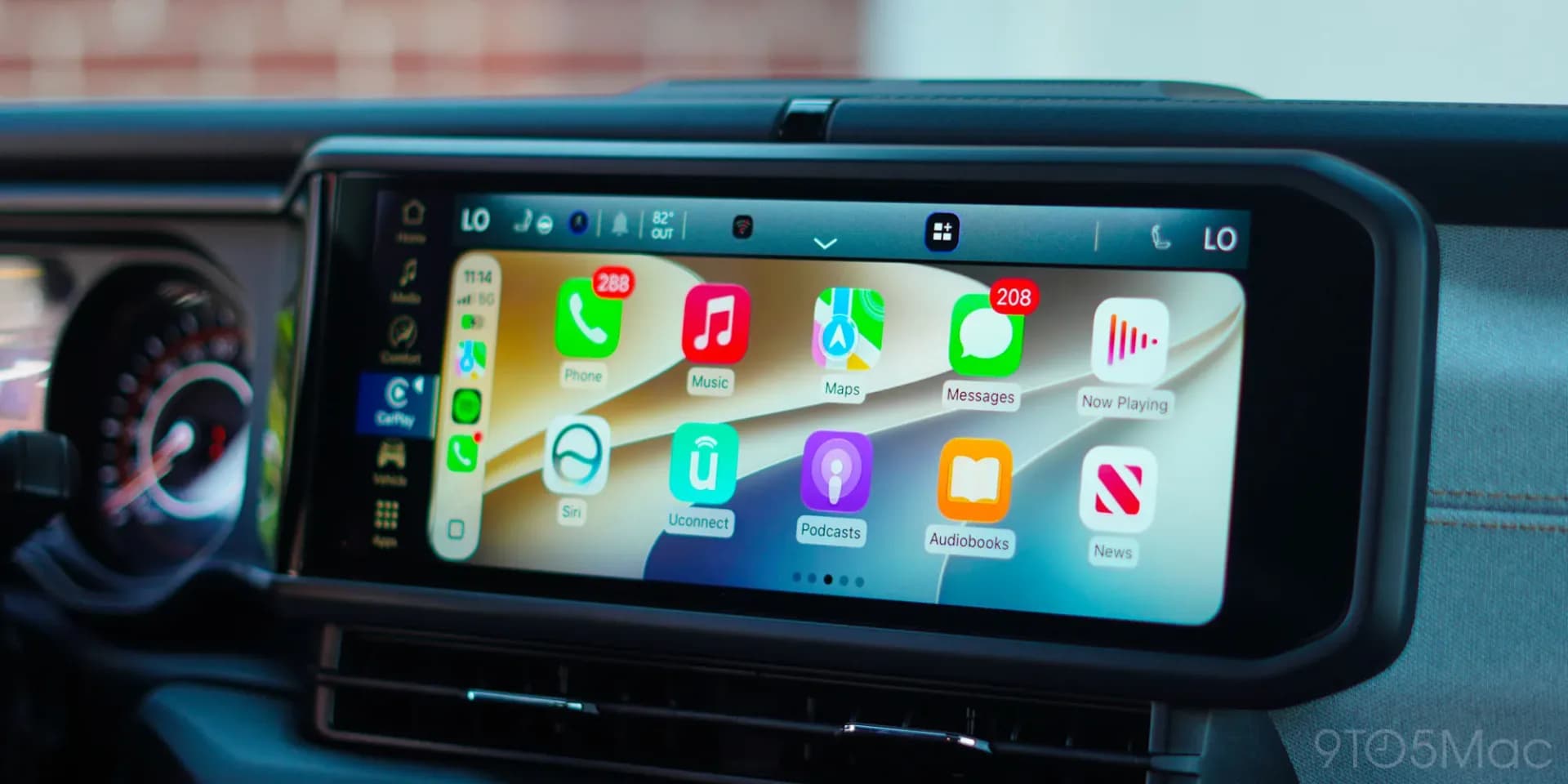
Open CarPlay and you'll find a fraction of what's on your iPhone's home screen. That's not a bug or a setup mistake in most cases. It's policy.
Apple keeps a tight list of app categories it will even allow onto a car's dashboard, according to its own developer guidelines. Navigation, EV charging, parking, audio, communications, public safety and quick food ordering make the cut. Everything else, from Gmail to Calculator to NYT Crossplay, is locked out regardless of how useful it might be behind the wheel. Apple's stated reasoning is that it only wants interface flows that are, in its words, "meaningful to use while driving."
Games and social media are flatly banned. Cuphead runs fine on a Tesla's built-in screen, but Wordle can't touch a CarPlay display. Apps that do qualify still have to follow narrow rules once they're in: no showing the content of messages, and music apps are barred from displaying song lyrics, though workarounds for the lyrics restriction exist in practice.
There's also a basic adoption problem. CarPlay support isn't automatic. A phone interface has to be rebuilt and simplified for a car dashboard, and that takes a developer's time and money. If a company decides it's not worth the effort, the app simply never appears, no matter how harmless its category is.
What iOS 27 actually changes
Apple has loosened a few restrictions with iOS 27. AI voice assistants like ChatGPT and Perplexity can now run in CarPlay, on top of Siri's existing integration and its own dedicated app.
Video support is the bigger addition, and the one drivers have been asking about longest. But it comes with a catch: compatible apps only allow playback while the car is parked, not while driving. Plenty of infotainment systems can't play video at all, and where that's the case, the video apps just stay hidden. Maybe because of those limits, few developers have rushed to add the feature.
CarPlay also now supports widgets, a way to surface information from apps that otherwise can't run full CarPlay interfaces, without needing those apps to build out an entire driving-mode experience.
If you're missing an app you'd expect to see, the fix is sometimes just a settings tweak rather than a missing feature. Go to Settings, then General, then CarPlay, tap your car's name, choose Apps, and scroll to the bottom. Any compatible app not currently shown will have a plus button next to it. Add it, then drag it up the list if you want it to load first.
Whether Apple keeps expanding what's allowed is an open question, and there's real pressure behind it. Tesla and Rivian have built in-car entertainment systems around faster processors and oversized screens that make CarPlay's current offering look thin by comparison. Climbing into a new EV and finding Google Maps and Apple Podcasts as the ceiling of what's possible is starting to feel like a gap Apple can't ignore for long.
SDFiled by The Software Desk
Apps, platforms, operating system releases, security fixes and the features arriving in them.
More from this desk →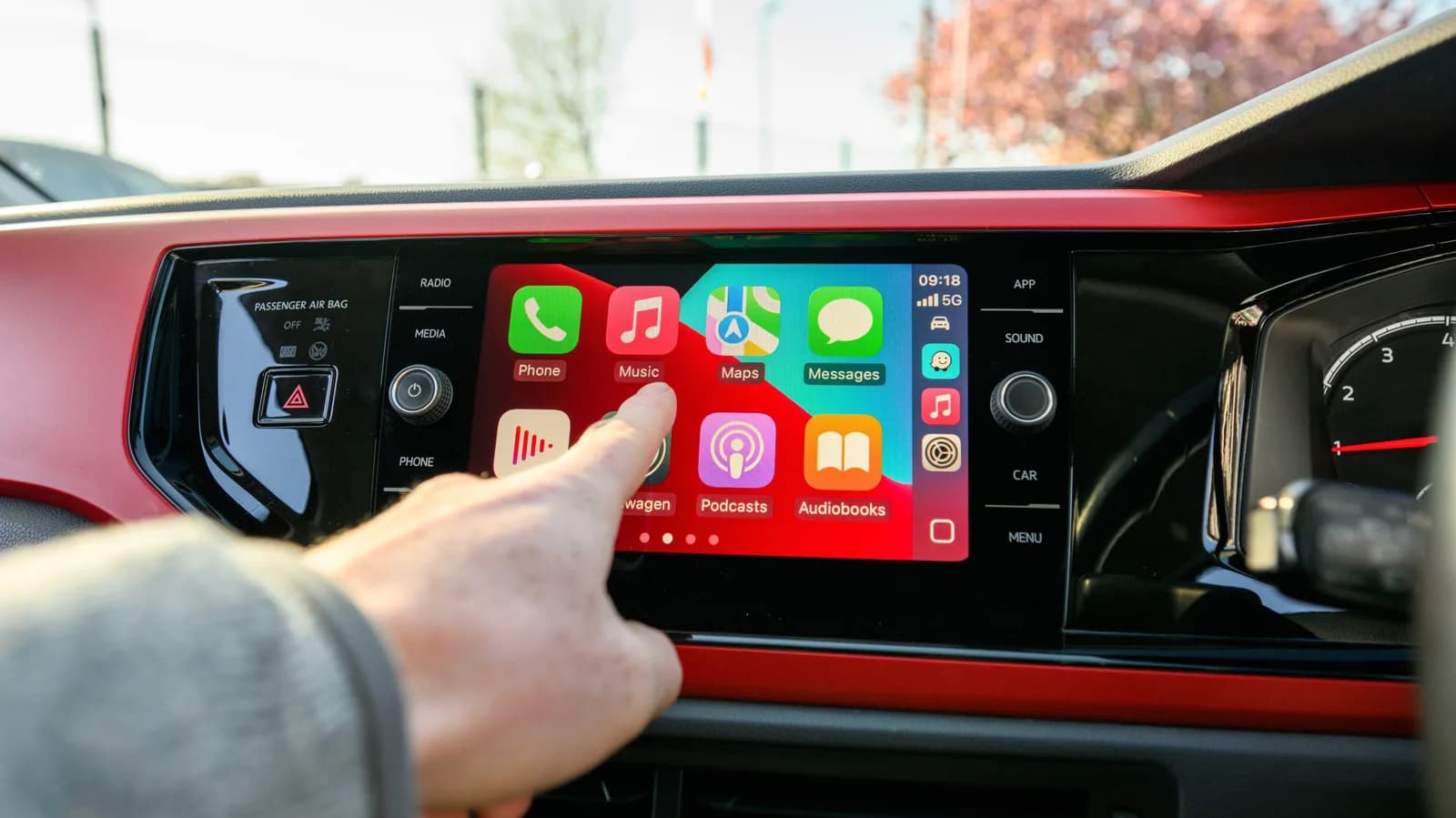
Be the first to comment
Join the argument. No password, just your email or a passkey.