Windows 11 26H2 users — and those still on 25H2 and 26H1, are now receiving KB5132265 and KB5132057, two cumulative updates that go well beyond routine security patches. These builds introduce the first major visual and functional overhauls to Windows Search and the Run dialog in years, alongside the long-awaited inclusion of PowerShell 7 as a default component alongside Windows PowerShell 5.1.
The updates are live in the Stable channel globally, per Neowin’s reporting on 21 November 2026. They do not require Insider enrollment. And yes: PowerShell 7 is now part of Windows out of the box, a shift Microsoft confirmed at Ignite 2026, where it also announced Windows Server 2028 with ReFS boot support and native NVMe enabled by default.
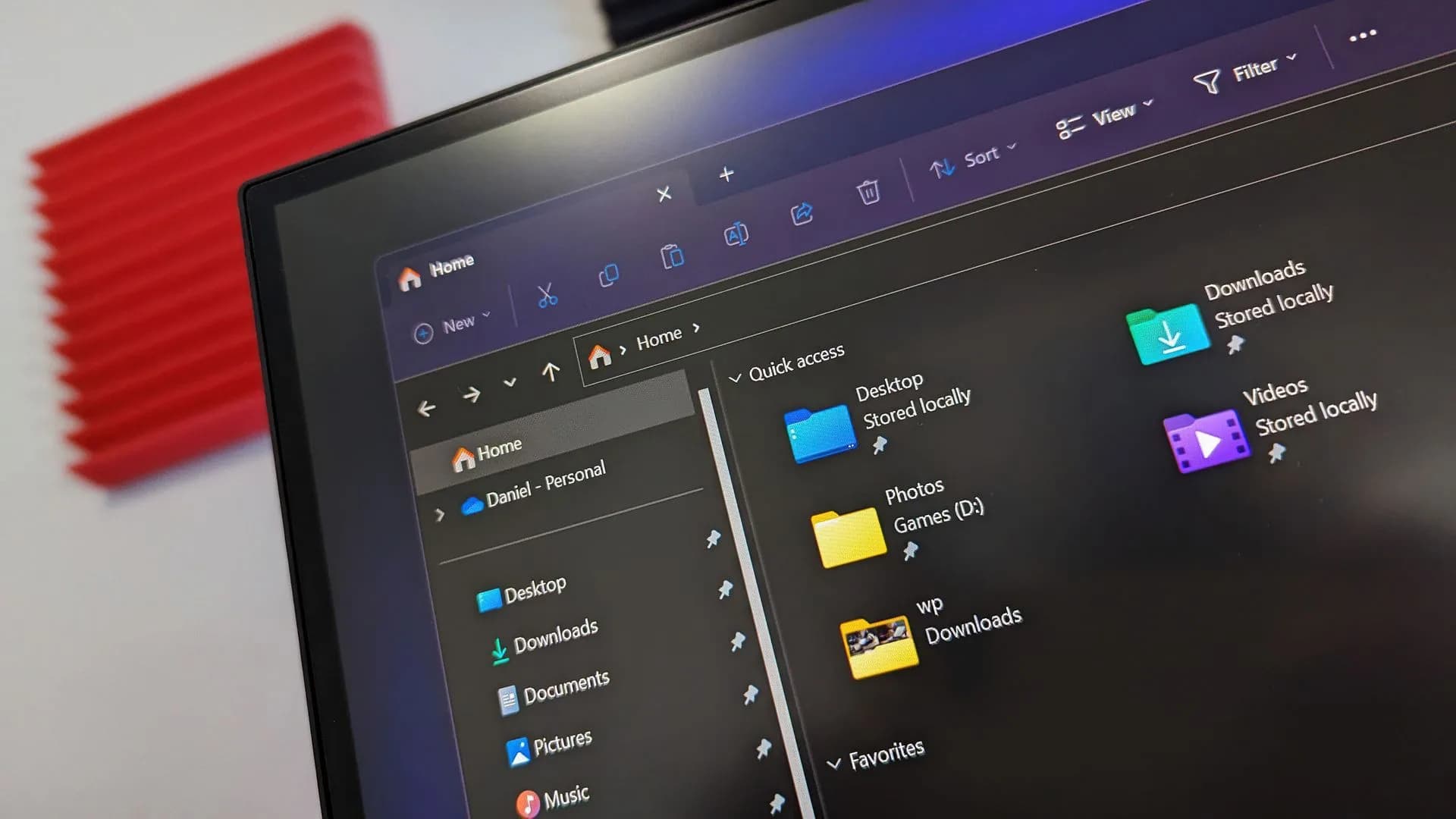
The redesigned Windows Search experience is the headline change. It’s described as “one of the feature’s biggest overhauls yet”, with web search integration, currency conversion, and deeper indexing across local files and Microsoft 365 services. File Explorer searches are faster. Thumbnails are sharper.
Screen brightness now adjusts automatically during Windows Hello authentication, a small but tangible accessibility tweak. The Run dialog has been rebuilt from the ground up, though Microsoft hasn’t detailed exactly how it differs functionally from the legacy version. What’s clear is that it’s no longer just a relic: it’s been modernized alongside Search and Settings.
Also arriving in these stable updates: improved Bluetooth LE Audio support, updated security-key management, and refined Remote Lock capabilities for Intune administrators. But there’s a pause ahead. Microsoft confirmed it will skip all preview updates in December 2026 as operations wind down for the holidays. Regular servicing resumes in January 2027.
Separately, Windows Insiders got more: build 26340.10032 added a People widget pulling contacts from Phone Link and WhatsApp. Build 29712.1000 delivered PowerShell 7 to Beta testers. And newer Beta builds introduced a Microsoft account benefits page in Settings. None of this affects Windows 11 Home vs Pro licensing, no new SKU, no price change, no activation requirement tied to these features.
The updates apply equally across editions. What’s next? The rollout is ongoing. No regional stagger or phased deployment was mentioned.
Users on supported versions should see the updates appear in Windows Update within days, unless they’ve deferred them. And with Ignite 2026 behind it, Microsoft’s next major public milestone is the June 30, 2027 shutdown of To Do, with Planner positioned as the replacement for business and education accounts.
SDFiled by The Software Desk
Apps, platforms, operating system releases, security fixes and the features arriving in them.
More from this desk →
Be the first to comment
Join the argument. No password, just your email or a passkey.