Windows 11 version 26H2 is live, and its most tangible impact isn’t AI features or Copilot tweaks — it’s how much less often your laptop gasps for air when you’ve got 30 Chrome tabs open.
The update, confirmed by The Verge’s retesting of a base-model 13-inch Surface Laptop with 8GB of RAM, slashes memory-related slowdowns. Before 26H2, that device ran Windows 11 build 26200.8875 (25H2) and suffered hard faults, the costly process of pulling data back from SSD storage after it’s been paged out of RAM, at rates as high as 29,000 per second. That caused frequent tab reloads, sluggish gestures, and constant fan whine.
After updating to build 26300.9974, part of the 26H2 wave, hard faults dropped to under 300 per second during normal use, with brief spikes to around 1,000. That’s a 99% reduction at the upper end. Microsoft says the change lets Windows keep up to 2 GB more active data in RAM instead of offloading it, making background apps and tabs far more resilient.
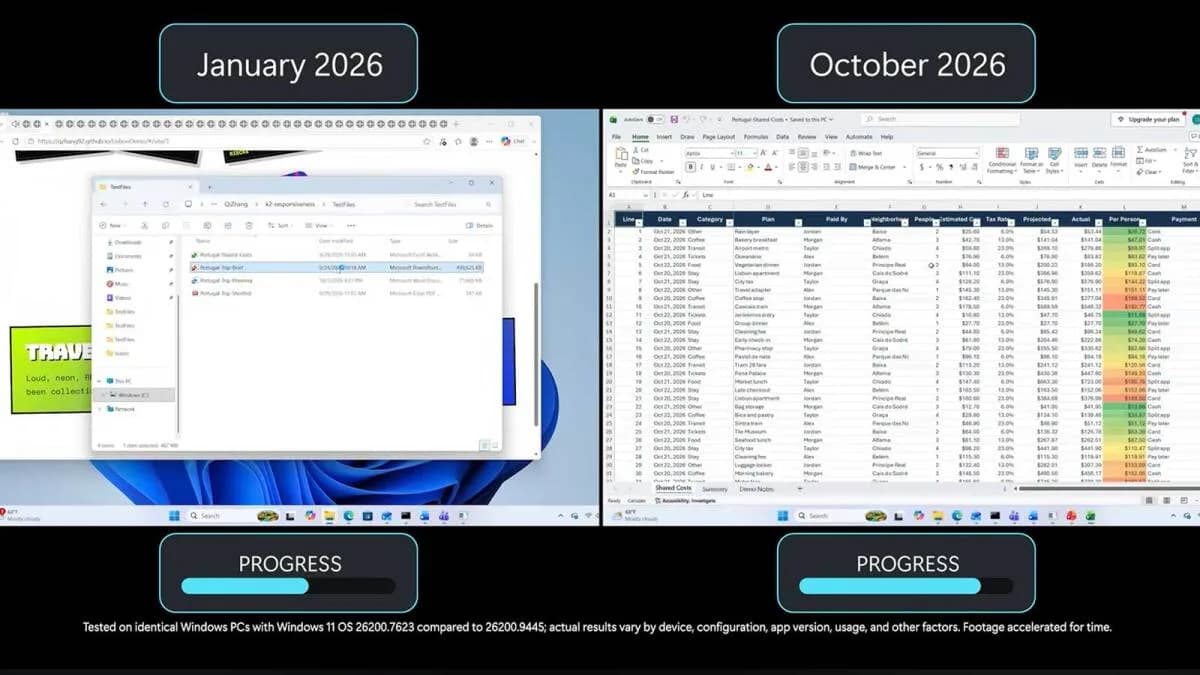
Pavan Davuluri, Microsoft’s EVP of Windows and devices, announced the improvements in a blog post earlier this month. He claimed Windows is now “up to 20% more responsive” and multitasking “up to 40% faster” in lab tests, figures validated in real-world usage on constrained hardware.
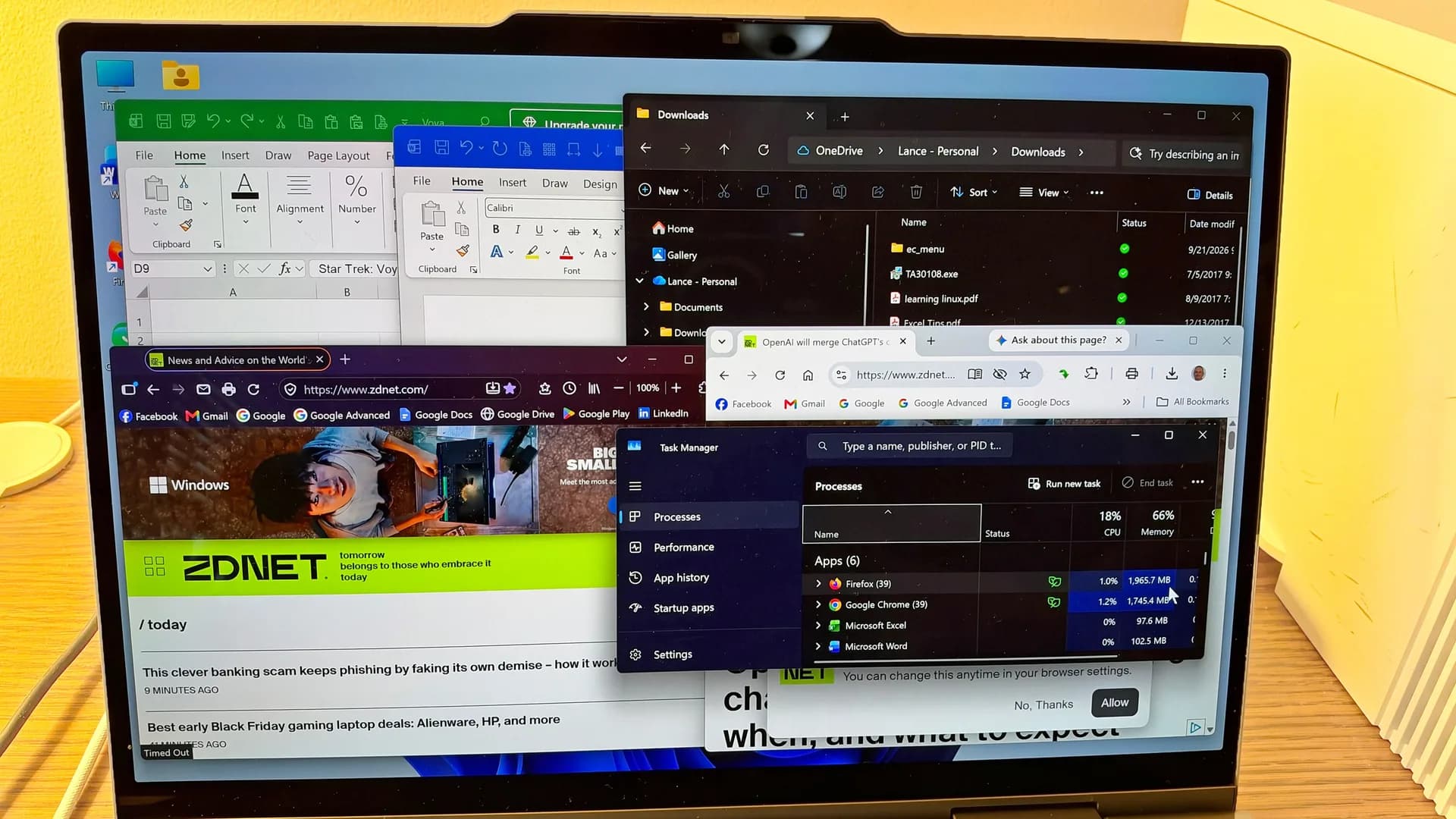
The Verge’s test workload was demanding but typical: over 30 Chrome tabs, a 4K YouTube stream, Slack, Signal, and occasional Google Meet calls. Under 25H2, the system regularly stalled. Under 26H2, it slowed, but predictably, like any CPU- or memory-bound machine under load. Task View stuttered occasionally. Chrome still crashed before hitting 40 tabs. But tabs stayed alive longer. Edge performed even better, with fewer faults and smoother responsiveness.
This matters because 8GB is back as the default on entry-level Windows laptops, not by design, but by RAM price surge. As recently as early 2026, sub-$800 machines commonly shipped with 16GB. Now they don’t. And while macOS and ChromeOS manage leaner on 8GB, Windows 11 had become notoriously hungry, especially after years of Copilot-era bloat.
The fix isn’t magic. It’s targeted memory management: smarter prioritization of what stays in RAM, tighter control over background processes, and reduced overhead from core services. It doesn’t make 8GB ideal. It makes it less painful.
That distinction is critical. The Verge reviewer still recommends 16GB for anyone buying new, especially if you plan to run games, virtual machines, or heavy creative apps. And yes, the 8GB Surface Laptop still costs more than last year’s 16GB model.
But for students, remote workers on tight budgets, or buyers upgrading aging hardware, 26H2 changes the calculus. Windows 11 no longer feels like a downgrade on budget hardware. It feels like a working OS again, even when your RAM runs thin.
The rollout is gradual: builds 26300.9818 and later carry the improvements. No separate download or toggle is required. It arrives via Windows Update.
Next up? Microsoft must prove these gains hold across OEM configurations, not just its own Surface hardware, and whether they survive months of accumulated updates, bloatware, and driver conflicts.
CDFiled by The Computing Desk
Laptops, desktops, processors, graphics cards and the operating systems that run on them.
More from this desk →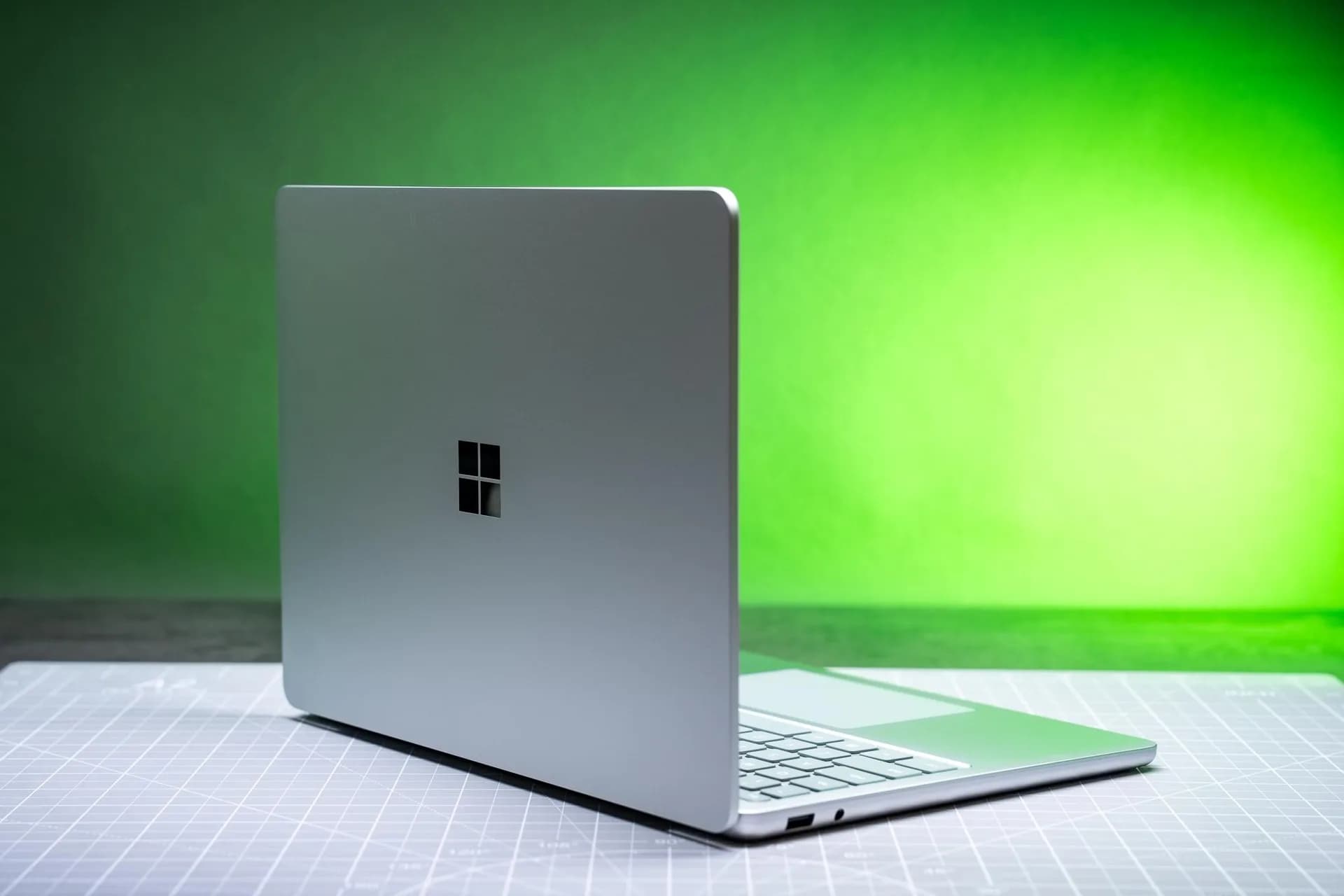
Be the first to comment
Join the argument. No password, just your email or a passkey.