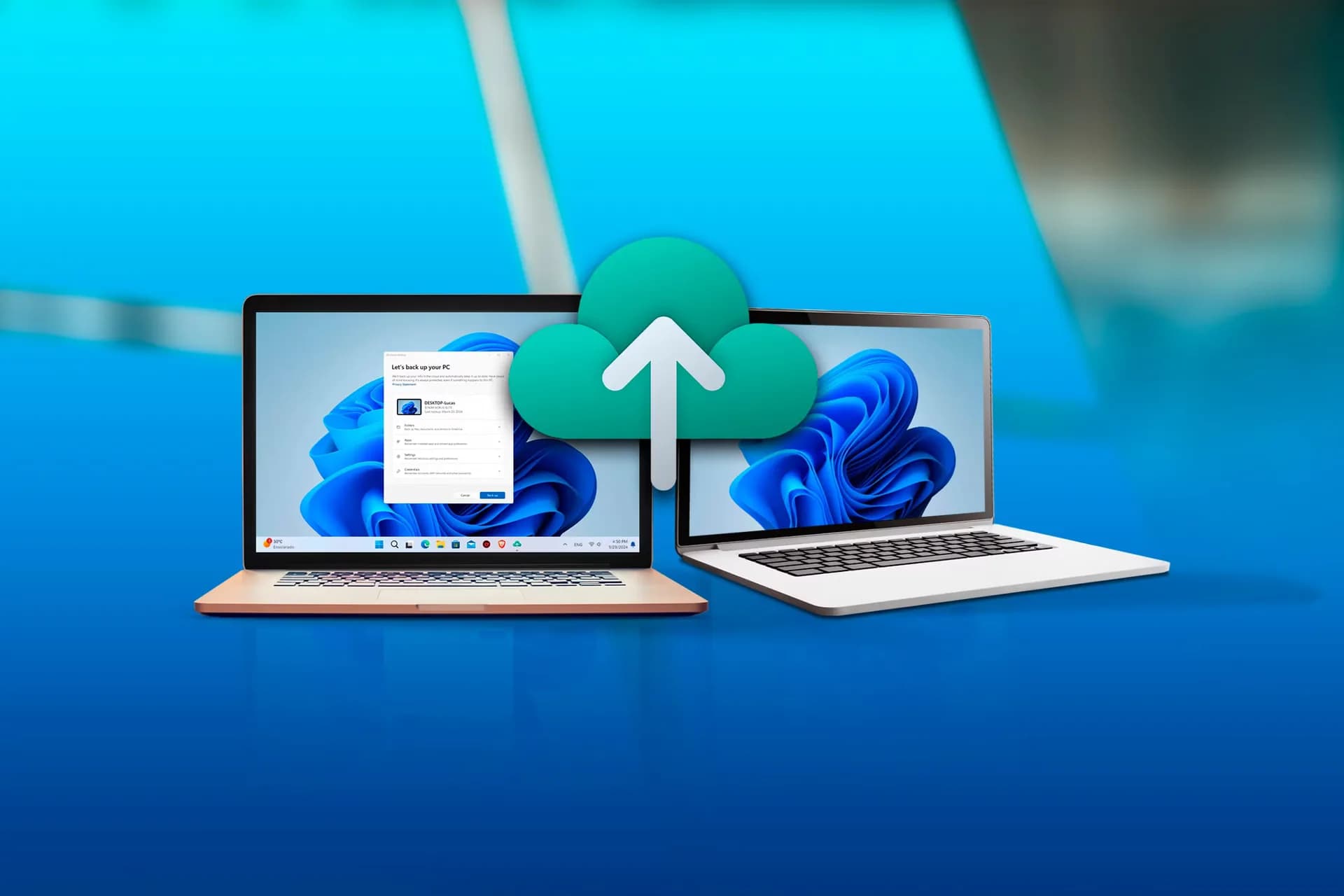
Windows 11 version 25H2 now enables OneDrive Folder Backup by default during setup — if you sign in with a Microsoft account. No prompt. No opt-in. No warning.
The feature automatically redirects your Desktop, Documents, and Pictures folders into your OneDrive directory and begins syncing them to the cloud. It shipped globally on November 5, 2026, as part of the latest cumulative update for Windows 11 25H2, confirmed by How-To Geek’s testing and system-level verification (right-click → Properties → Location tab).
This isn’t optional telemetry or background indexing. It’s active file redirection, and it’s on for everyone who logs in with a Microsoft account during fresh install or clean reset. The storage hit is immediate: free OneDrive accounts get just 5GB. A single user’s Documents folder can consume 800MB before sync even finishes.
Photos and Desktop add another 30MB, trivial until you’re hitting quota, triggering upload stalls, or watching disk I/O climb during boot. Microsoft 365 Personal ($69.99/year in the US, Rs 7,299/year in India) gives 1TB. Microsoft 365 Family ($99.99/year, Rs 9,999/year) adds up to six users. Neither plan is required to run Windows, but both become functionally necessary if you want those folders to stay synced and accessible offline without manual intervention.
That’s the nudge. And it’s baked in. Turning it off is possible, but not frictionless. You must first locate and ‘Always keep on this device’ any files marked ‘Only in OneDrive’, or risk local deletion during disable.
Then, via Settings > Accounts > Windows Backup, you toggle off backup for each folder. OneDrive itself remains installed and loads at startup unless manually unlinked. Microsoft no longer lists pausing OneDrive as a performance tip. Its official ‘Speed up a slow PC’ guide, updated in late 2026, drops the recommendation entirely, despite Neowin and TechRadar having cited Microsoft Support’s own X account confirming OneDrive sync as a known slowdown in 2025.
There’s no public explanation for the removal. And then there’s the face grouping. Rolled out in July 2026 via OneDrive update, the new OneDrive Photos app uses facial recognition to sort photos by people, even though Microsoft says it only processes images already in OneDrive. Folder Backup ensures more of your local photos land there automatically.
The company states facial data isn’t used for AI training and is deleted within 30 days of disabling the feature, but that window only starts once you notice it exists, find the toggle (buried under OneDrive settings → Photos → People), and act. This isn’t about whether cloud backup is useful.
It’s about consent-by-default in a core OS workflow, and how tightly Microsoft 365, Windows 11 Pro licensing, and Microsoft account sign-in are now interlocked. The rollout is live. The setting is active. And the next Windows 11 device you set up, whether in Seattle or Surat, will back up those three folders before you’ve typed your first password.
SDFiled by The Software Desk
Apps, platforms, operating system releases, security fixes and the features arriving in them.
More from this desk →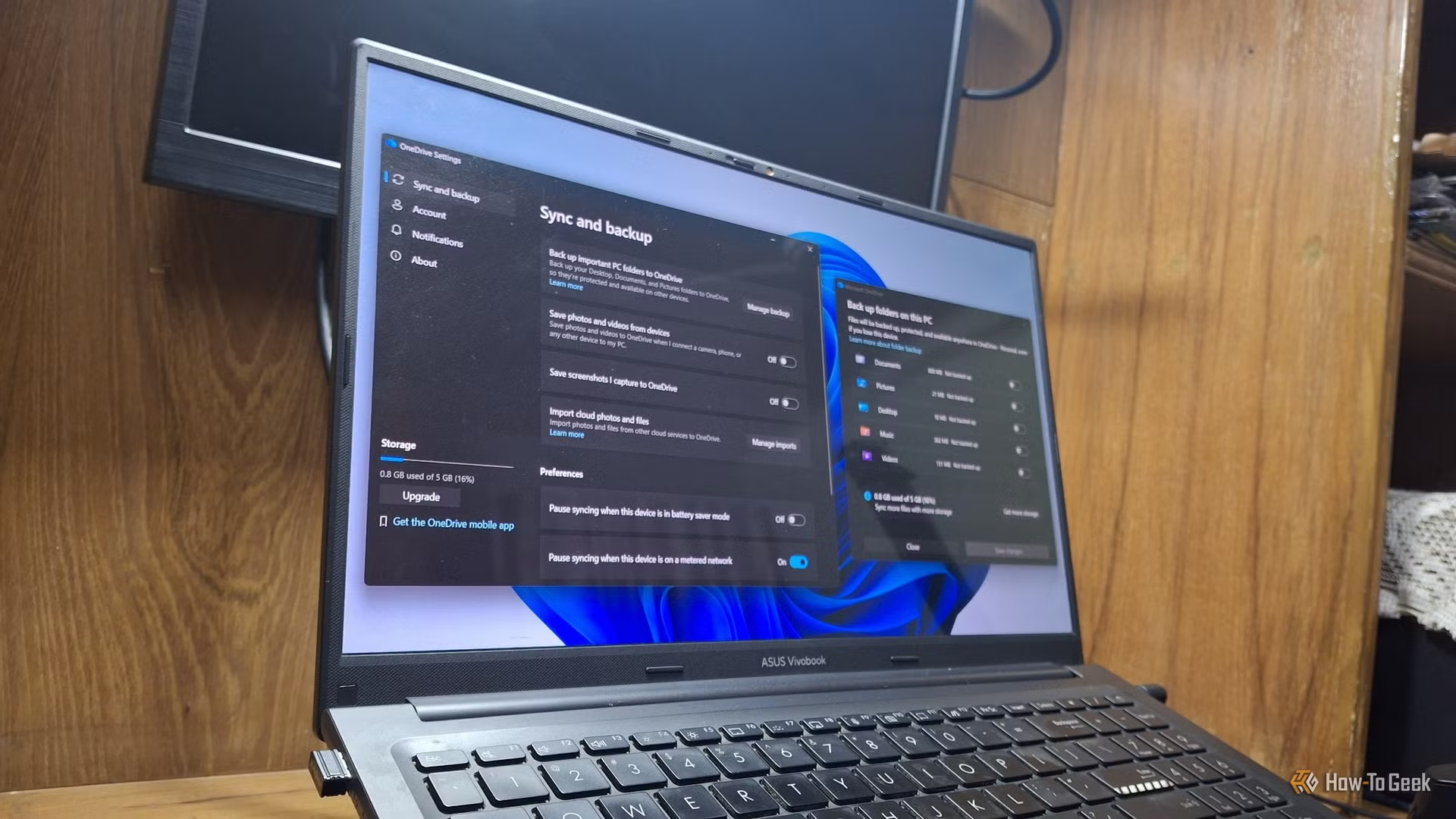
Be the first to comment
Join the argument. No password, just your email or a passkey.