Windows 11 no longer lets you move files directly from one PC to another. The PC-to-PC Migration tool — introduced in 2025 as a modern replacement for Windows 7’s Easy Transfer, was removed with the September 2026 optional update and fully disabled for most users on October 13, 2026, via KB5127648.
Microsoft confirms the feature is gone, and its official support page now redirects to Windows Backup instead. That means no more pairing two Windows PCs over Wi-Fi or Ethernet with a one-time code. No more selecting folders and letting Windows handle the rest. Just gone.
The tool wasn’t full system cloning, it skipped installed apps, saved passwords, sign-in credentials, and protected folders, but it did move user files across drives and directories cleanly. Useful when upgrading hardware, switching laptops, or handing down a work machine. Now, Microsoft wants you to back up Desktop, Documents, Pictures, Videos, and Music to OneDrive instead.
Free accounts come with 5GB. Howtogeek notes Microsoft’s own promotional screenshot shows 4.5GB already used, before anyone starts migrating years of photos or project archives. Windows Backup does restore some things the old tool couldn’t: Wi-Fi network names, app installation history (not the apps themselves), and certain settings. But it still requires a personal Microsoft account, relies entirely on cloud storage, and forces users to either pay for more OneDrive space or juggle workarounds.
USB drives, network shares, and third-party tools still work, but none offer the same zero-config setup. Microsoft hasn’t announced plans to bring back local PC-to-PC migration. No timeline. No roadmap.
No explanation beyond “use OneDrive.” So if you’re setting up a new Windows 11 PC this month and don’t want to buy extra cloud storage, you’ll be dragging folders manually, or hunting for open-source alternatives that fill the gap. The October 13 update is rolling out globally now.
SDFiled by The Software Desk
Apps, platforms, operating system releases, security fixes and the features arriving in them.
More from this desk →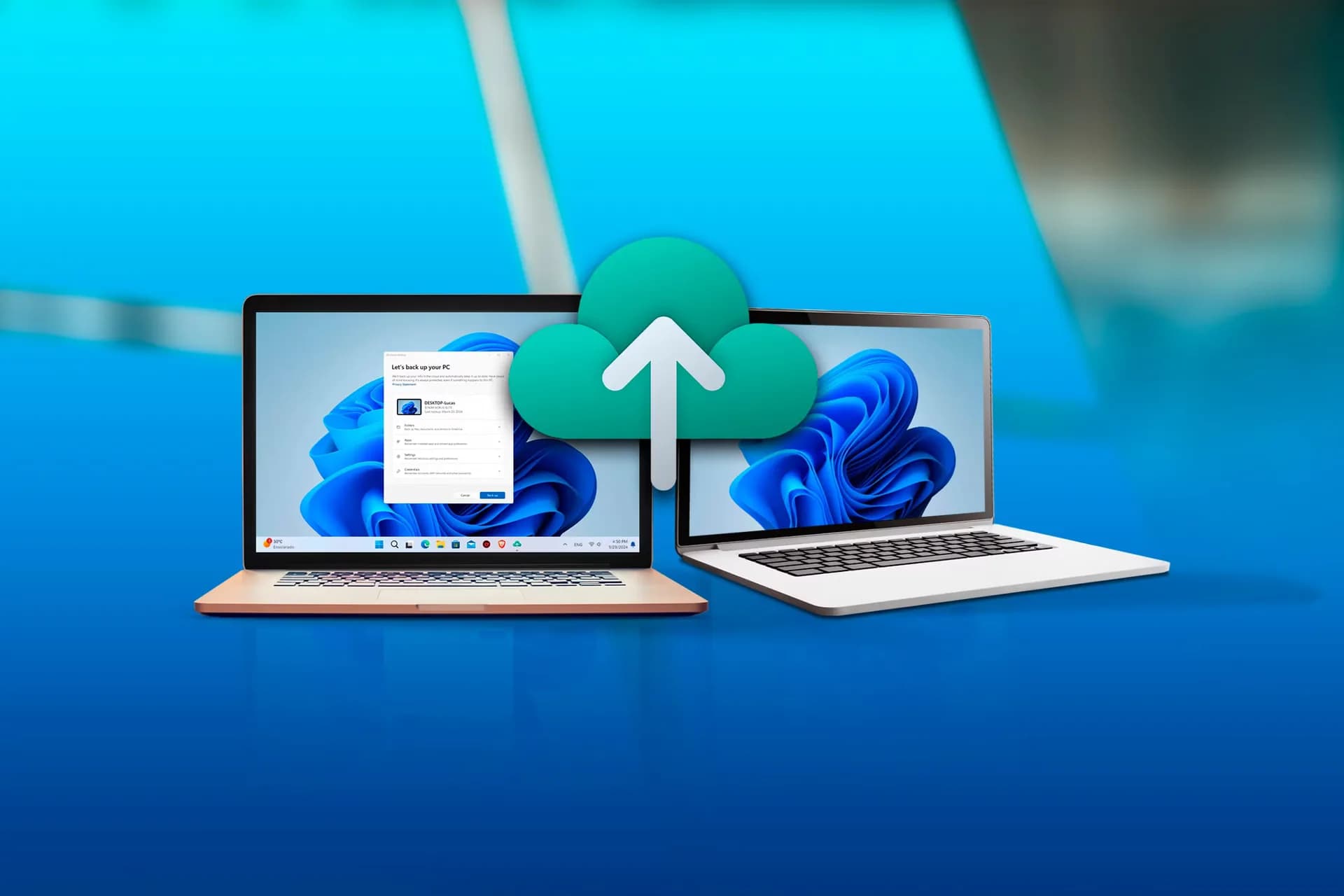

Be the first to comment
Join the argument. No password, just your email or a passkey.