Microsoft is adding two new interface features to Windows 11 — one practical, one polarising, both now visible in preview builds and slated for broader rollout before year-end. Neither requires Windows 11 Pro, nor changes licensing: both land on all supported editions, including Home and Pro, at no extra cost.
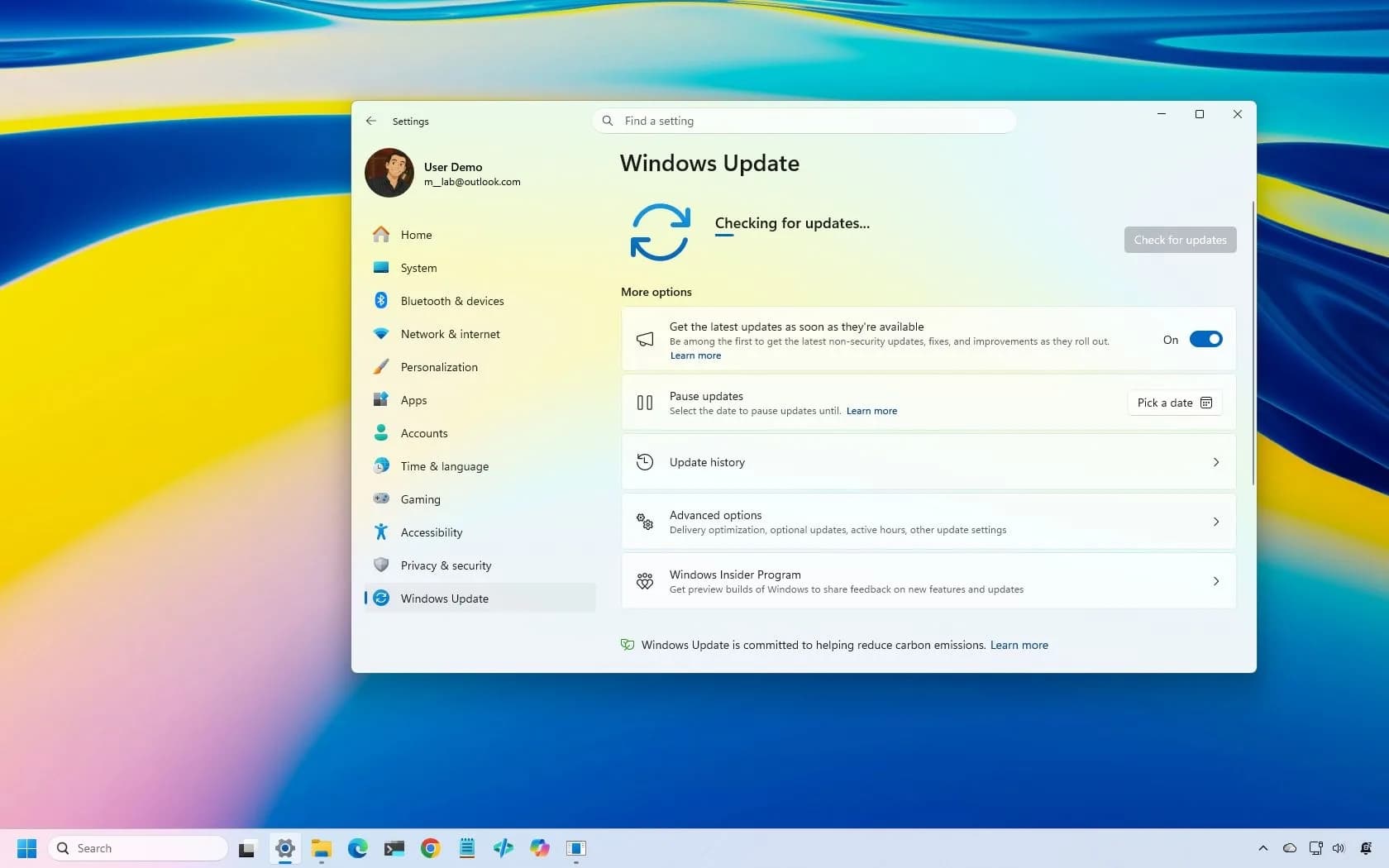
No price hike. No subscription gate. Just two new toggles in Settings and the taskbar, one already functional in testing, the other waiting for user consent before it activates. The App Updates hub is live in recent Insider Preview builds.
It lives under Settings > System > Updates & security > App updates, and shows third-party desktop apps, like Zoom, Slack, or VLC, alongside their update status. Right now, it’s empty for most users: developers must register their apps with Microsoft’s update service to appear there. None have done so yet.
That means the panel exists, but has no entries, a skeleton interface awaiting adoption. Its purpose is clear: stop apps from rotting in place. If you haven’t launched Adobe Reader in 18 months, its outdated PDF parser won’t get patched unless you open it, or unless Windows prods it automatically.
This hub aims to fix that gap. It mirrors how Microsoft Store apps update silently and uniformly. But unlike those, this doesn’t auto-install. It surfaces what’s outdated, lets you click Update, and logs when it happened.
No forced restarts. No background downloads without warning. Just visibility. The second change is Copilot in Search, not replacing the search box, but sitting beside it.
Turn it on, and typing “How do I reset my network adapter?” returns a concise answer inline, plus a button to open full Copilot for follow-ups. Turn it off, and search behaves exactly as before: file lookups, app launches, web queries via Bing. Microsoft confirmed in a November blog post on “hybrid intelligence” that this will be opt-in only, rolling out first to select markets later this year.
No US or Indian launch date is specified, just “later this year”, with no mention of regional pricing or regional feature gating. The toggle appears in Settings > Privacy & security > Search permissions, labelled Use Copilot in Search. It’s disabled by default. No telemetry nudge.
No banner. No trial period. Just a switch. Reddit reaction splits cleanly: some call it a trust-building move (“Take note of this Apple”), others treat it as a Trojan horse (“Opt-in always becomes ‘opt-out’ later”).
Neither side is wrong, history offers precedent for both readings. What’s new is Microsoft’s restraint. After years of aggressive AI bundling, this is the first major Copilot integration built around refusal, not assumption. It ships with zero defaults changed.
And it arrives alongside a genuinely useful system-level tool, one that solves a real, unglamorous problem: neglected third-party software. Developers now have until early 2027 to register their apps. Users get a clearer view of what’s outdated, if they choose to look. The App Updates hub could ship in a stable Windows 11 update as soon as January 2027.
Copilot in Search begins its market-by-market rollout before December 31, 2026.
CDFiled by The Computing Desk
Laptops, desktops, processors, graphics cards and the operating systems that run on them.
More from this desk →
Be the first to comment
Join the argument. No password, just your email or a passkey.