Microsoft shipped its October 2026 cumulative update for Windows 11 on October 13, and most of the attention has gone to the flashier additions: an option to always launch apps maximized, a remappable Copilot key, a new Tips widget, and extra touchpad controls. But buried in the same patch, cataloged as KB5127648, is a batch of fixes for problems that have been quietly annoying people for months.
The biggest cluster targets Bluetooth. Microsoft says the update includes eight separate improvements covering connection reliability, audio quality and crash prevention. During voice calls, adjusting volume on a connected Bluetooth Classic Audio accessory now triggers the on-screen volume flyout, so you can actually see the level you're setting. The update also fixes a bug where a Bluetooth radio could get switched off internally while its toggle in the Bluetooth and devices settings page still showed as on, which made diagnosing dropped connections a guessing game.
Bluetooth, fingerprint and gaming fixes
On the audio side, Microsoft has improved microphone compatibility with certain Bluetooth Classic Audio accessories, made shared audio connections more reliable, and patched a crash with error code 0x139 that could interrupt Bluetooth audio streaming. Bluetooth Low Energy, the lower-power standard used by many LE Audio accessories, also gets reliability and performance improvements.
Separately, the update resolves an issue where Windows Hello fingerprint sign-in would stop working after a full shutdown and cold boot on some PCs, forcing people back to a password or PIN until the next restart. Gamers get a fix too: mouse input stuttering, which could throw off aiming and camera movement in games demanding precise control, has been addressed, though Microsoft is clear this targets a specific bug rather than every mouse performance complaint.
Printing, VPN and Explorer fixes, and an end-of-support deadline
The update also patches a printing bug introduced by August's security update that affected apps and devices using RAW or Generic Text Only printer drivers, and an Always On VPN issue carried over from KB5124008 that could leave connections stuck on "Connecting" or throw a "specified port is already in use" error. A File Explorer crash affecting multi-user setups, including Azure Virtual Desktop deployments running FSLogix, is fixed as well, so explorer.exe should no longer fail or loop after sign-in on those systems.
KB5127648 applies to Windows 11 versions 26H2, 25H2 and 24H2, corresponding to builds 26300.9711, 26200.9711 and 26100.9711. It should install automatically through Windows Update, or can be triggered manually from Settings > Windows Update by hitting "Check for updates."
One detail matters more than the bug fixes themselves: this is the last security update for Windows 11 24H2 Home and Windows 11 Pro. Both editions reached end of support on October 13, meaning no further patches or fixes are coming for that version. Anyone still running 24H2 needs to move to 25H2 or 26H2, a switch Microsoft says only requires the latest update for the current version plus an enablement package, both available through Windows Update.
CDFiled by The Computing Desk
Laptops, desktops, processors, graphics cards and the operating systems that run on them.
More from this desk →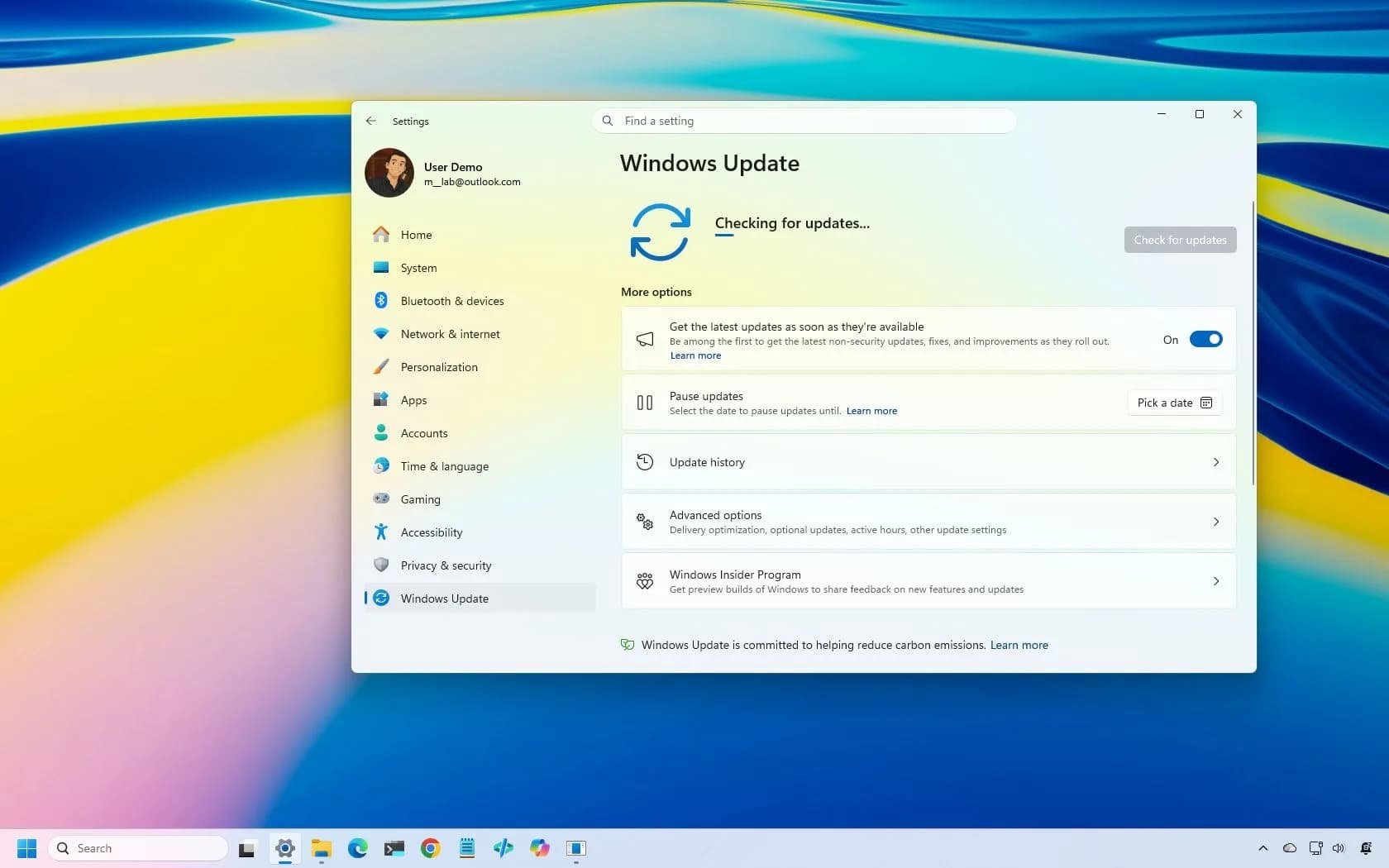

Be the first to comment
Join the argument. No password, just your email or a passkey.