Windows 11 turned five this month, and the operating system still can't decide which decade it wants to look like. A detailed rundown from How-To Geek, published Tuesday, lays out several places where Microsoft's redesigned Settings app quietly hands control back to Windows tools that predate the current design language by years, in some cases by more than a decade.
The clearest example involves power plans. There's no way to create a custom one from Settings > System > Power & battery. Typing "Choose a power plan" into the Start menu search box instead opens the classic Power Options window, the same Control Panel interface that's shipped with Windows since well before Windows 11 existed.
It isn't an isolated case. Under Settings > Bluetooth & devices > Devices, the "More devices and printer settings" link under Related Settings opens the old Devices and Printers window rather than anything built for Windows 11. The Sound settings page handles volume, audio format and spatial sound just fine, but "More sound settings" still routes to the legacy Sound dialog for anything more advanced.
Microsoft trimmed the right-click context menu for Windows 11, moving commands like Print, Send To and Scan with Microsoft Defender behind a "Show more options" click that reveals the older, longer menu. For files synced through OneDrive or SharePoint, that second menu can also hold cloud commands such as View Online or Version History.
A shorter top-level menu is a reasonable design call. The friction, according to the How-To Geek piece, comes from having to remember which menu holds which command and taking an extra step to reach it, turning routine file management into a two-click guessing game depending on the file type and location.
There's also a visual mismatch. Windows 11's dark mode carries through File Explorer and Task Manager consistently, but older utilities don't follow along. Devices and Printers opens in a plain white window. File Properties sticks to a pale off-white gray. Neither is broken, but switching between a dark Explorer window and a bright white legacy dialog on the same screen breaks the consistency a system-wide theme setting is supposed to deliver.
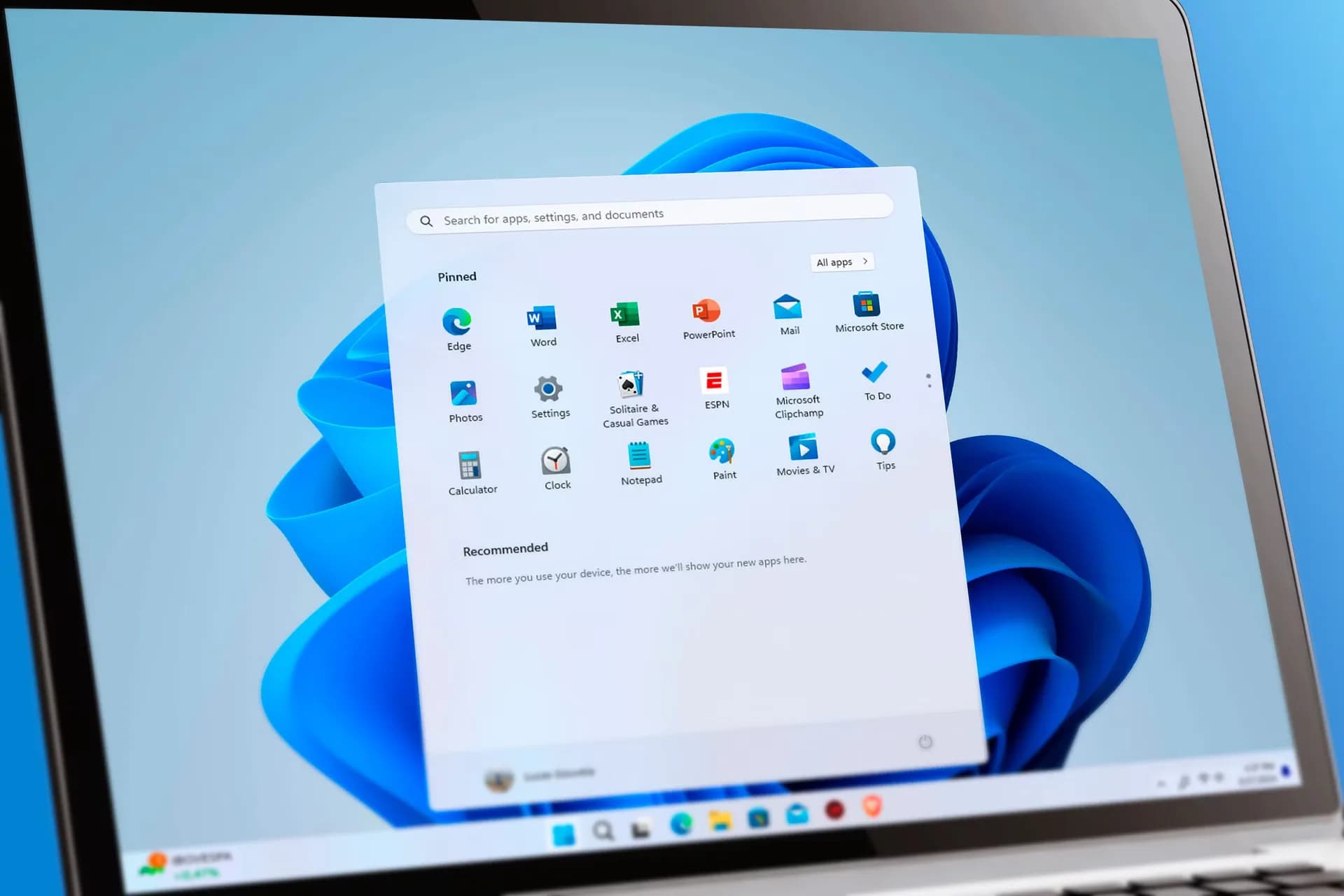
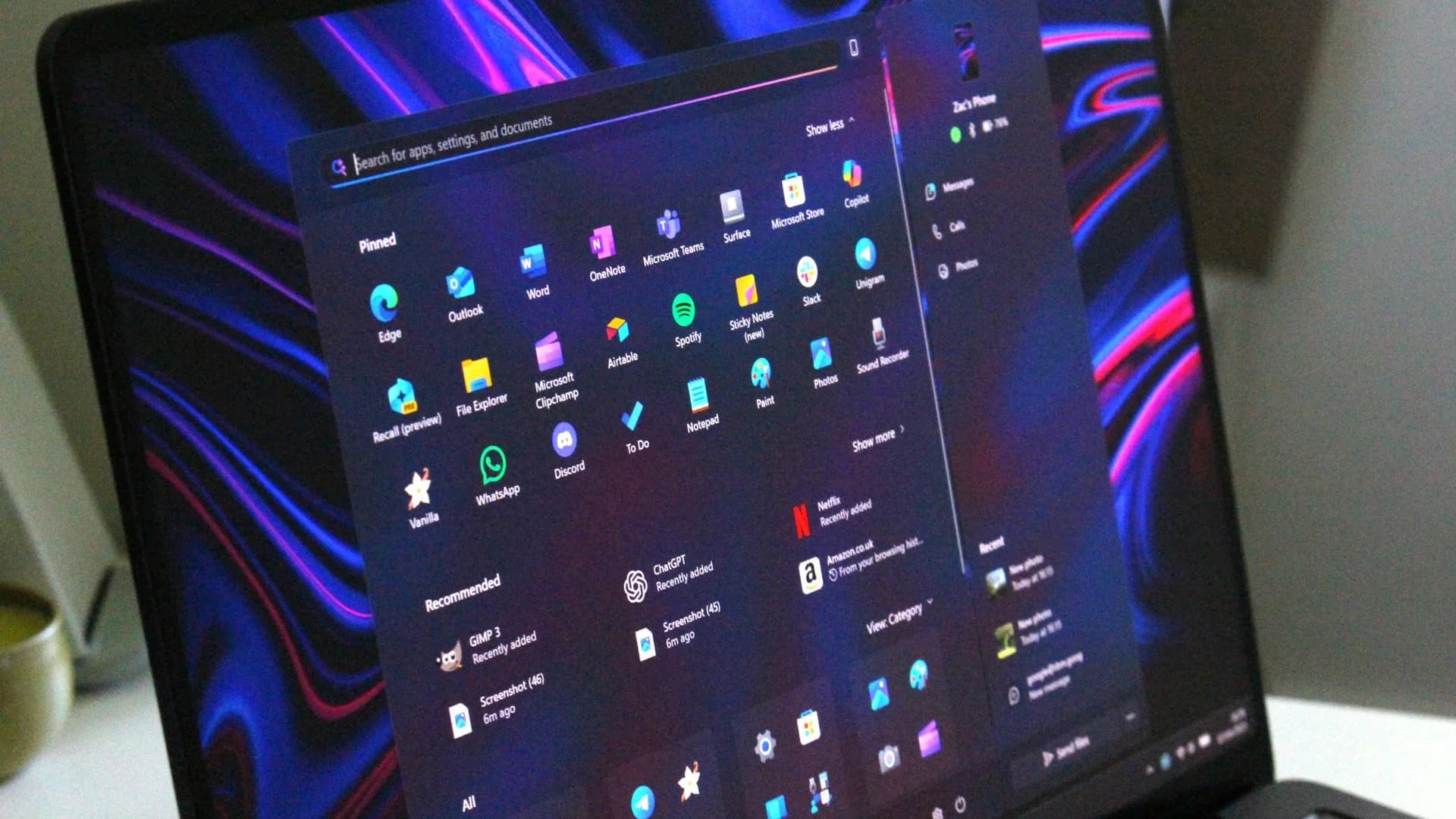
None of this makes Windows 11 unusable, and Microsoft has layered real improvements onto the OS since its 2021 launch, from the redesigned Start menu to rounded window corners to a Settings app that consolidates far more than it used to. The complaint isn't that legacy tools still exist. Compatibility is a reasonable excuse for keeping some of them around. It's that the handoff between old and new interfaces feels arbitrary rather than deliberate, five years into the product's life.
For anyone who wants to paper over the inconsistencies without waiting on Microsoft, third-party tools like the $5 utility StartAllBack let users customize the taskbar, Start menu and right-click menu directly. That's a workaround, not a fix. Microsoft hasn't said whether a future Windows 11 update will finish stitching the interface together, and nothing in the current build suggests that's imminent.
CDFiled by The Computing Desk
Laptops, desktops, processors, graphics cards and the operating systems that run on them.
More from this desk →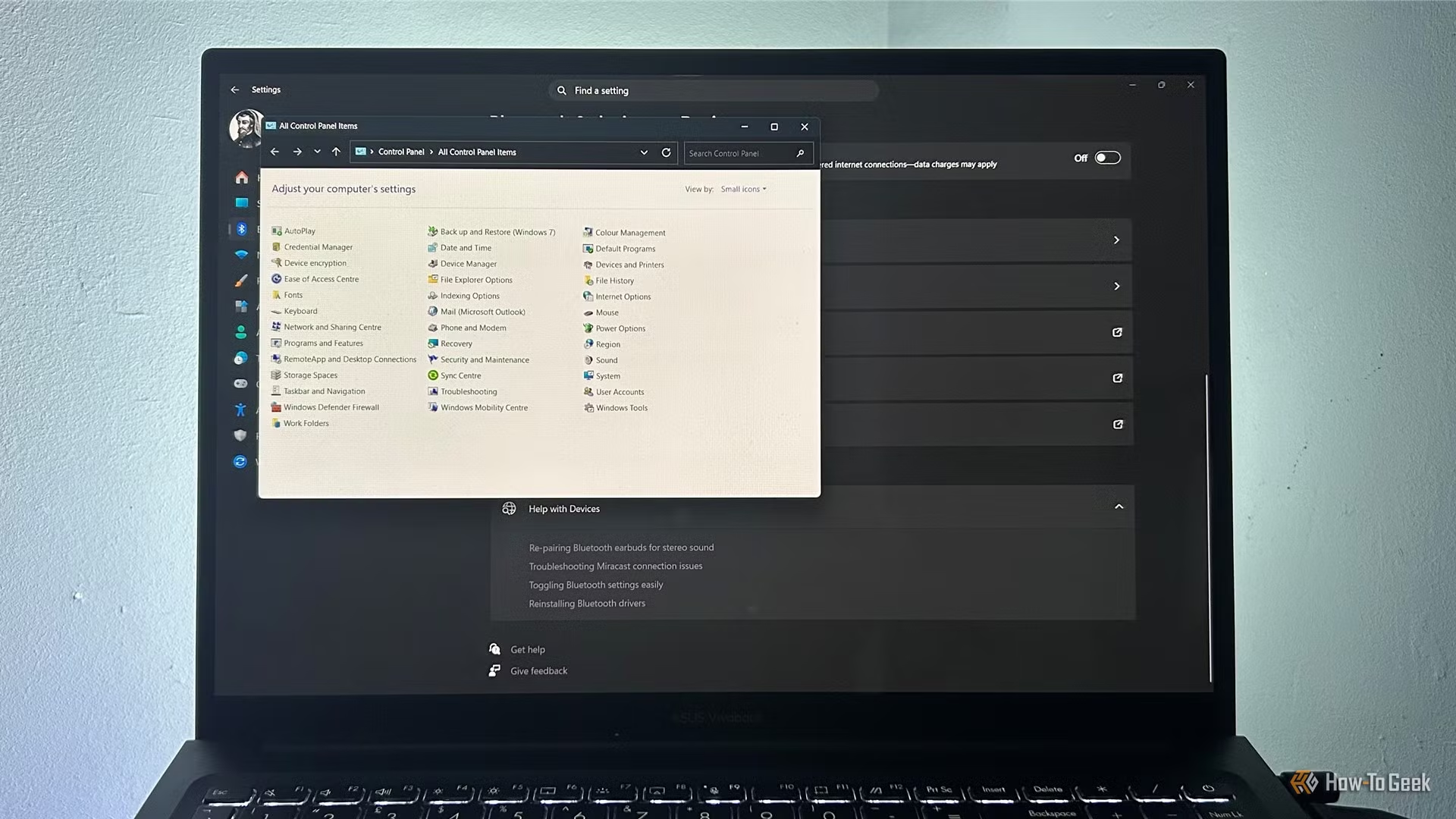

Be the first to comment
Join the argument. No password, just your email or a passkey.