Microsoft is finally letting Windows 11 check your internet speed without shoving you toward Bing first.
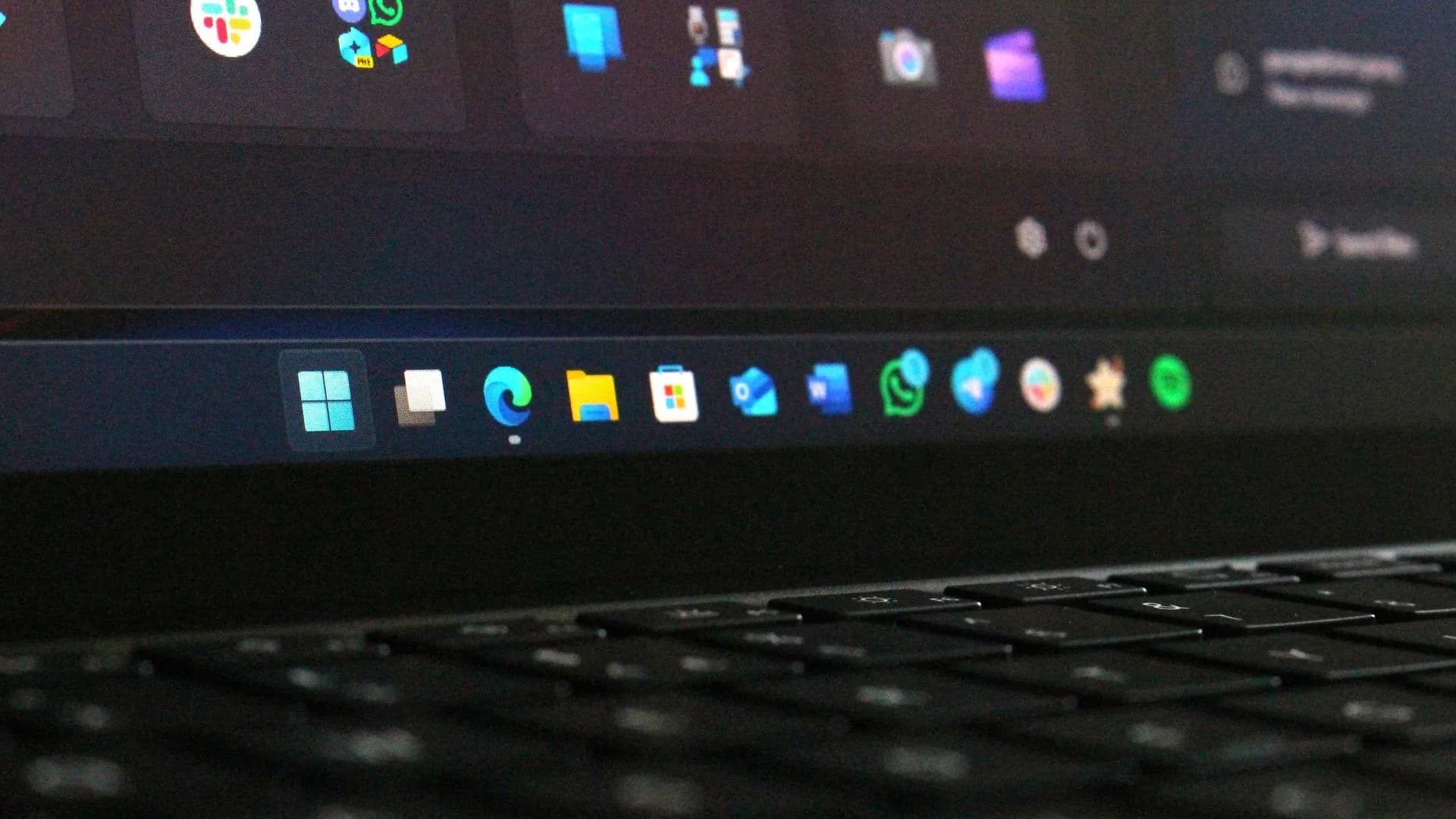
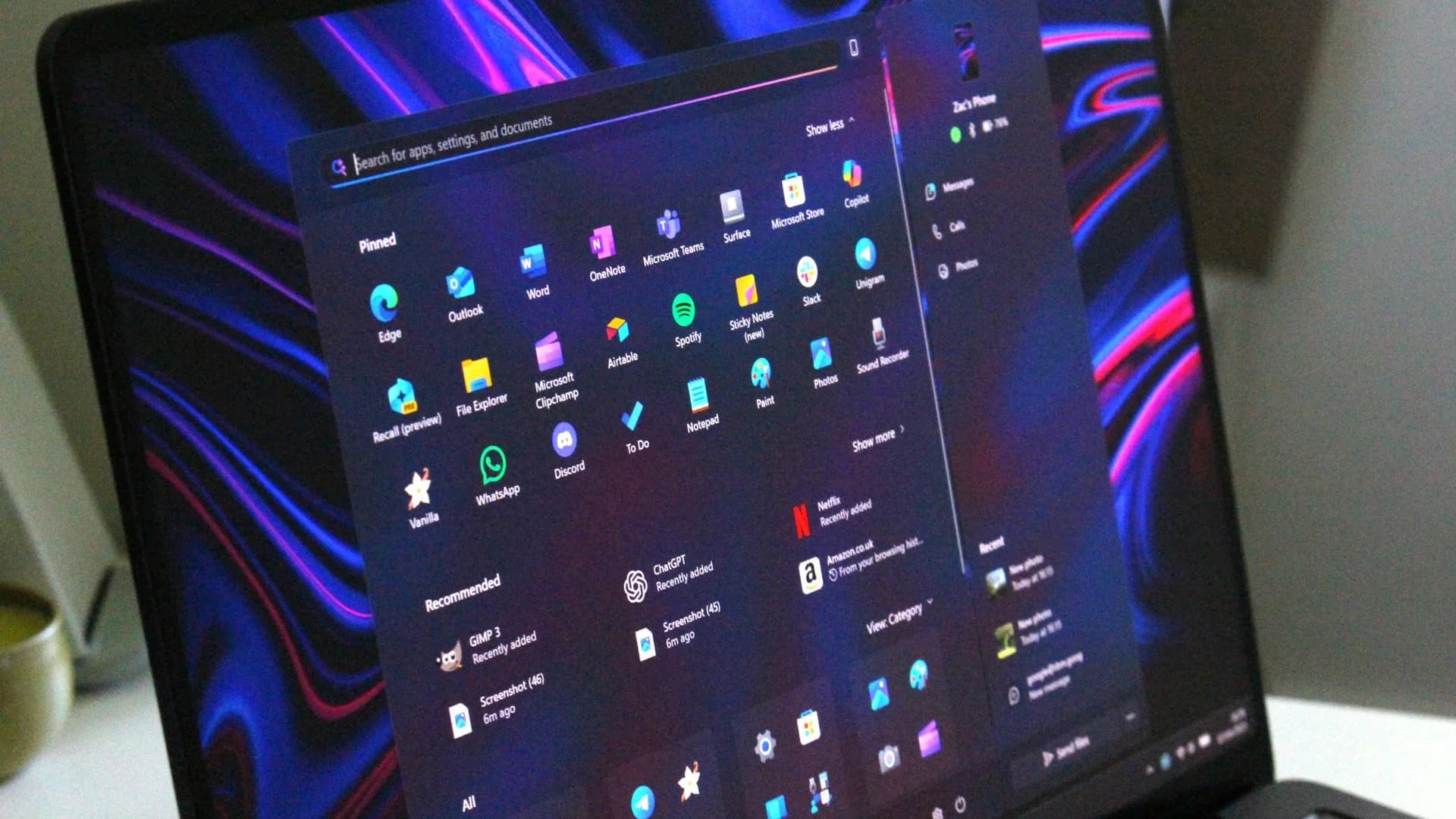
A preview build spotted by Windows Central, numbered 26340.9767, brings a reworked speed test to the Quick Settings panel, the small menu that pops up from the taskbar when you click the network, volume or battery icons. Right now, tapping the speed test option there just launches your default browser and loads a speed test hosted on Bing's search page, a roundabout way of getting users in front of Microsoft's search engine. The new build skips that step entirely and runs the test inside Windows itself.
In its release notes, Microsoft framed the change this way: "We're making it faster and easier to check the performance of your internet connection in Windows. Windows Insiders can now run an internet speed test and see the results directly in Quick Settings, without being redirected to a browser." The company added that the feature "builds on the internet speed test we previously introduced for Windows Insiders, bringing the test and its results directly into Windows."
Still an early test, not a rollout
The feature is live only for Windows Insiders on the Experimental channel, the earliest and most unstable of Microsoft's testing tracks. There's no word yet on when, or whether, it reaches the Beta or Release Preview channels, let alone the general Windows 11 population. Once it does, users should be able to trigger the test from Quick Settings or by right-clicking the network icon in the system tray.
The redirect it replaces was never subtle. Opening a speed test to a Bing results page, rather than running it locally, has been one of several small ways Microsoft nudges Windows 11 users toward its own services instead of whatever search engine or browser they'd normally reach for. TechRadar pointed to a similar complaint about the separate Bing Wallpaper app, which still inserts Bing search prompts when someone clicks an empty spot on their desktop, as evidence the broader habit hasn't gone away.
That friction shows up in how people talk about the OS. One Reddit user, quoted by TechRadar, put it bluntly: "This is the kind of stuff that pushed me to Linux. It wasn't too bad, but Linux (Fedora in my case) feels like a breath of fresh air."
A native speed test is a genuinely useful thing to have baked into an operating system. Anyone who's sat watching a video buffer and wondered whether it's their Wi-Fi or the streaming service at fault will get a quicker answer without opening a browser tab first. Microsoft has not said when the change will clear testing, so for now it remains limited to the small slice of users running Experimental-channel builds, with a wider release presumably to follow if the test behaves.
CDFiled by The Computing Desk
Laptops, desktops, processors, graphics cards and the operating systems that run on them.
More from this desk →
Be the first to comment
Join the argument. No password, just your email or a passkey.