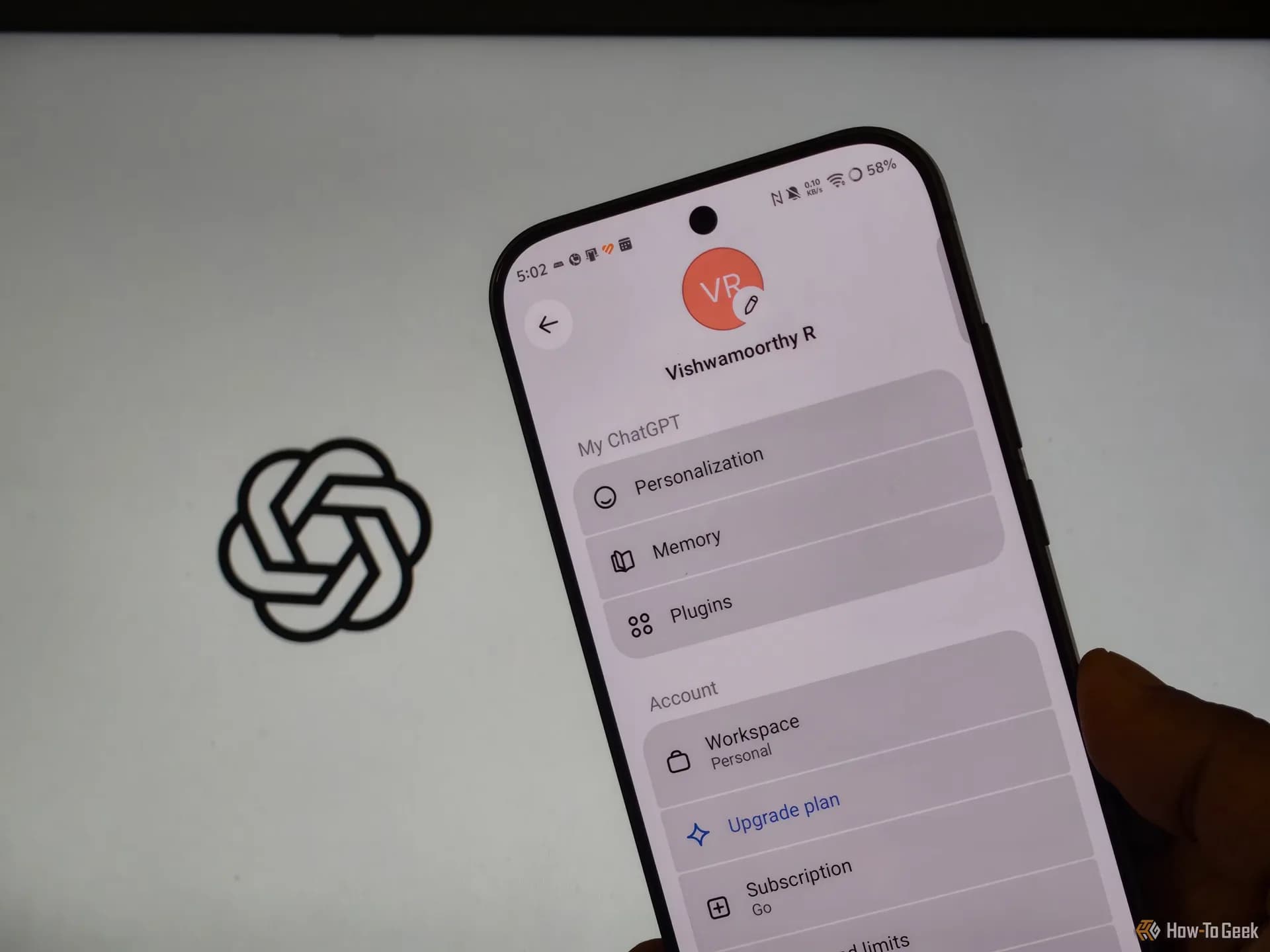
Google Chrome users are getting hijacked — not by malware in the traditional sense, but by extensions that rewrite search engines, redirect new tabs, and reinstall themselves after removal. A How-To Geek report published Friday confirms what many have quietly suspected: the real problem isn’t always the extension itself. It’s the policy, scheduled task, or bundled installer quietly forcing it back, often without user consent or awareness. And for one tech writer who’d tried everything, a five-minute ChatGPT conversation cut through the noise and pinpointed the exact system-level levers being pulled. No third-party tools. No forum rabbit holes. Just targeted questions, copy-pasted outputs, and a clear path to clean up Chrome on Windows. The fix worked. And stayed fixed. That’s rare for this kind of hijack. Most guides stop at ‘remove suspicious extensions’. This one went deeper: to chrome://policy, Windows Registry keys like HKEY_LOCAL_MACHINE/Software/Policies/Google/Chrome, Task Scheduler entries, and the list of installed programs. ChatGPT didn’t execute anything. It asked for symptoms, then guided the user step-by-step to inspect those locations, flagging anomalies like unexpected policy sources or auto-starting tasks tied to unknown publishers. It warned against registry edits without backups and discouraged pasting sensitive data. The result? A full recovery in under five minutes, with no recurrence. This isn’t a Chrome bug. It’s an abuse of legitimate Chrome mechanisms. Extension permissions, group policy enforcement (even on personal machines), and silent background installation, that hijackers exploit. And it’s why simply uninstalling an extension from chrome://extensions often fails: something else is reactivating it. Google Chrome download pages, the Chrome Web Store, and Chrome extensions documentation all assume users install add-ons intentionally and manage them manually. They don’t warn that a ‘PDF converter’ downloaded from a freeware site might drop a scheduled task that reinstalls the same extension every 12 hours. Or that a rogue policy can lock your default search engine in place, overriding any manual change. The story isn’t about AI replacing tech support. It’s about AI acting as a precise, on-demand diagnostic layer, translating symptoms into concrete places to look, especially where Chrome’s own UI hides the root cause. For readers searching ‘google chrome download’, ‘google chrome extensions’, or ‘google chrome store’, this is a quiet alarm: the browser you trust is only as secure as the software you let touch it. And the most dangerous extensions aren’t the ones flagged by Safe Browsing. They’re the ones already installed, quietly managed from outside the browser. Chrome’s built-in Safety Check and Enhanced Safe Browsing help, but they won’t catch a locally enforced policy or a Task Scheduler job masquerading as a system utility. So if your search engine resets itself, or new tabs open pages you never chose, don’t just reset Chrome. Open chrome://policy. Check Task Scheduler. Look in Programs and Features. Then ask yourself: did I really install all of these? The fix starts there. And it starts now.
A ChatGPT Session Exposed Hidden Policies Hijacking Google Chrome Browsers
A hijacked Chrome browser isn’t always about malicious extensions—it’s about policies, scheduled tasks, and bundled installers forcing them back. A five-minute ChatGPT session exposed the real culprits.
The Software Desk · (2 hours ago)
Reported from
How this story was made
Written by the Hitechreports desk from the reporting credited above, with facts attributed to their original publishers. We do not test devices ourselves; anything about performance, battery life or cameras comes from the outlets that did. Prices are as reported at the time of writing. Editorial policy · Report an error
Filed by The Software Desk
Apps, platforms, operating system releases, security fixes and the features arriving in them.
More from this desk →Read next
More Apps & Software →
TextExpander Rolls Out a Free Plan Across Mac and iPhone
TextExpander has introduced a free tier that syncs five active snippets across Mac, iPhone, iPad, Windows and Chrome, giving casual users a way to try the tool before paying for its subscription plans.
Android users can now shut down or restart a Windows laptop remotely
Link to Windows beta adds remote shutdown, restart, sleep, and update-install controls for Windows PCs — all from Android.
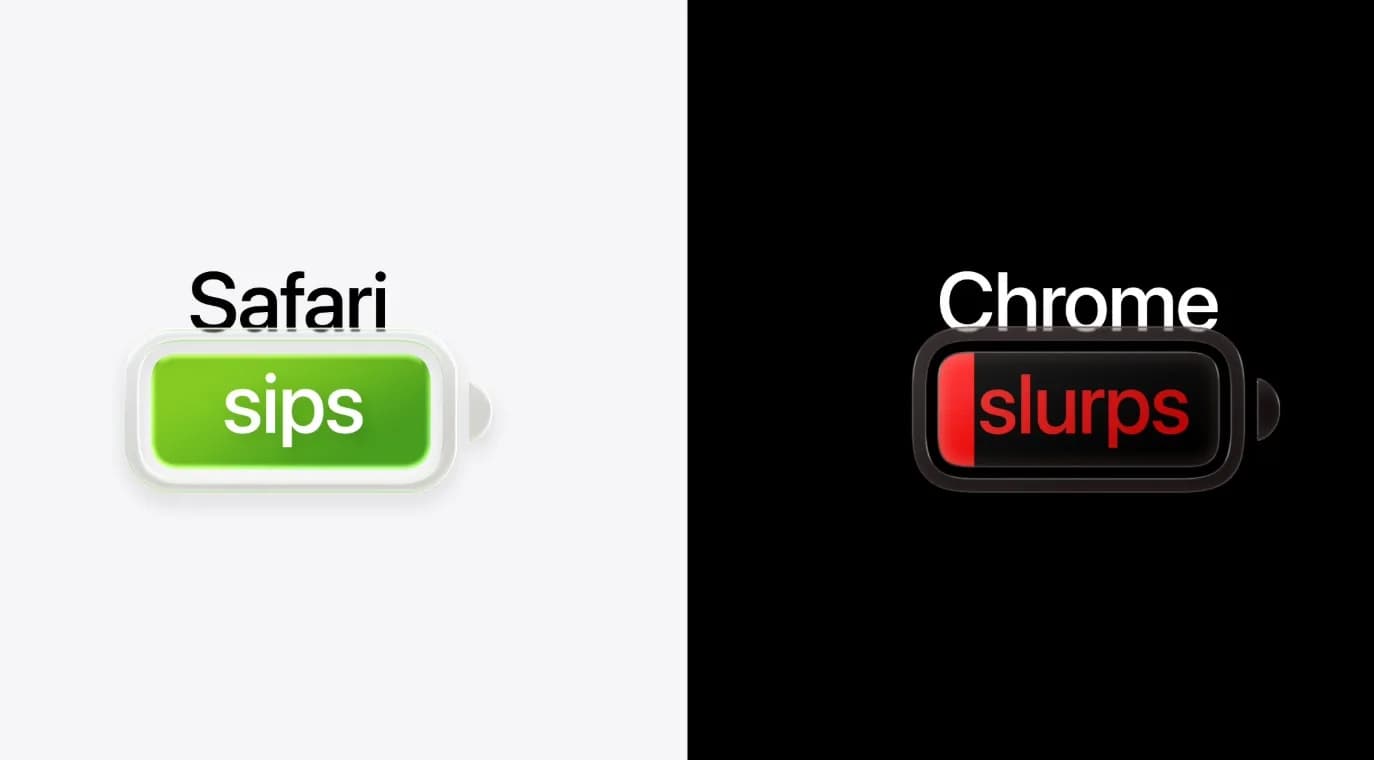
Chrome extensions vs Safari: Apple promises 5 extra hours battery life
Apple is urging Mac users to switch from Chrome to Safari, citing up to five extra hours of video streaming battery life, faster page loads on select sites, and stronger default privacy protections—all measured on M5 MacBook Airs.
Be the first to comment
Join the argument. No password, just your email or a passkey.