Claude Code CLI now reads full Home Assistant configurations — not just snippets, but the entire YAML tree: configuration.yaml, automations/, scripts/, templates/, packages/ and all cross-references between them. It’s not a new product launch. No version number, no download link, no pricing. What changed is how developers are using it: as a static analysis layer for complex smart-home setups that span dozens of interlinked files.
And it’s catching errors that slip past human eyes, and past manual testing. Every time. } { “The mistakes Claude caught are embarrassingly basic,” writes the XDA Developers reporter, who runs a multi-device Home Assistant setup. Not syntax errors. Not missing colons.
Things like referencing a retired sensor ID across three files, or triggering on “open” when the binary sensor actually reports “on”/“off”. Or assuming a motion-triggered light automation restarts on fresh motion, when it doesn’t, because it’s set to single mode, not restart. } { These aren’t edge cases. They’re baked into how Home Assistant scales: reuse an automation, swap devices, forget one reference.
Test by clicking “Run actions”. Which bypasses triggers and conditions entirely. Assume a five-minute “for” clause survives a config reload, it doesn’t. Claude Code spots the mismatch between intent and implementation, then pinpoints the exact line in the right file and explains why it’s wrong, citing Home Assistant’s own documentation where relevant. } { Access isn’t automatic.
You must manually share your config directory with the tool. Either by local file import or by syncing the folder to your machine. The MCP connection (used for real-time entity control via Assist API) doesn’t grant YAML access. So this is two separate integrations: one for runtime control, one for static review.
Neither requires cloud upload. Both run locally if configured that way. } { No price. No release date. No official announcement.
This is user-driven workflow expansion, the same Claude Code CLI already used for writing automations, now pressed into service as a linter for production-grade Home Assistant deployments. It works because the config is plain text, version-controlled, and modular. And because AI can trace references across 20 files faster than any human scrolling through GitHub diffs. } { What happens next?
More users will feed their configs in. More edge cases. Like state persistence across reloads, or mode-dependent trigger behaviour, will surface. And more developers will treat the CLI not as a code generator, but as a second pair of eyes trained on the whole stack.
Not a product update. A practice shift. }
HTFiled by The Home Tech Desk
TVs, home appliances and the smart home: refrigerators, washing machines, air conditioners, purifiers, robot vacuums, the sets on the wall and the platforms that connect them. Launches, prices in the US and India, and what changed.
More from this desk →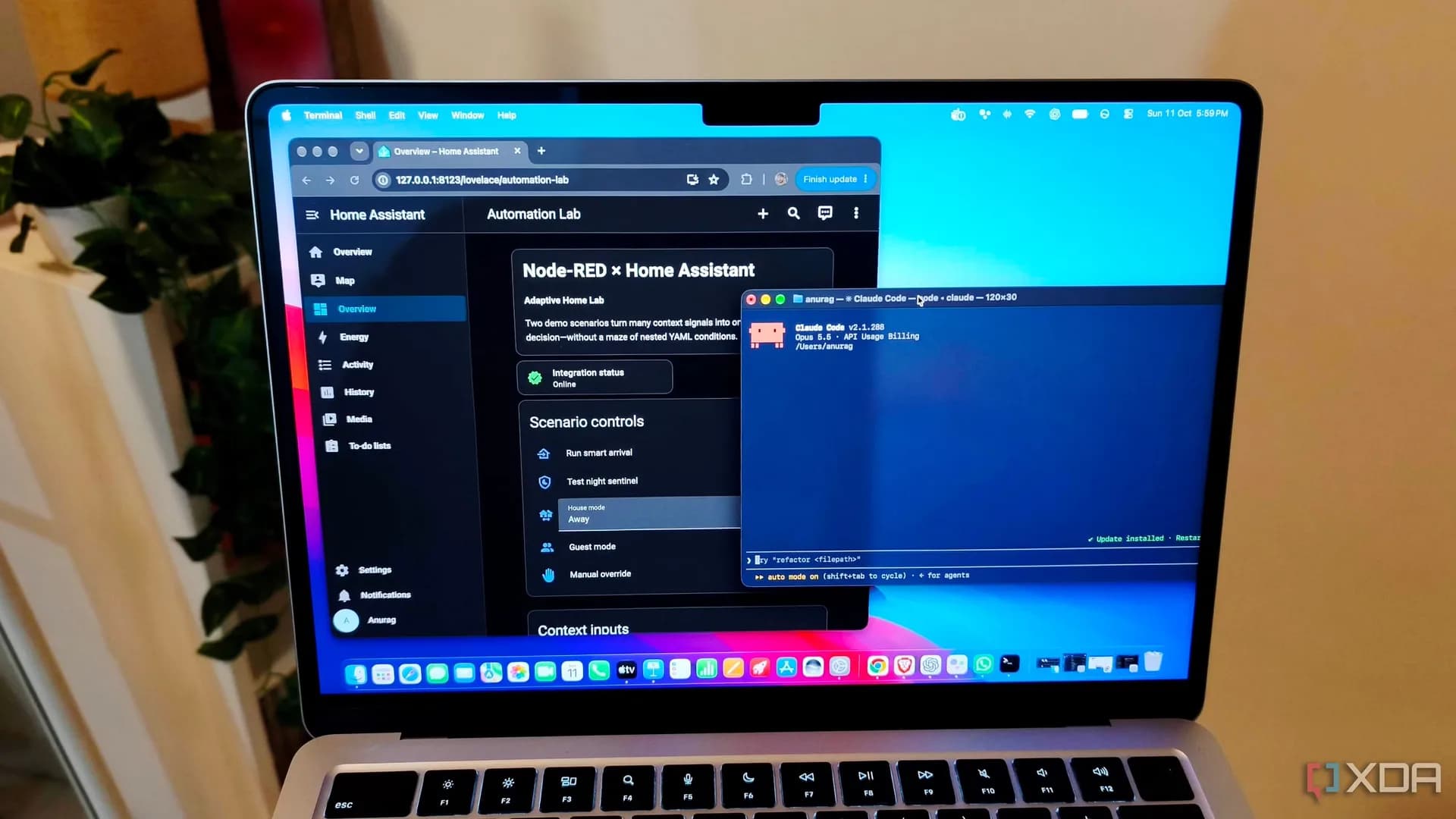



Be the first to comment
Join the argument. No password, just your email or a passkey.