Google Maps’ battery drain on long drives is a known pain point — and now XDA Developers has detailed exactly how to fix it without losing navigation reliability. Three settings, all built into the app, cut power use: Glanceable Directions While Navigating, offline map downloads, and Power Saving Mode (on supported Pixels).
None require third-party tools or root access. All are live now, in the current stable version of Google Maps on Android. The changes don’t degrade core turn-by-turn functionality. They just stop the app from doing things your phone doesn’t need mid-drive, like lighting up the full screen, streaming map tiles over cellular, or rendering 3D buildings while you’re focused on the road.
Glanceable Directions pushes real-time ETA, next-turn alerts, and distance remaining to your lock screen. Your display stays off unless you glance. Slashing screen-on time, the single biggest battery hog. It’s available globally on any Android device running Maps v11.125 or later.
Offline maps let Google Maps route locally, cutting data fetches and background network chatter. Download size varies by region, but even a 50km radius around a highway corridor cuts cellular dependency dramatically. And Power Saving Mode? It’s black-and-white, minimalist, and currently limited to Pixel 10, Pixel 10 Pro, Pixel 10 Pro XL, and Pixel 10 Pro Fold.
It activates with one press of the power button during navigation. But only in portrait orientation and only when Driving Mode is active. No other Android phones get it yet. That exclusivity matters.
Samsung Galaxy S26 Ultra users, OnePlus 13 Pro owners, and anyone on Android 16 outside the Pixel line won’t see that toggle, not in Settings > Navigation > Driving options, not anywhere. Google hasn’t announced expansion plans. So for now, the most aggressive battery-saving feature in Google Maps is a Pixel-only perk.
These aren’t workarounds. They’re official, documented, and shipped. And they answer a direct search intent: “google maps directions” battery life. The fix isn’t new hardware or a new app.
It’s three toggles. One universal, one widely usable, one tightly gated. Google Maps remains the default navigation app for most Android users in the US and India. In India, where mobile data costs and patchy coverage remain real concerns, offline maps are especially valuable.
In the US, where long interstate drives are common, Glanceable Directions and Power Saving Mode matter more. But only if you own the right phone. The Pixel 10 series launched in October 2025. Its US price started at $799.
In India, it was Rs 79,999. Those prices still stand. No update or rollout date for Power Saving Mode on non-Pixel devices has been confirmed.
MDFiled by The Mobile Desk
Phones from leak to launch to price cut: what was announced, what it costs where, and when it goes on sale. Indian launches and prices included, not appended.
More from this desk →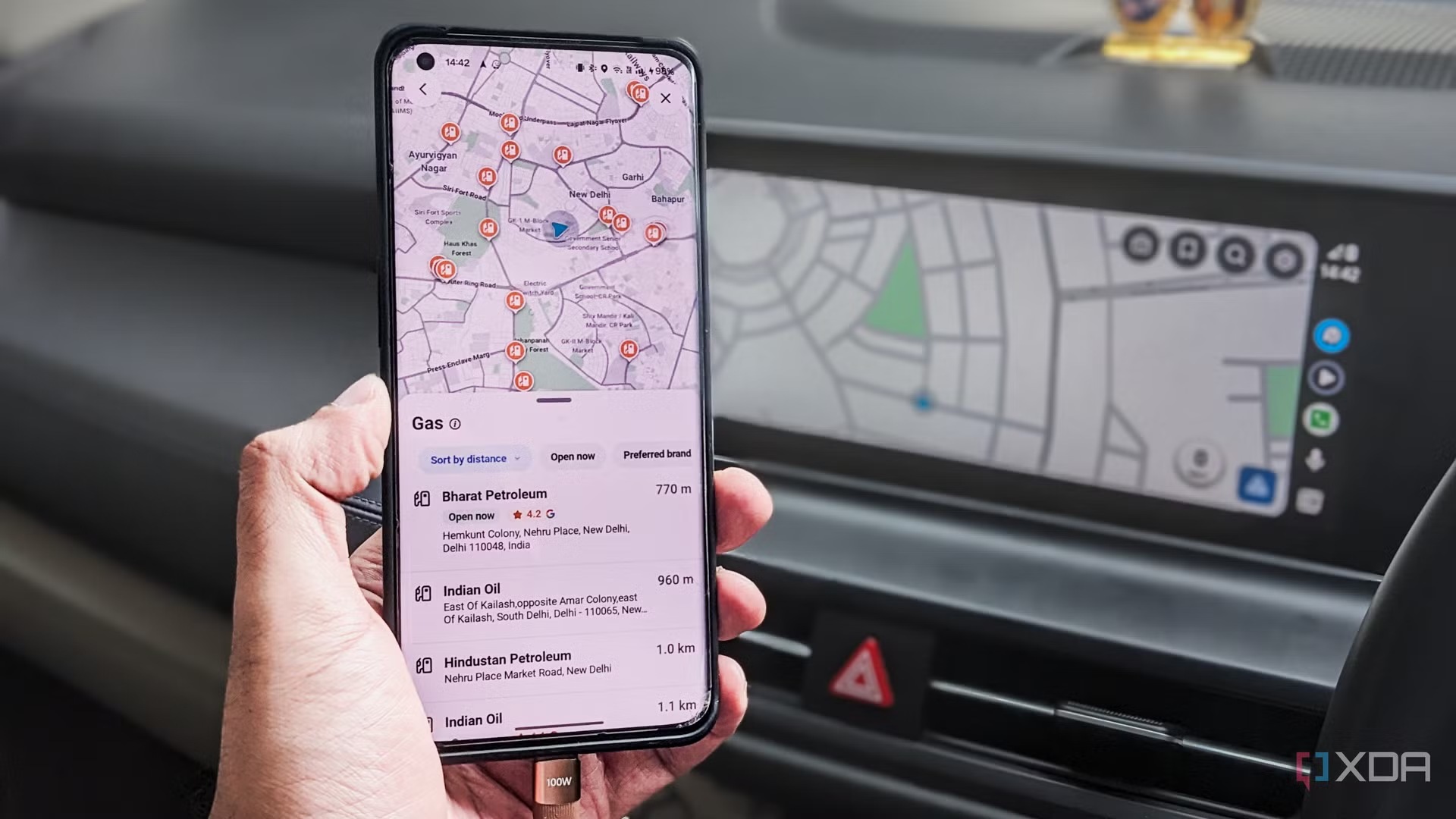

Be the first to comment
Join the argument. No password, just your email or a passkey.