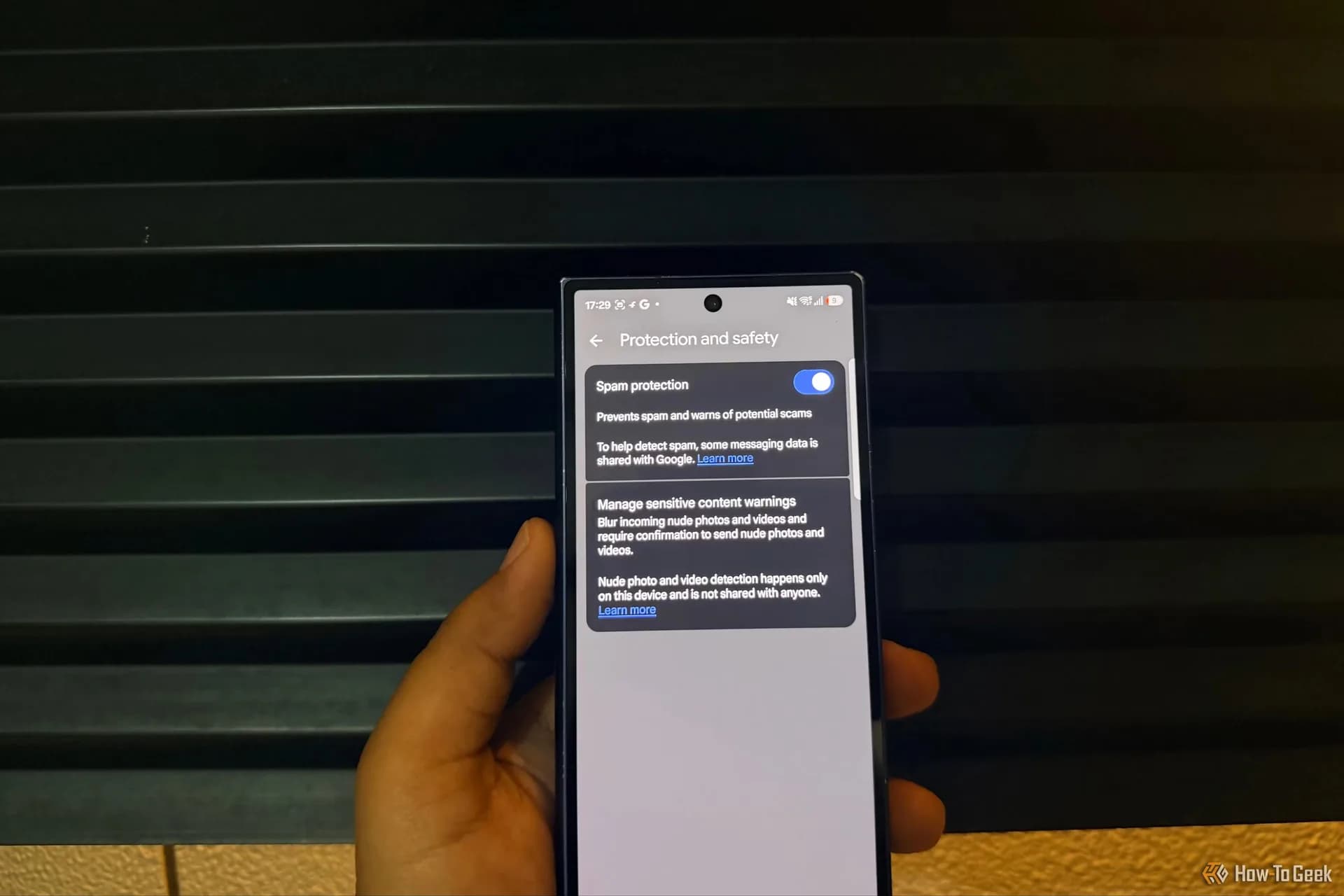
Google Messages is getting a new line of defense against scammers who play the long game. The company is rolling out an opt-in Enhanced protection mode over the coming weeks that leans on cloud-based Gemini models to read the intent behind a conversation with an unrecognized sender, not just flag obvious red flags in a single text.
The idea is to catch what Google calls "slow-burn" scams, the kind where a stranger spends days building trust before asking for money or login details. The existing Scam Detection feature in Messages already looks for suspicious patterns on-device. Enhanced protection adds a cloud layer that can evaluate a whole exchange for signs the other party isn't who they claim to be.
Google says the analysis happens in "a secure dedicated space" with data encrypted throughout, and that neither Google nor anyone else can access it. That's the company's own characterization, not something outside security researchers have verified yet.
The same Enhanced mode also turns on an on-device Gemini Nano model that inspects unfamiliar URLs sent to you before you open them, checking for signals like a domain that was registered days ago, a common tell for phishing or malware sites. When a link looks risky, revamped warning screens add extra "checkpoints," meant to slow you down with a clearer explanation rather than a generic alert you'd swipe past.
Not every phone gets everything
Hardware matters here. Enhanced Mode itself needs a device with Google's AICore stack, which covers phones like the Pixel 6, Galaxy S24, Galaxy Z Fold 6 and Galaxy Z Flip 6 and newer. The Gemini Nano link checks demand more recent silicon still, the kind found in the Pixel 10, Galaxy S26, Galaxy Z Fold 8 and Galaxy Z Flip 8. A lighter version of the link checkpoints, requiring only Android 6 or newer, is due later in October for phones that can't run the full AI stack.
Beyond Messages, Google is shipping a handful of adjacent protections. Android will block apps from quietly enabling call forwarding and will alert users if someone tries, a common tactic for intercepting one-time passcodes. Screen-sharing in Chrome and Android WebView will now automatically hide sensitive information like bank details, expanding a protection that previously lived only in native apps. That piece needs at least Android 15. The call-forwarding shield is scheduled for early December, starting with Pixel phones and what Google describes only as "other select devices."
The chat-notification scam alerts that debuted on Pixel last year are also spreading well beyond Google's own hardware, with Google naming Honor, Motorola, Oppo, OnePlus, Realme, Tecno, Vivo and Xiaomi among the brands getting it. Google says the expansion will reach "hundreds of millions of additional users later this year," though it hasn't given a device-by-device schedule.
None of this changes the basic advice: treat unexpected texts and links with suspicion and verify before you click. What it adds is a second check running quietly in the background, one that's supposed to catch the scams that don't look like scams until it's too late.
SDFiled by The Software Desk
Apps, platforms, operating system releases, security fixes and the features arriving in them.
More from this desk →

Be the first to comment
Join the argument. No password, just your email or a passkey.