Talking to an artificial intelligence assistant in public usually means gambling with phone volume or scrambling to hit pause before a loud synthesized voice echoes across the room. Google appears to be working on a straightforward fix.
An unreleased interface spotted in a teardown of the Google app introduces a standalone speaker toggle directly inside the Gemini Live window. Found in version 17.65.17 of the application by Android Authority and reported by Android Headlines, the test build places a dedicated mute control in the top-right corner of the mobile layout.
Today, silencing spoken output in Gemini Live is an awkward chore. You have to turn on captions and toggle your handset's physical volume rockers all the way down. Knocking down media volume across the entire operating system brings obvious downsides: it is easy to forget the toggle, leading to missed notifications, muffled alerts, or silent videos later in the day.
Quick Silence for Shared Spaces
The dedicated speaker button decouples assistant output from Android's master media audio. Tapping it lets you talk or type into Gemini Live while reading its transcribed answers silently on display, leaving your phone's ringtones, alarm thresholds, and background media levels untouched.
Visuals are shifting too. Google is swapping out the familiar pill-shaped audio bar at the bottom of the interface for an animated waveform. The fluid graphic reacts as speech comes through, giving the chat window a cleaner, more fluid presence on screen.
Because the interface remains under active development, this preliminary layout strips away several existing Gemini Live features. Tools such as live video sharing and screen sharing do not appear in the test build, though Google will almost certainly integrate them before any general public rollout.
Google has not officially acknowledged the redesign or offered an availability schedule. Whether these controls roll out broadly across Android in an upcoming app update or remain confined to internal testing remains to be seen.
ADFiled by The AI Desk
Models, assistants and the companies and chips behind them, reported from what was released and what was claimed, with the difference kept clear.
More from this desk →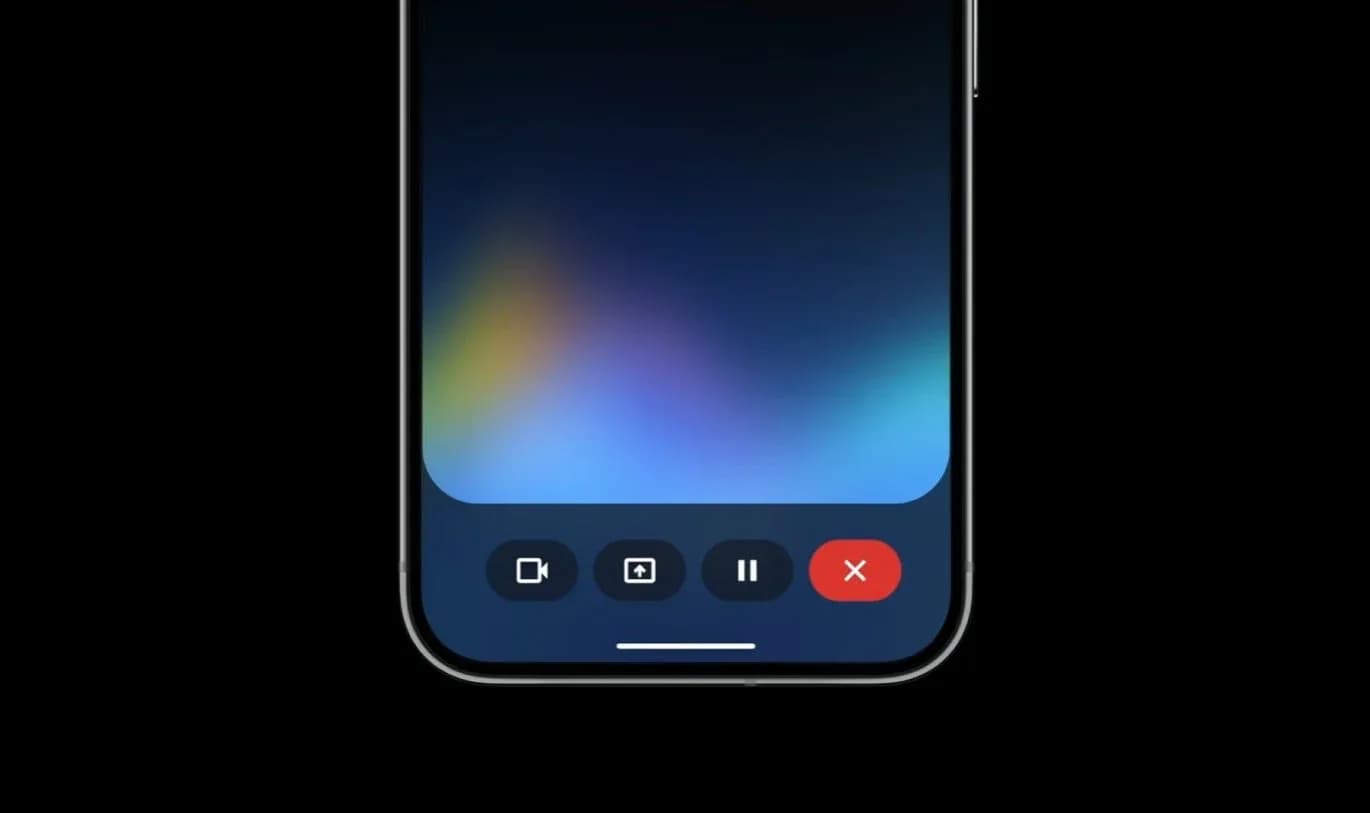
Be the first to comment
Join the argument. No password, just your email or a passkey.