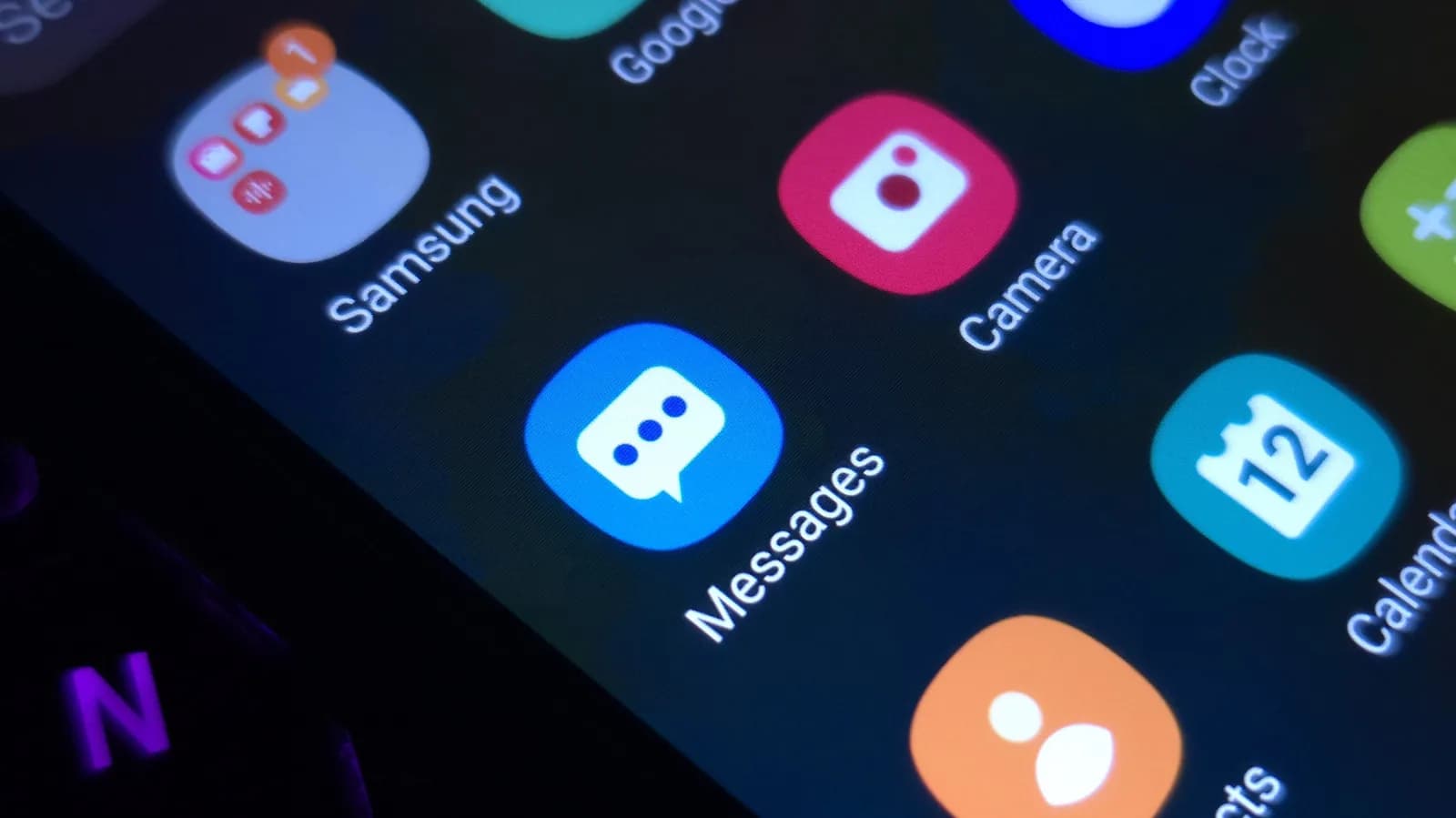
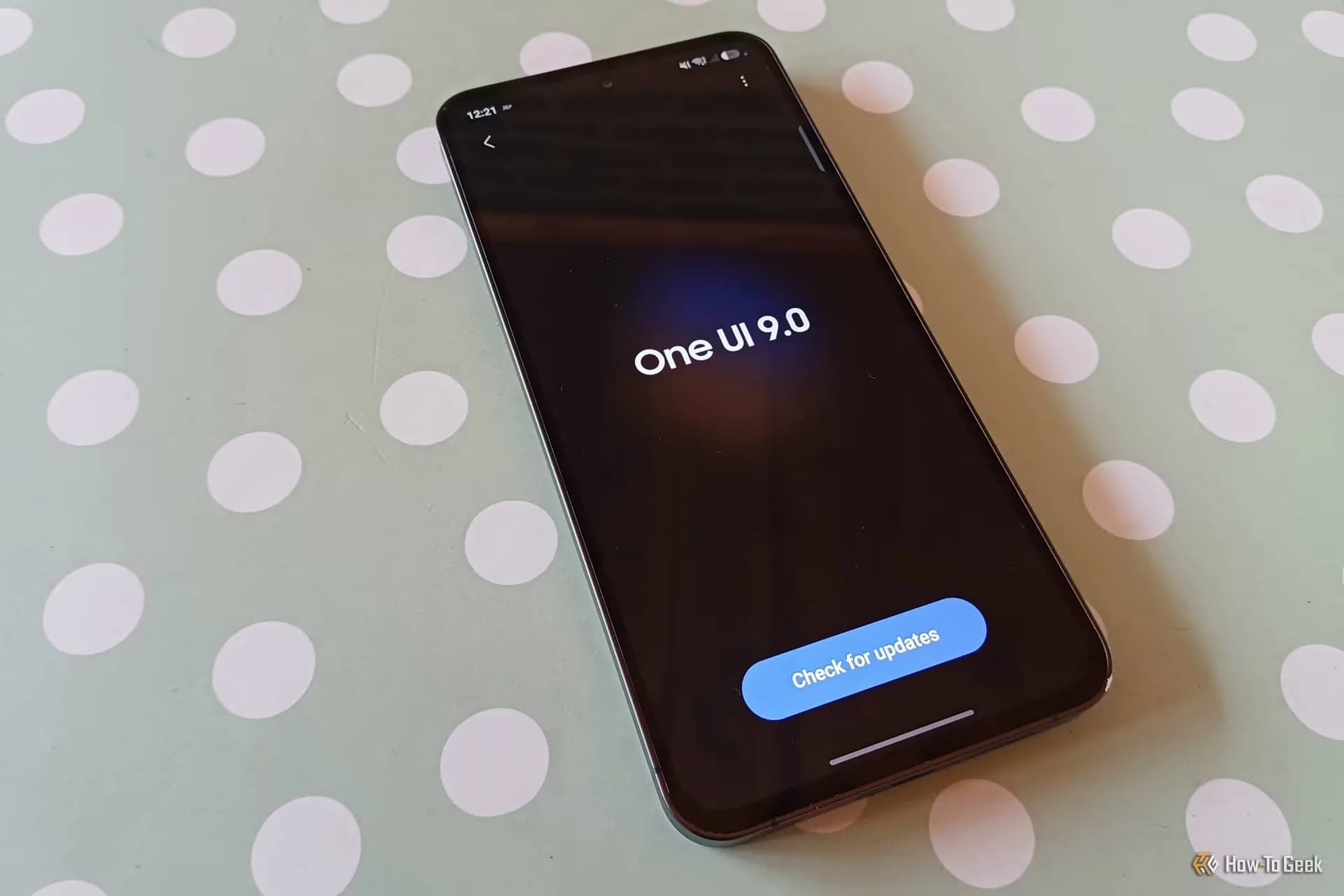
Samsung Galaxy phones now let you recolor app icons without installing a full theme — and it’s built into One UI 9. Tap Settings > Wallpaper and style > Color palette, flip the switch, and pick a hue. That single choice tints most system apps, Quick Panel toggles, menus, and even many third-party icons, no download, no reboot, no Good Lock add-on required.
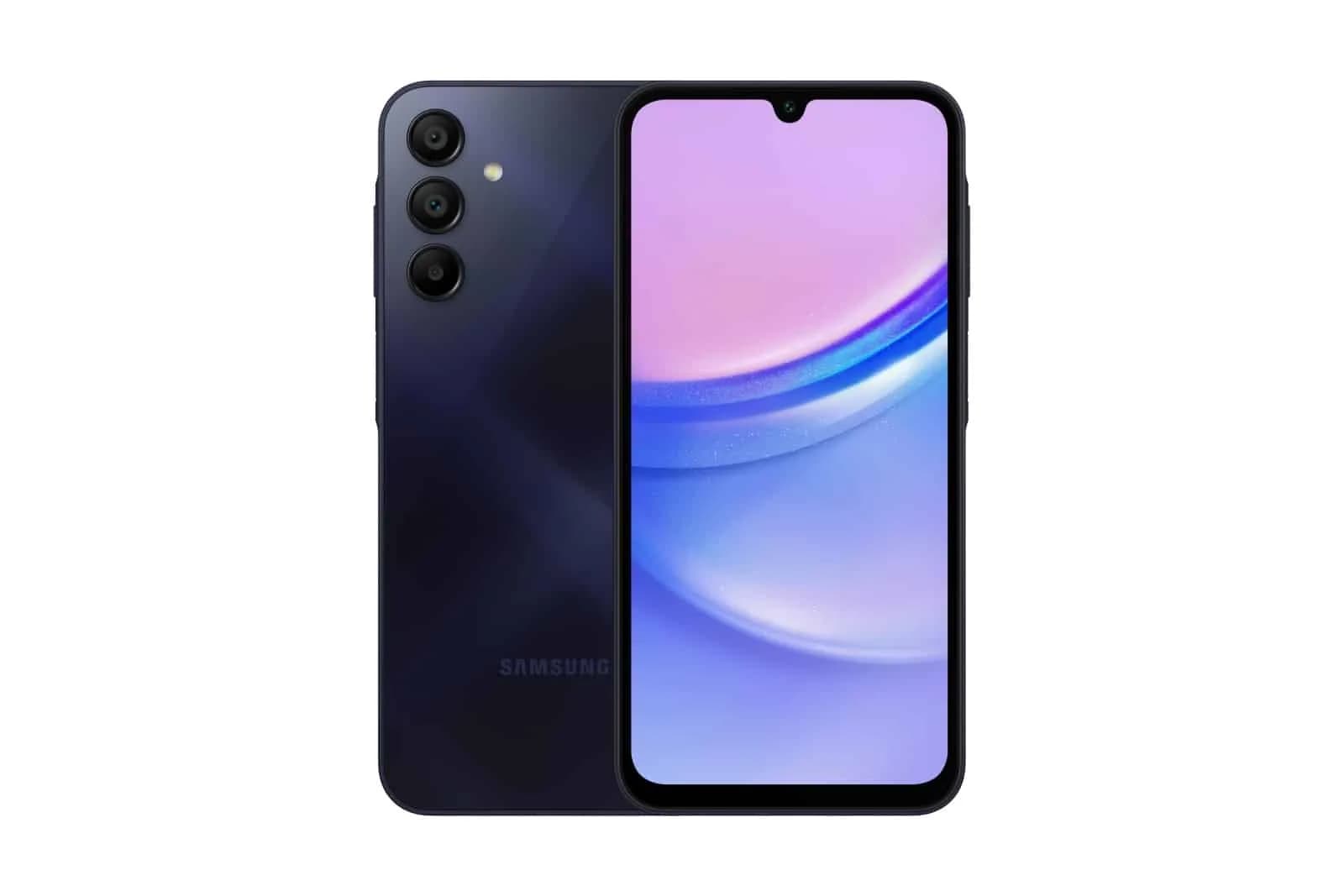
It’s live on devices updated to One UI 9, including Galaxy S25, S25+, S25 Ultra, and Galaxy Z Fold 6 and Flip 6 launched in 2025–2026. Older models running One UI 9 via update, like the Galaxy S24 series, also support it, per Samsung’s documentation cited by Engadget. The color palette doesn’t override every icon: some third-party apps retain their branding, and custom icon packs from Themes still take precedence if applied.
But for most users, it’s the fastest way yet to unify their home screen’s look, faster than hunting for a matching theme, lighter than installing Home Up or Theme Park. This isn’t new hardware. It’s not a Galaxy Watch feature. It’s a quiet, meaningful tweak buried in Settings, one that makes Samsung’s customization edge over stock Android sharper, especially for users who want consistency without clutter.

Be the first to comment
Join the argument. No password, just your email or a passkey.