Every prompt you send to ChatGPT and every question you type into Google Gemini feeds the software that builds tomorrow's artificial intelligence. Tech firms including OpenAI, Google, Meta, and LinkedIn quietly turn user training settings on by default. Unless you hunt down the right menus, your chats, public posts, and photo captions continue feeding corporate model training.
Turning these pipelines off is possible. Each firm, however, handles opt-out requests differently, and some do not make the process simple.
OpenAI and ChatGPT
Inside the ChatGPT app and desktop interface, shutting off data collection takes just a few clicks. Open your account settings, select the Data Controls tab, and switch off "Improve the model for everyone." OpenAI also operates a separate privacy portal where you can submit a permanent opt-out request.
Watch how you react to answers, though. Giving any response a thumbs up or a thumbs down immediately bypasses your saved privacy preferences for that specific exchange. If you plan to paste sensitive details, OpenAI's temporary chat mode is the safer route.
Google Gemini
Google gathers its AI data settings under an option named "Keep Activity," found in both the Gemini web portal and the mobile app. Entering your activity settings lets you turn off future data collection or clear out your saved chat history.
Halting the collection does not wipe Google's servers clean right away. Google still holds unlinked conversation logs for up to 72 hours to conduct safety reviews. Worse, if human reviewers already examined any of your previous chats, Google keeps those transcripts stored for up to three years.
Meta skips simple on-off toggles entirely. Anyone using Facebook or Instagram has to search out a formal objection form buried inside the Meta Privacy Center.
Submitting that form stops the company from scraping your public Facebook and Instagram posts, photo captions, and Meta AI chat logs for future model training. A separate objection form exists for WhatsApp, though Meta states it currently refrains from training models on WhatsApp AI chats. The shield has holes: if another user tags you in a public picture, Meta can still process that image.
LinkedIn
LinkedIn quietly enabled EU training for its generative AI systems under a setting labeled "Data for Generative AI Improvement." Finding that switch inside the Data Privacy menu and toggling it off blocks future data collection from your account.
Flipping the switch will not retract posts that already helped train completed models. Direct messages remain excluded across LinkedIn, meaning private inbox chats stay out of training sets regardless of what you do with the toggle.
ADFiled by The AI Desk
Models, assistants and the companies and chips behind them, reported from what was released and what was claimed, with the difference kept clear.
More from this desk →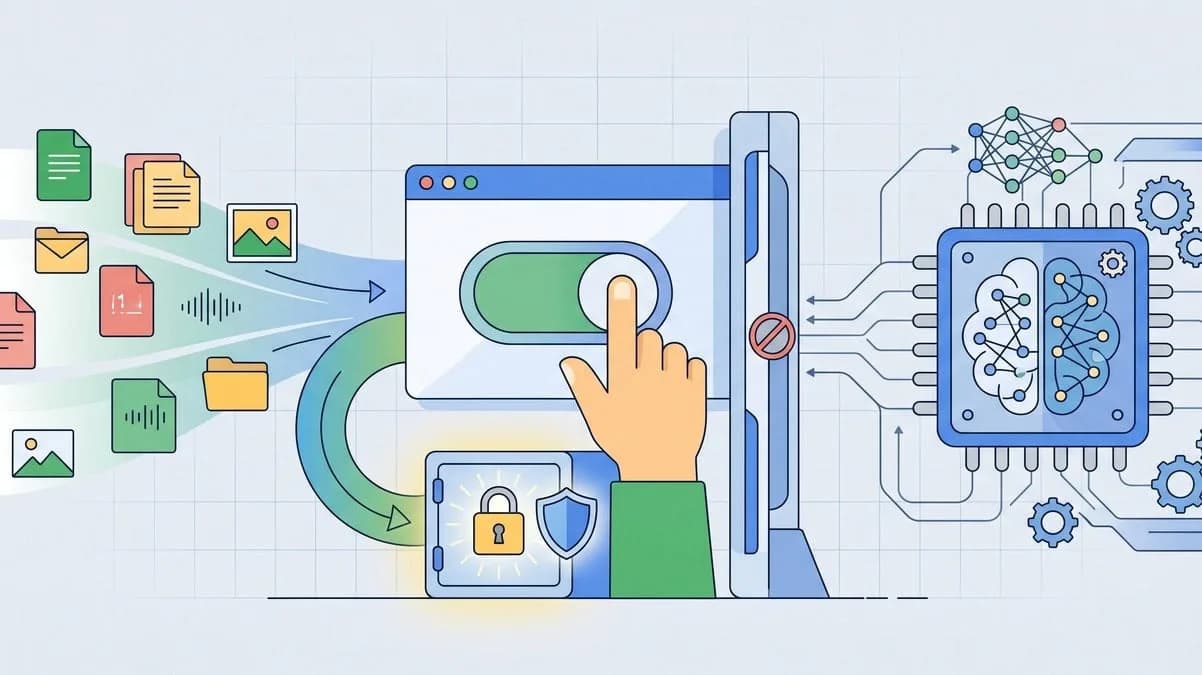
Be the first to comment
Join the argument. No password, just your email or a passkey.