Apple's iOS 27.2 update is making the FaceTime app noticeably more capable, even if none of the changes were headline material at launch.
The biggest addition is an expansion of Dual Capture, the feature that lets a caller show both the front camera and the rear camera at once instead of switching between them. It debuted in iOS 27 but only worked on one-on-one calls. With iOS 27.2, it works on group FaceTime calls too.
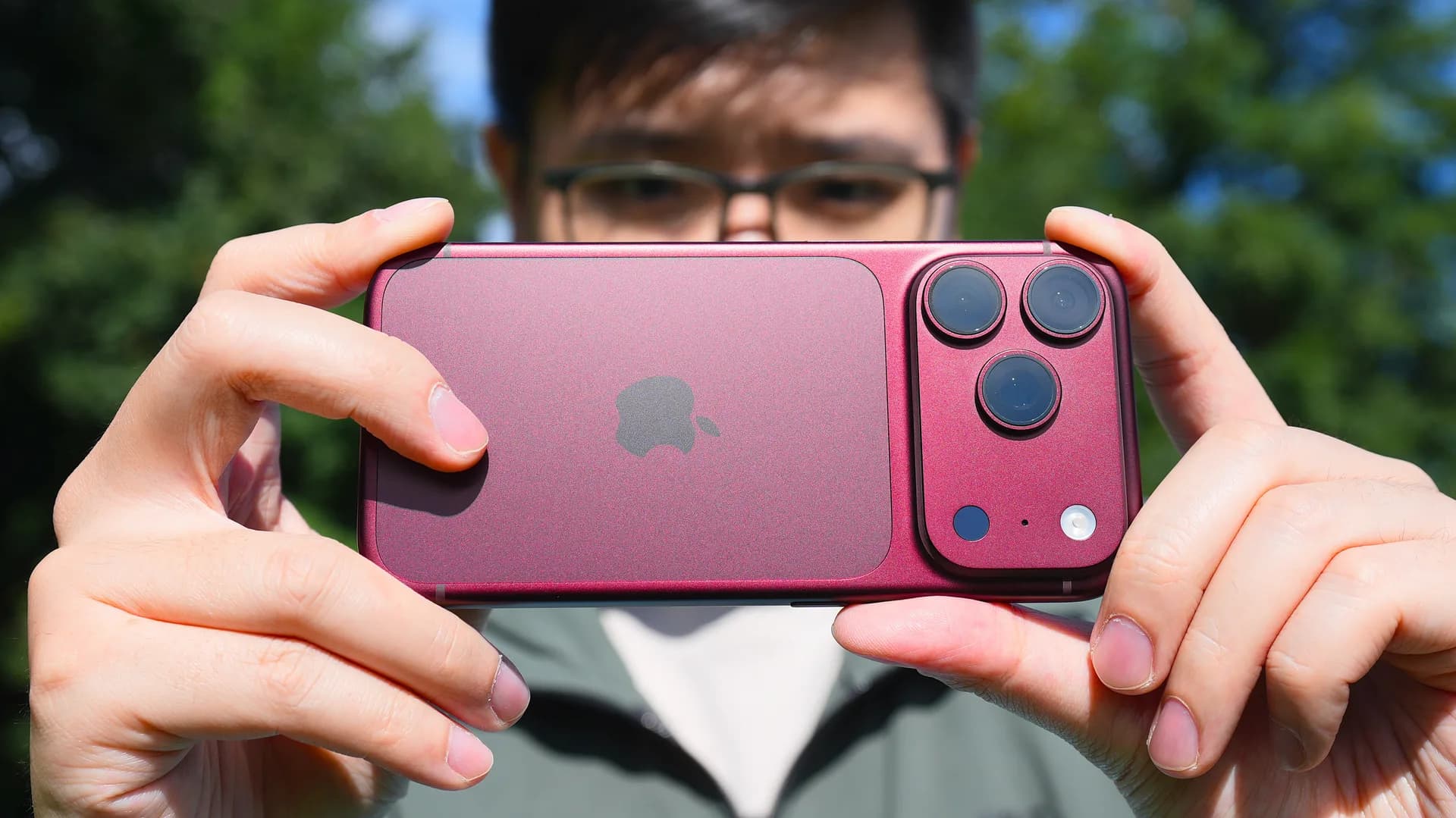
On an iPhone 17 or newer, hitting the Flip button during a video call now turns on both cameras by default, letting everyone on the call see a person's face and whatever they're pointing the rear camera at. That's handy for things like showing kids playing in the background while still being on screen yourself, or walking a group through a room rather than just a face.
There's a catch. Everyone on the call needs to be running iOS 27, iPadOS 27 or macOS 27 for Dual Capture to work, so a single person on an older version breaks it for the group.
Accessibility gets two real upgrades
IOS 27.2 also adds support for third-party sign language interpreters through Video Relay Service (VRS) apps. A new Sign Language button, tucked inside the three-dot menu during a call, lets users pick an installed VRS app and connect directly to an interpreter. The interpreter shows up as its own participant tile, listed as "Waiting for Interpreter" until they join, after which their name appears.
Alongside that, FaceTime now supports third-party live captioning apps, not just Apple's own Live Captions tool. Apple has published a support document walking through how to set up a third-party captioning service. People who don't want to install anything extra can stick with the built-in option, found under Settings, then Apps, then FaceTime, then Live Captions.
For anyone running an iPhone Duo, iOS 27.2 brings over a feature called Edge Light that's been on the Mac for a while. It lights up a ring around the Duo's display to brighten a caller's face, working as a built-in stand-in for a physical ring light. It isn't limited to FaceTime either, Apple says it works across other video calling apps on the device.
Turning it on takes a few taps: open Control Center during a FaceTime call, select FaceTime Controls, then tap Edge Light. From there, intensity and color temperature can be adjusted to taste.
None of these are the kind of feature that gets its own keynote slide, but together they fill in real gaps, group calls that actually show more than one camera angle, accessibility options that don't depend on Apple's own captioning stack, and lighting help for a device that doesn't have a built-in ring light. IOS 27.2 is rolling out as part of Apple's broader fall software update alongside changes to Messages, Podcasts and Photos.
SDFiled by The Software Desk
Apps, platforms, operating system releases, security fixes and the features arriving in them.
More from this desk →
Be the first to comment
Join the argument. No password, just your email or a passkey.